PowerToys: PT Run not running
Environment
Windows build number: Microsoft Windows [versão 10.0.18363.900]
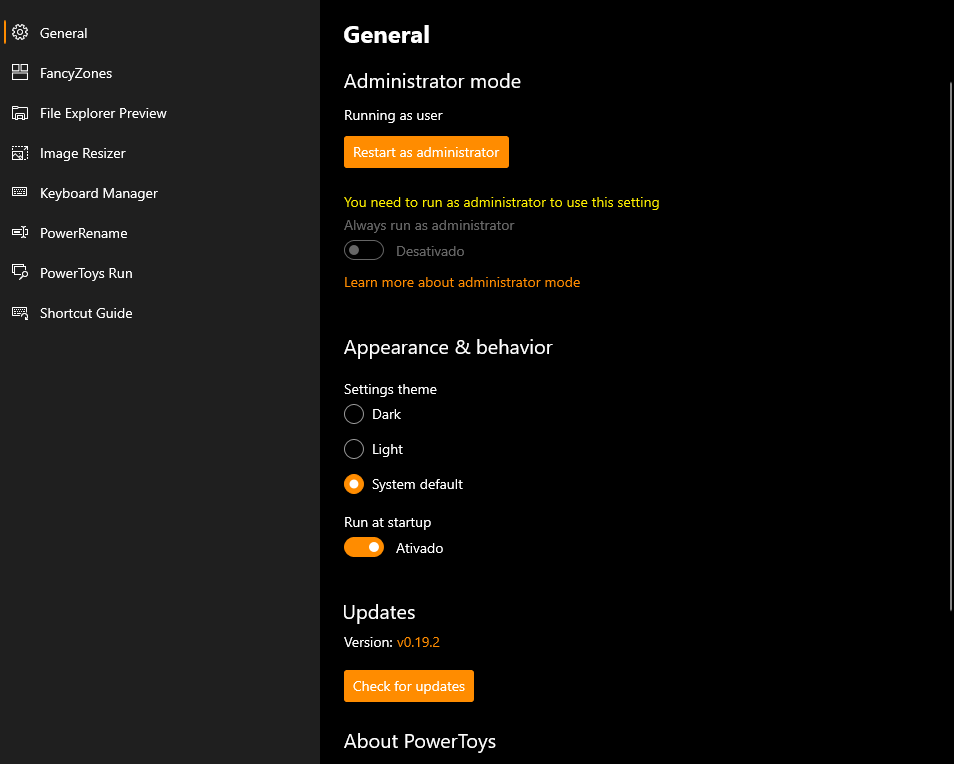
PowerToys version: 0.19.2
PowerToy module for which you are reporting the bug (if applicable): PT Run
Steps to reproduce
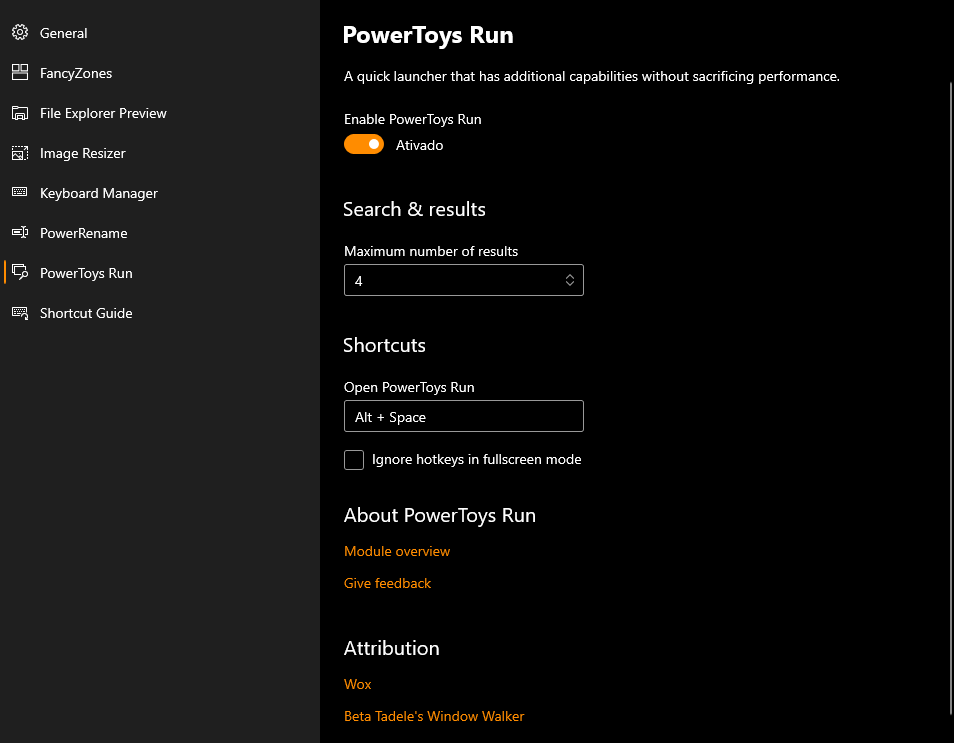
Set any shortcut Hit Shortcut
Expected behavior
PT Run should open and working fine
Actual behavior
The first time I used the PT Run after v 0.19.1 it worked just fine. But since yesterday (July 16th), it doesn’t open, it doesn’t matter wich Shortcut combination I use. Even ater I updated to 0.19.2, still doesn’t work. Ps: I’m not running it in Admin mode (my company network does not allow it).
Screenshots
About this issue
- Original URL
- State: closed
- Created 4 years ago
- Reactions: 2
- Comments: 45 (15 by maintainers)
On the latest version, it is still not working for me so I had to add PowerLauncher.exe to Windows StartUp. Only after doing this it starts working as intended.
@alekhyareddy28 , installed release 0.20.1 and all worked as expected.
seems a lot like: https://github.com/microsoft/PowerToys/issues/2820, note: ‘images/app_error.png’
@alekhyareddy28 's fix would deal with the crash, but not the reason the exception was thrown in the first place. I’m wary of calling this fixed since the repro steps of this issue are on launch of Run, as opposed to shutdown or log out. The root cause of the error may still make Run unusable for the user. IMHO its okay to keep the
Resolution-Fix-Committedlabel, but we should make sure we capture an issue for the root cause before this actually gets closed.@ryanbodrug-microsoft, @crutkas, @saahmedm, I’ve added this to 2008 milestone. Please correct me if I’m wrong about it’s priority/adding it there.
See attached two ocurrencies of the error. This is repeated man times, probably when I tried to start PTRun.
PTRun Log.zip
today, after I unninstalled and reinstalled Power Toys, no error had happenned so far.
I deleted the Cache folder, started the app by clicking in the PowerLauncher.exe, and it didn’t opened also. I attached both Cache before and after the Cache folder clear, for analysis. Cache_AfterClear.zip Cache_BeforeClear.zip
Only one file has content and it’s Pinyin_version.txt with “v0.19.2”.
After that, I try to delete the file, and in the Cache folder I just have:
With the same content in the previous file.
I am gonna try if I can reinstall PowerToys
I checked this before openning the issue, and it doesn’t open or run any process.
See .zip attached. PowerToys Run.zip
Also tried with many shortcuts, and none worked.
No key or keyboard shortcut remaped
When I disable and re-enable the PT Run, the Launcher process starts, stay for a while open, and then closes. In the mean time, I try to use the shortcut, but PT Run don’t open.
I also tried this before openning the issue and today, and also didn’t work.
I tried to execute PowerLauncher.exe directly and it shows up and disappears at the Task List Manager. At the log file, there is an error. 2020-07-22.txt
I opened an issue at https://github.com/microsoft/PowerToys/issues/4914#event-3573567443
Just want to report that PT Run is now running fine without the issues I described. PT v0.19.2 Not Run as Admin
EventViewer_PowerToys.txt