App: Incorrect workspace chat name after merging accounts
If you haven’t already, check out our contributing guidelines for onboarding and email contributors@expensify.com to request to join our Slack channel!
Action Performed:
- Create a workspace from an account with a domain on the policyExpenseChat beta
- Invite two members to the workspace, such that a workspace chat is created for each of invited members
- Write a message in each of their workspace chats
- Validate the first account on OldDot > sign-in on NewDot > account avatar > profile > display name > fill out first/last name
- Write a message in the workspace chat > sign-out of the account
- Sign in to newDot as the workspace admin > avatar > workspace > manage member > remove the first member from the workspace
- Sign-out of the admin account
- Validate the second account on OldDot > merge the old account into the new account
- Sign-in to newDot as the second account
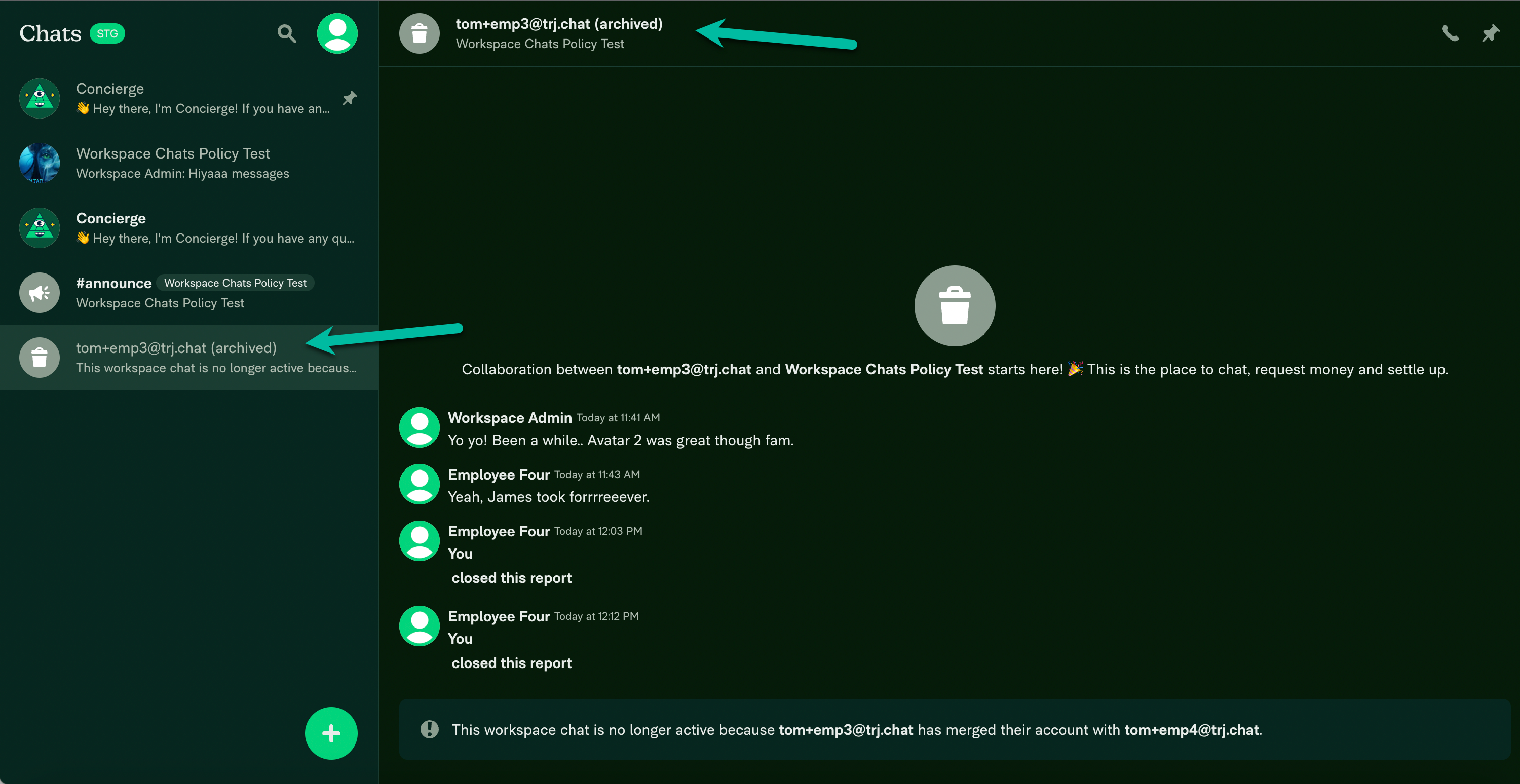
- Observe that the %workspaceName% is now %memberOldPrimaryLogin%
Expected Result:
- The workspace chat title from the member’s POV should always be the workspaceName, so the chat title should be:
workspaceName (archived) - From the admin’s POV the workspace chat title is always the memberName/memberPrimaryLogin (apart from their own workspace chat, of course)
Actual Result:
- %workspaceName% is replaced with %memberOldPrimaryLogin% in the LHN and chat header.
Workaround:
None
Platforms:
Which of our officially supported platforms is this issue occurring on?
- Android / native
- Android / Chrome
- iOS / native
- iOS / Safari
- MacOS / Chrome / Safari
- MacOS / Desktop
Note: I’ve only tested on these two, but I highly doubt it’s not the case on the others.
Version Number: v1.2.54-1
Reproducible in staging?: Y
Reproducible in production?: Y
If this was caught during regression testing, add the test name, ID and link from TestRail:
Email or phone of affected tester (no customers):
Logs: https://stackoverflow.com/c/expensify/questions/4856
Notes/Photos/Videos:
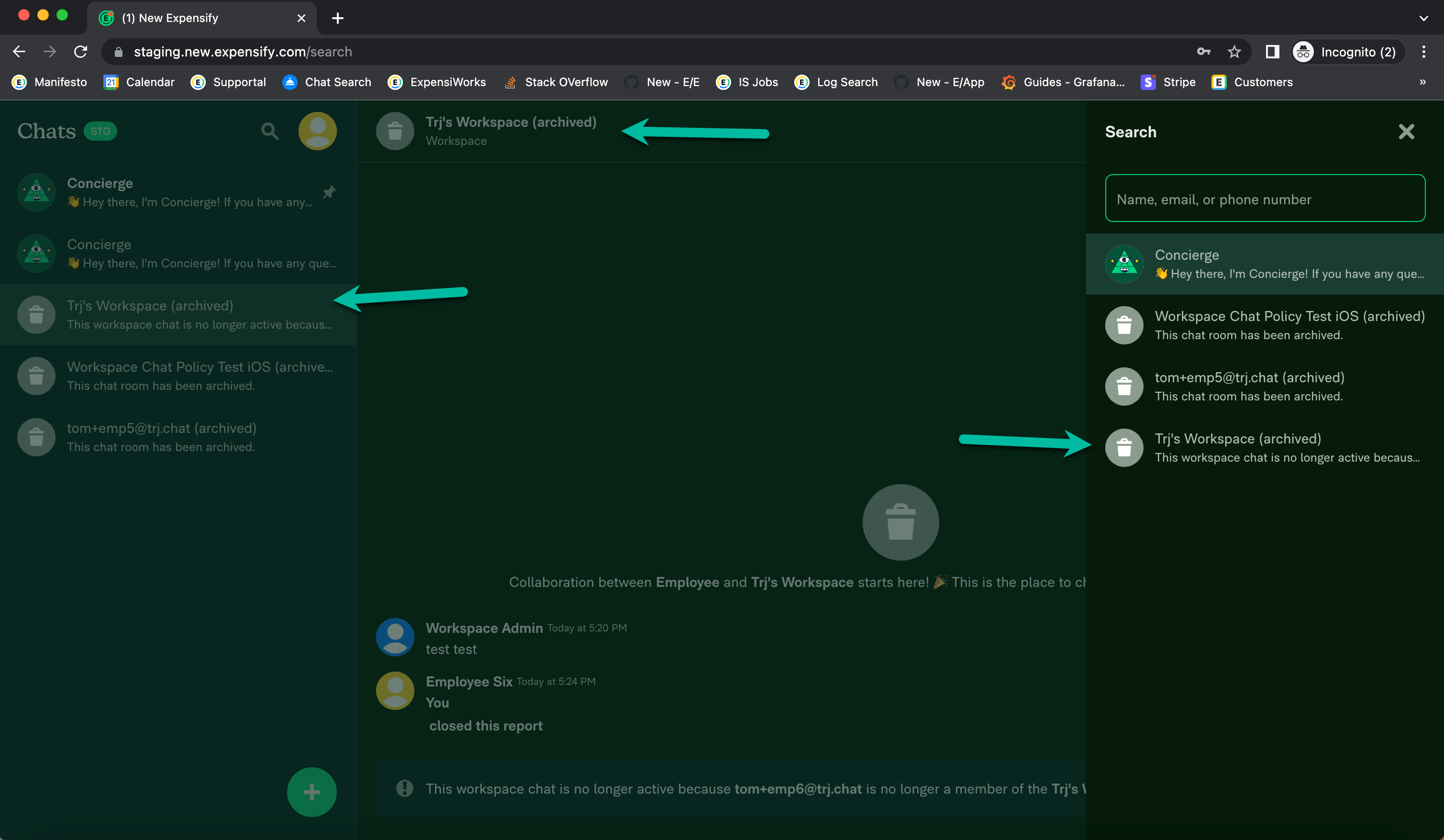
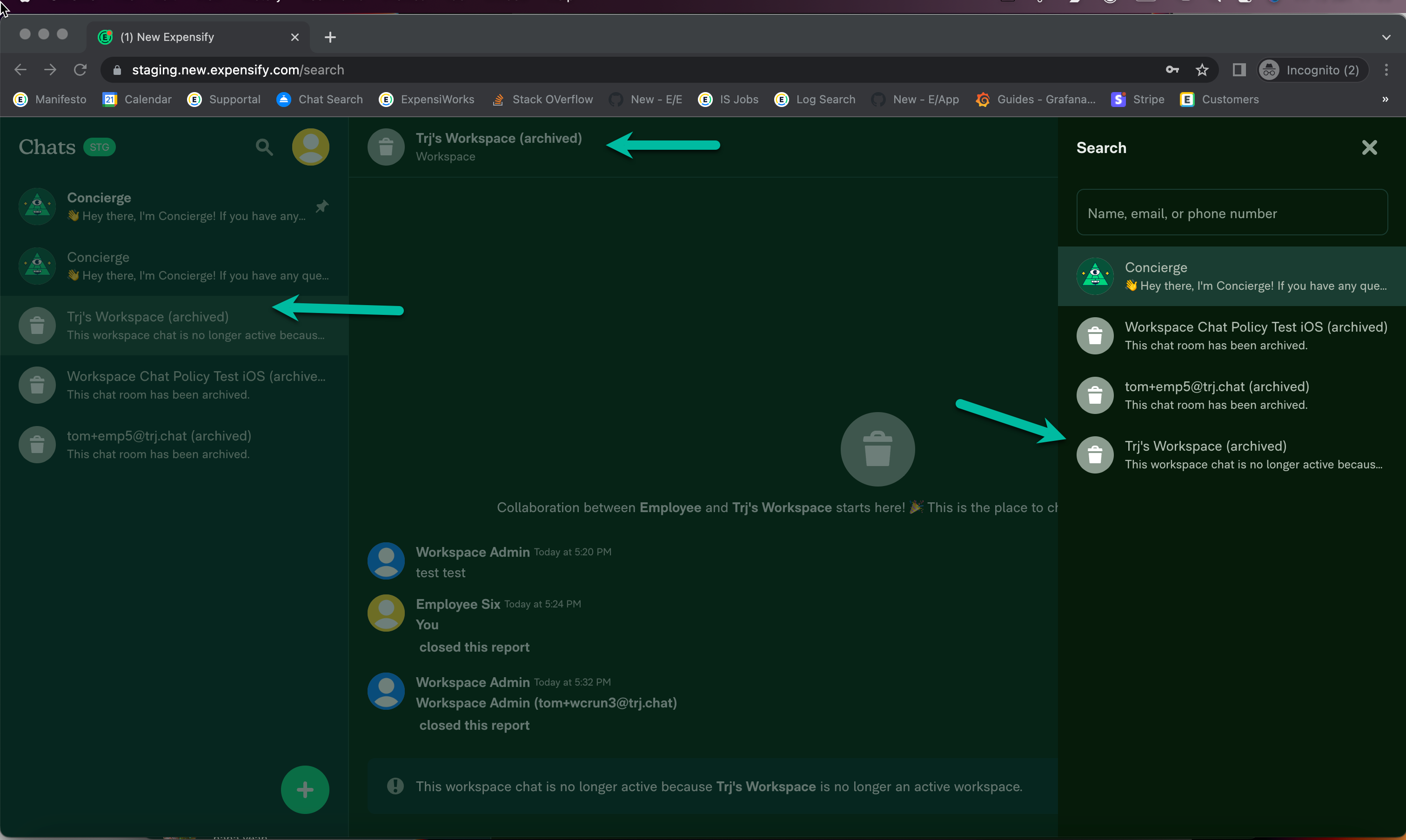
Here’s are two comparisons the another archive cases (removing the member from the workspace, deleting the workspace) where it is displaying the workspaceName as the chat title correctly:
Expensify/Expensify Issue URL: https://expensify.slack.com/archives/C02HWMSMZEC/p1673613908375389 Issue reported by: @trjExpensify Slack conversation:
Upwork Automation - Do Not Edit
- Upwork Job URL: https://www.upwork.com/jobs/~0174a9b9bdec5013d1
- Upwork Job ID: 1613952722062315520
- Last Price Increase: 2023-01-13
About this issue
- Original URL
- State: closed
- Created a year ago
- Comments: 62 (49 by maintainers)
Yep, I’ve added them to the OP of the tracker.
Web-E PR is merged so it should be in production on Tuesday.
App PR has been tested and reviewed and should be merged once Neil is online!
Fixed this in App locally but I feel like this should be fixed in Web-E layer so I will look into that during the week
Its an evolving bug @MelvinBot, calm down buddy
Done
Auth PR merged, App is in review.
Yep, I was looking into it and this part was introduced in this PR and original issue. However, I was not able to pinpoint any comment/ reason the policy expense chats were not updated with the new accountID.
I can try this locally and see if there is anything broken, but so far it seems like we should be able to do this.
That something I am suspecting, although I was not able to clearly identify where this happens in the backend, I think this should be transferred as well