starship: Very slow immediately after installation
Current Behavior
The prompt is super slow straight out of the box, without being touched or configured at all. I just installed it fresh
Expected Behavior
The prompt should appear within under 100ms ideally, rather than several full seconds
Additional context/Screenshots
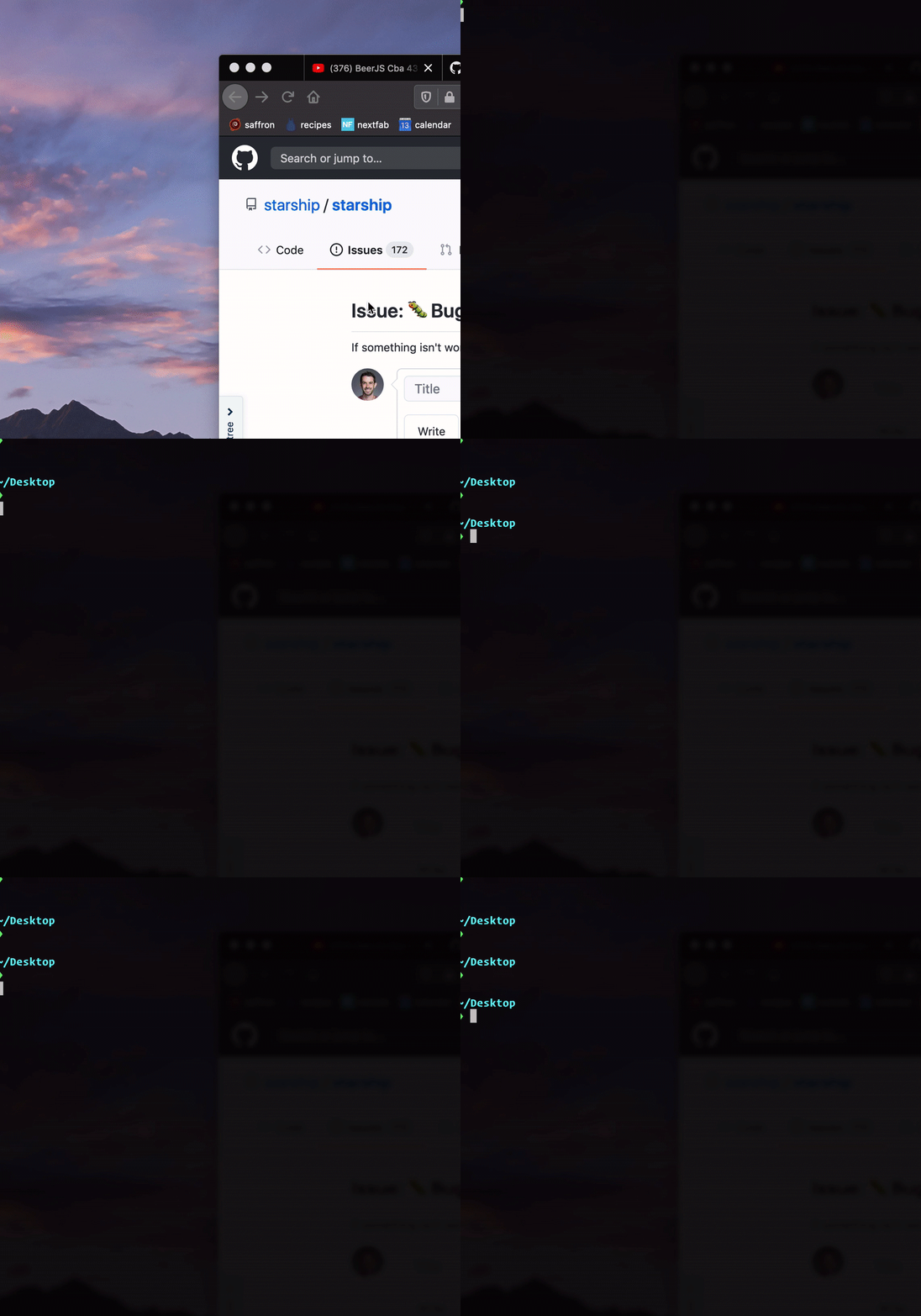
Environment
- Starship version: 0.44.0
- bash version: GNU bash, version 3.2.57(1)-release (x86_64-apple-darwin18) Copyright © 2007 Free Software Foundation, Inc.
- Operating system: Mac OS 10.14.6
- Terminal emulator: iTerm.app 3.3.12
Relevant Shell Configuration
# dependencies
source ~/.git-completion.sh
source ~/.git-prompt.sh
eval "$(hub alias -s)"

# general
alias ll="ls -lahG"
alias reload="exec $SHELL -l"
alias profile="vim ~/.profile"
alias p="echo ''; cd ~/Sites; ls -c1; echo '';"
alias desktop="cd ~/Desktop"
alias server="python -m SimpleHTTPServer"
alias fact="echo '------------------------------------------------------------';  curl -s randomfunfacts.com | LANG=C sed -n 's/.*<i>\(.*\)<\/i>.*/\1/p'; echo '------------------------------------------------------------'"

# git
alias co="git checkout"
alias s="echo ''; git status -sb; echo ''"
alias c="git commit"
alias cm="fact; git commit -am"
alias stage="git add ."
alias pull="git pull -r"
alias pullr="git pull -r"
alias push="git push"
alias pushf="git push --force-with-lease"
alias ri="git rebase -i"
alias glog="git log --graph --pretty=format:'%Cred%h%Creset %an: %s - %Creset %C(yellow)%d%Creset %Cgreen(%cr)%Creset' --abbrev-commit --date=relative"
alias branch="git branch"
alias amend="git commit --amend -m"
alias gh="hub browse"
alias submodule-update='git submodule foreach git pull origin master'

# opens a given localhost url in chrome
opn() {
 if [ -z "$1" ]; then url="http://localhost:3000"; else
         url="http://localhost:${1}"; fi
 open $url
}

# squashes the current changes into the previous commit
fixup() {
  local OC=`git rev-parse HEAD`
  git add -A
  git commit --fixup=$OC
  git rebase -i --autosquash $OC~1
}

# pushes the branch you are on and opens compare on github for a PR
pushpr() {
  git push -u origin `git rev-parse --abbrev-ref HEAD`
  git compare
}

pullpr() {
  git fetch origin pull/$1/head:pr-$1
  git checkout pr-$1
}

# removes local branches that are no longer on remote
branchclean() {
  git fetch -p && for branch in $(git for-each-ref --format '%(refname) %(upstream:track)' refs/heads | awk '$2 == "[gone]" {sub("refs/heads/", "", $1); print $1}'); do git branch -D $branch; done
}

# to be run after `npm version`, pushes tags, publishes, and opens release notes
publish(){
  push && push --tags && npm publish .
  echo `git config --get remote.origin.url` | sed -e 's/\.git/\/releases/g' | echo "`cat -`/new?tag=`git describe`" | xargs open
}

# node
alias reload-deps="rm -rf node_modules && npm i"
alias upgrade='npm-upgrade'
export NVM_DIR="$HOME/.nvm"
  [ -s "/usr/local/opt/nvm/nvm.sh" ] && . "/usr/local/opt/nvm/nvm.sh"  # This loads nvm
  [ -s "/usr/local/opt/nvm/etc/bash_completion" ] && . "/usr/local/opt/nvm/etc/bash_completion"  # This loads nvm bash_completion

# autocomplete
__git_complete co _git_checkout
__git_complete push _git_push

# iterm2 shell integration
test -e "${HOME}/.iterm2_shell_integration.bash" && source "${HOME}/.iterm2_shell_integration.bash"

# postgres
export PGDATA='/usr/local/var/postgres'
export PGHOST=localhost

# ruby
export RBENV_ROOT=/usr/local/var/rbenv
if which rbenv > /dev/null; then eval "$(rbenv init -)"; fi
alias be='bundle exec'

# go
export GOPATH='/Users/jeff/Sites/go'

# path
export PATH=$PATH:/usr/local/go/bin:$GOPATH/bin

# android
export ANDROID_SDK_ROOT=/Users/jeff/android

###-begin-npm-completion-###
#
# npm command completion script
#
# Installation: npm completion >> ~/.bashrc  (or ~/.zshrc)
# Or, maybe: npm completion > /usr/local/etc/bash_completion.d/npm
#

if type complete &>/dev/null; then
  _npm_completion () {
    local words cword
    if type _get_comp_words_by_ref &>/dev/null; then
      _get_comp_words_by_ref -n = -n @ -n : -w words -i cword
    else
      cword="$COMP_CWORD"
      words=("${COMP_WORDS[@]}")
    fi

    local si="$IFS"
    IFS=$'\n' COMPREPLY=($(COMP_CWORD="$cword" \
                           COMP_LINE="$COMP_LINE" \
                           COMP_POINT="$COMP_POINT" \
                           npm completion -- "${words[@]}" \
                           2>/dev/null)) || return $?
    IFS="$si"
    if type __ltrim_colon_completions &>/dev/null; then
      __ltrim_colon_completions "${words[cword]}"
    fi
  }
  complete -o default -F _npm_completion npm
elif type compdef &>/dev/null; then
  _npm_completion() {
    local si=$IFS
    compadd -- $(COMP_CWORD=$((CURRENT-1)) \
                 COMP_LINE=$BUFFER \
                 COMP_POINT=0 \
                 npm completion -- "${words[@]}" \
                 2>/dev/null)
    IFS=$si
  }
  compdef _npm_completion npm
elif type compctl &>/dev/null; then
  _npm_completion () {
    local cword line point words si
    read -Ac words
    read -cn cword
    let cword-=1
    read -l line
    read -ln point
    si="$IFS"
    IFS=$'\n' reply=($(COMP_CWORD="$cword" \
                       COMP_LINE="$line" \
                       COMP_POINT="$point" \
                       npm completion -- "${words[@]}" \
                       2>/dev/null)) || return $?
    IFS="$si"
  }
  compctl -K _npm_completion npm
fi
###-end-npm-completion-###
export PATH="/usr/local/sbin:$PATH"

eval "$(starship init bash)"
Starship Configuration
no config changes at all
About this issue
- Original URL
- State: closed
- Created 4 years ago
- Comments: 16 (5 by maintainers)
Hello @jescalan,
as it appeared that your problem doesn’t have anything to do with the
gitmodule, could you please be so kind and run the following two commands in your~/Desktopdirectory with the current version (v0.48.0) of Starship:time starship promptstarship timingsThank you very much Mick
Slowness seems to be specifically with the
git_statusmodule. Timings to executetime starship promptfor me withgit_statusenabled with the default settings:If I disable
git_statusaltogether:The particular repo that I am running this against has ~330 branches. I suspect this is a factor because if I go to a repo with only a few branches, the execution time is more reasonable.
My environment:
I am experience the exact same thing. Every time I open a new terminal it takes 3-5 seconds for the shell to show up after switching to starship.
I do not use this in any of my configs - additionally my normal config is instant and I still have homebrew installed. It’s just when I use starship that the slowdown happens.
What installation method did you use? Just to see the performance of Starship in isolation, can you try running the following: