react-dates: react-dates breaking after upgrading to version 13.0.0 or 13.0.1
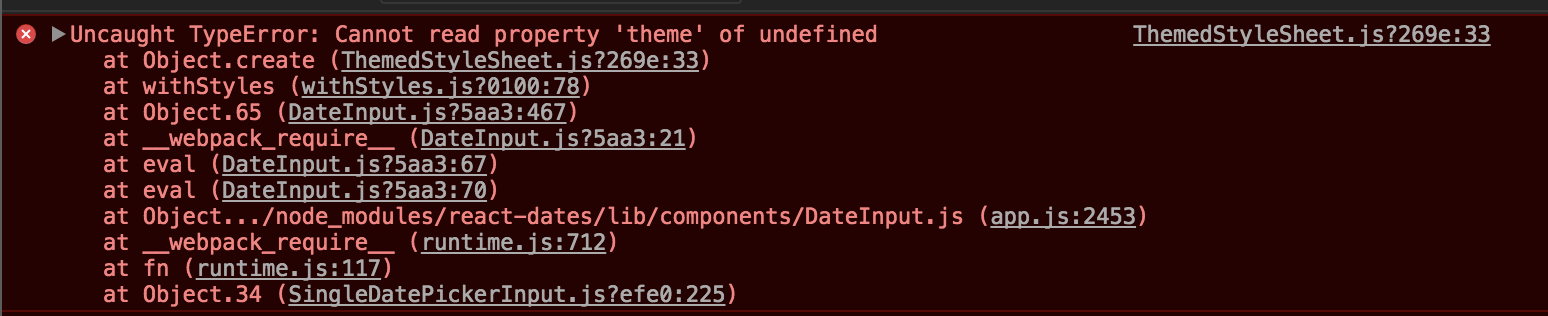
Uncaught TypeError: Cannot read property 'theme' of undefined
    at Object.create (ThemedStyleSheet.js?269e:33)
    at withStyles (withStyles.js?0100:78)
    at Object.65 (DateInput.js?5aa3:467)
    at __webpack_require__ (DateInput.js?5aa3:21)
    at eval (DateInput.js?5aa3:67)
    at eval (DateInput.js?5aa3:70)
    at Object.../node_modules/react-dates/lib/components/DateInput.js (app.js:2453)
    at __webpack_require__ (runtime.js:712)
    at fn (runtime.js:117)
    at Object.34 (SingleDatePickerInput.js?efe0:225)
About this issue
- Original URL
- State: closed
- Created 7 years ago
- Reactions: 16
- Comments: 22 (2 by maintainers)
I used:
as suggested and it’s working great! Thank you! 😄 (I’m using webpack 3 and React v16)
Hi all!
v13.0.0 included a breaking change that introduced a more CSS in JS solution to the project. There is now an extra setup step which you can see in the README, namely the initialize step (https://github.com/airbnb/react-dates#initialize)
If you run
at the top of your app, it should (hopefully) work. Let me know if you have any troubles and I will be doing some more debugging of the new protocol today.
I had the same error at first and solved it with
import 'react-dates/initialize'at the top of the application. Not a big news I know but : Make sure it’s a the top of the application and not at the top of your component’s file !So thank you @majapw and @titanve , you provided the right solution but unexperienced programmer may misinterpret it, just like me. Hope this helps.
This seems resolved; be sure to include the “initialize” entry point at the beginning of your application and it should work fine in v13.0.2+.
If you still have trouble, please file a new issue.
@MaxGraey v13.0.2 should fix this (I literally published it seconds ago). Can you try again?
I would recommend pinning to 12.6.0 for now. I will work on this tomorrow or Monday and hope to have a solution for you then!
On Sat, Oct 7, 2017, 8:22 PM Rafael Mora notifications@github.com wrote:
16.2.1 still not working in production
This - import ‘react-dates/initialize’; - at the top of the app worked for me.
@titanve I tried your approach, sadly it didn’t work for me. (Even I’m using webpack 3 and React v16)
For now, I’ll stick with version 12.7.0.