PowerToys: [PowertoysRun] Some apps don't show up //duplicate of #4145 and #4200//
Environment
Windows build number: 1909 (18363.836)
PowerToys version: 0.18.2
PowerToy module for which you are reporting the bug (if applicable): Powertoys Run
Steps to reproduce
Alt+Space Search for “Bildschirmtastatur” or “winver” for example
Expected behavior
Bring up the on-screen keyboard or the windows version dialogue.
Actual behavior
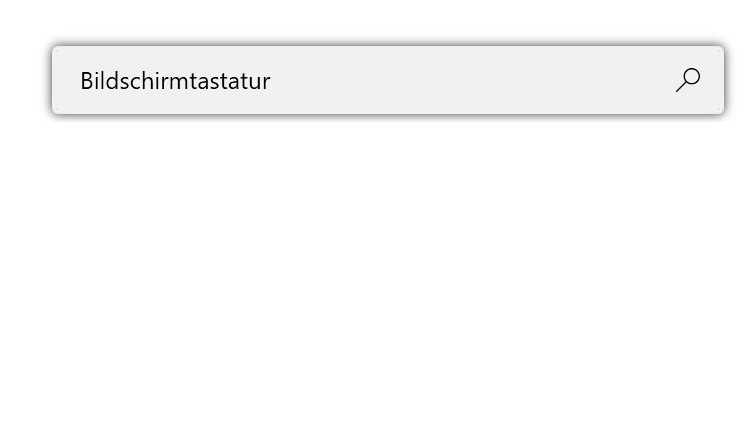
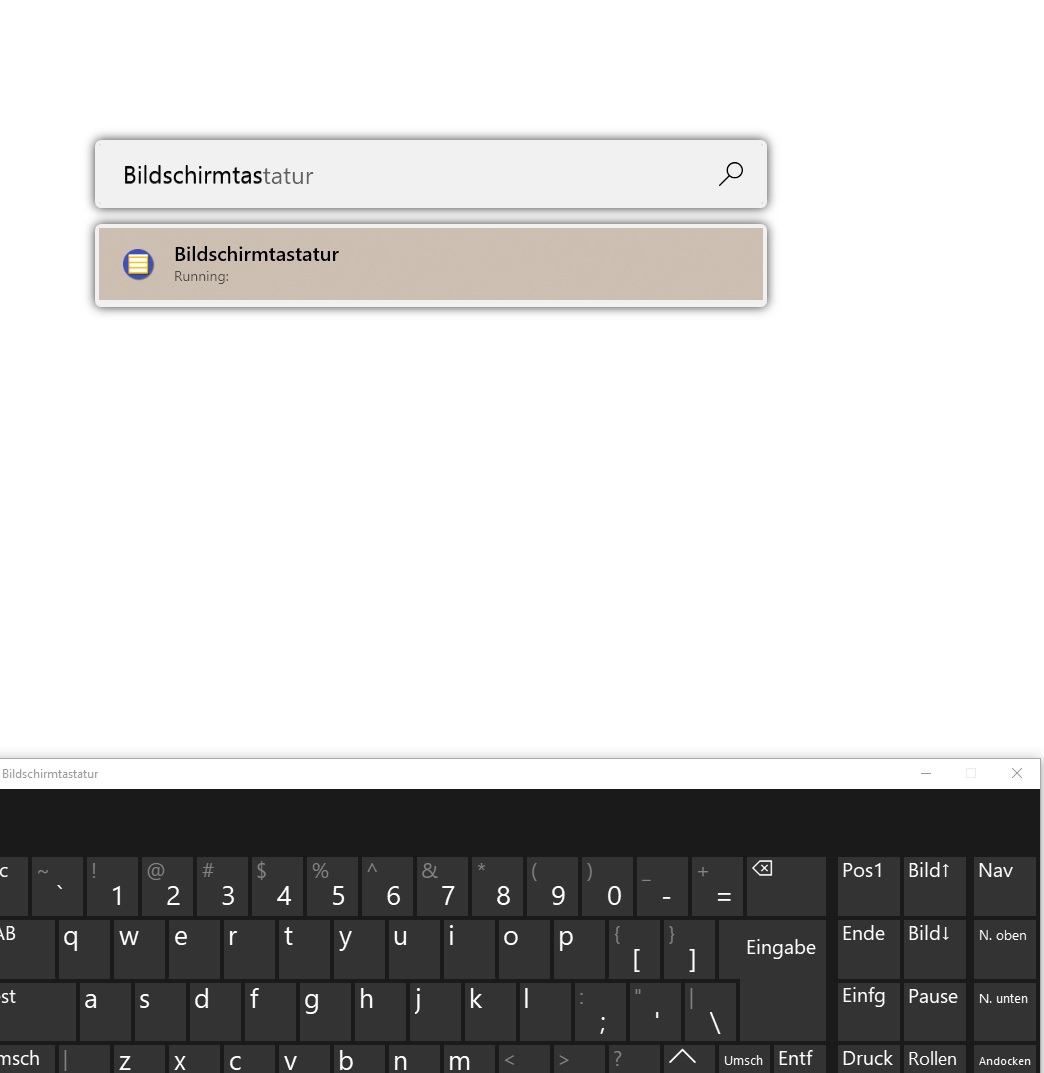
“Bildschirmtastatur” can’t be found in PowerToysRun, only a search via the start menu does. Although it can be found if the application already is running and has been started via the start menu (see second screenshot) Also winver can only be started from the start menu, as typing winver in PowerToysRun does only bring up system administrative tools.
Screenshots
About this issue
- Original URL
- State: closed
- Created 4 years ago
- Comments: 15 (1 by maintainers)
@saahmedm I think we can close this because it’s w duplicate of the problems in #4145 and #4200. Thoughts?
@htcfreek Thanks a lot. That got it working. Keywords like ‘snip’, ‘snip & sketch’, and ‘sketch’ are all working.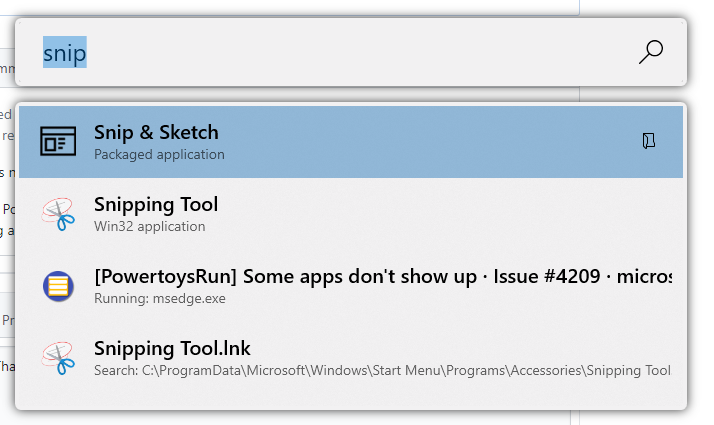
@naobug FYI:
winveris a command and you have to type> winver. But I think if we have implemented #4200 you should be able to find it without ‘>’.