core: Xiaomi / Bluetooth - BLE devices became unavailable
The problem
After successfully migrating from https://github.com/AlexxIT/XiaomiGateway3 to the native new Bluetooth integration I’ve ran into some problems recently. After about a day or two this happened:

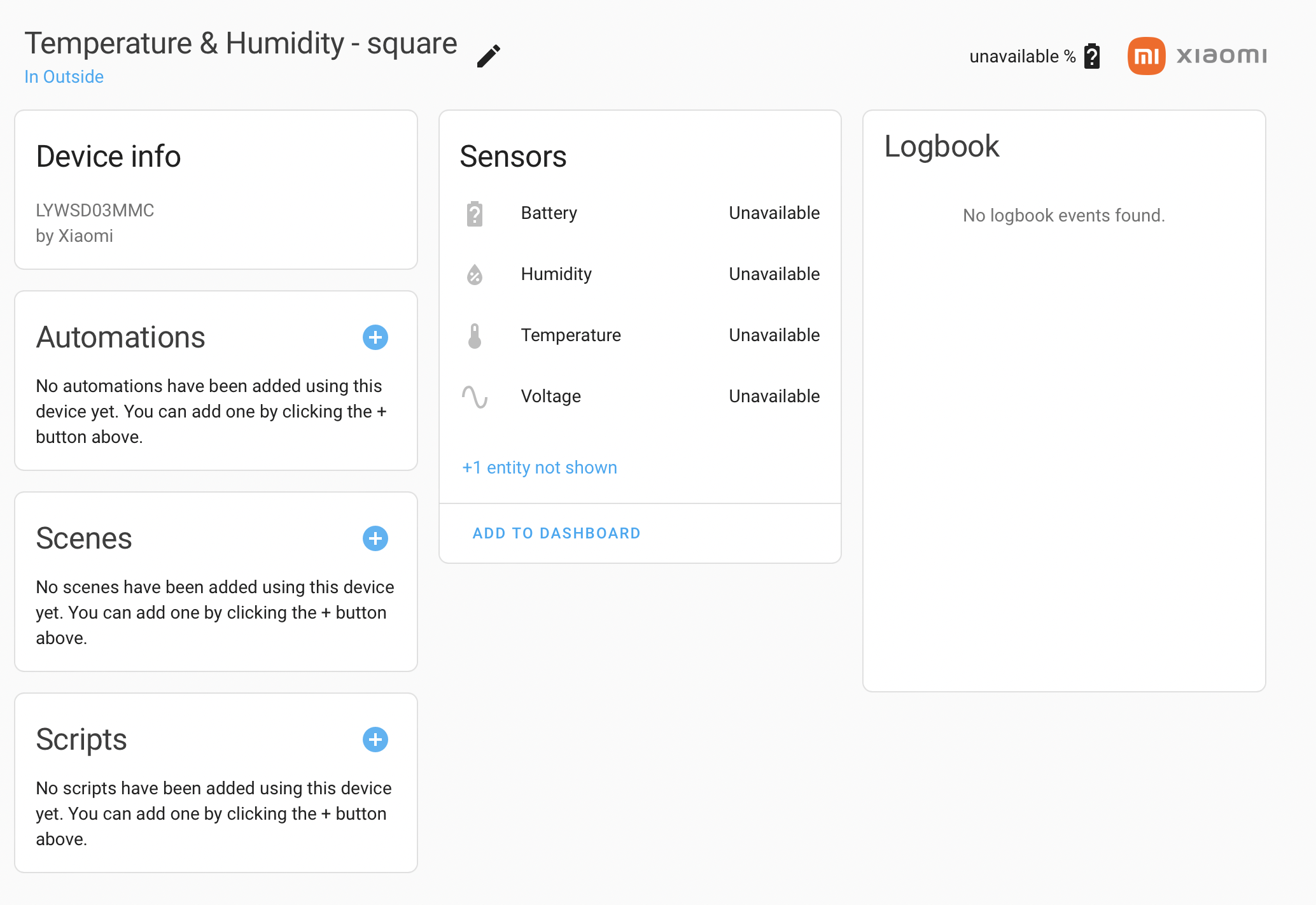
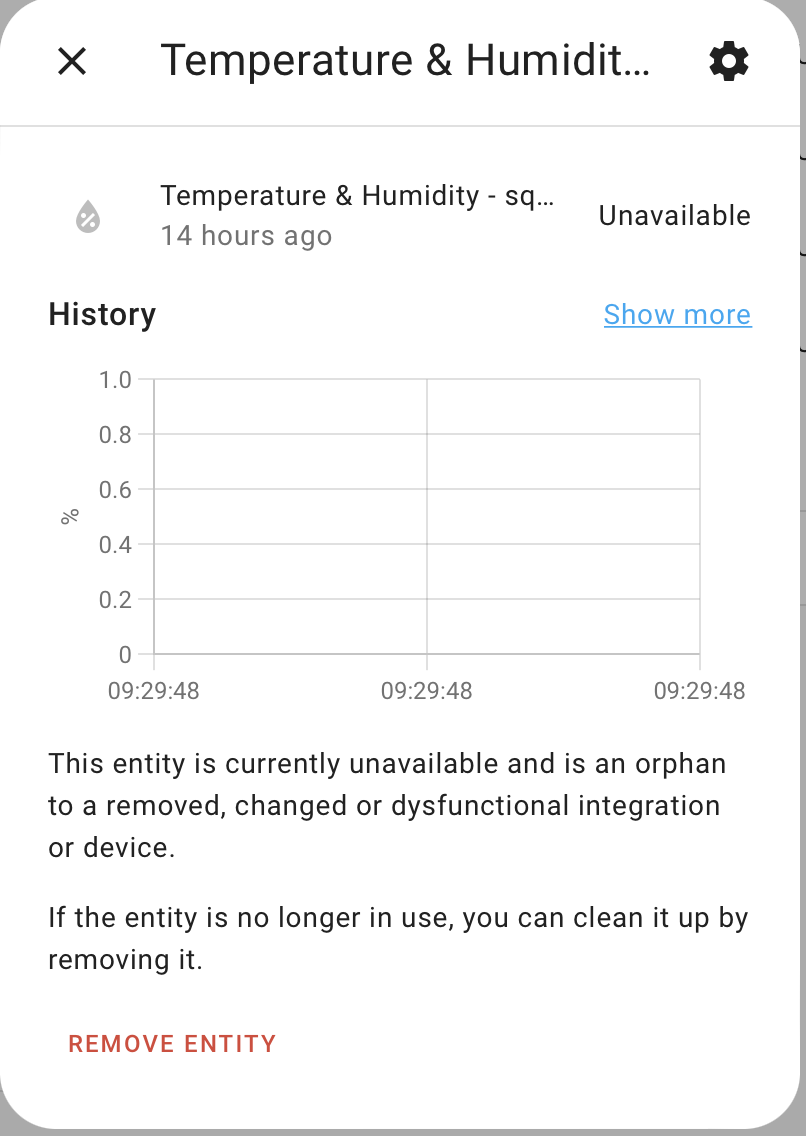 After deleting the device it does not get re-discovered.
Restarting/recreating the container does not fix the issue.
There are no Bluetooth integration errors/warnings in the Logs section.
After deleting the device it does not get re-discovered.
Restarting/recreating the container does not fix the issue.
There are no Bluetooth integration errors/warnings in the Logs section.
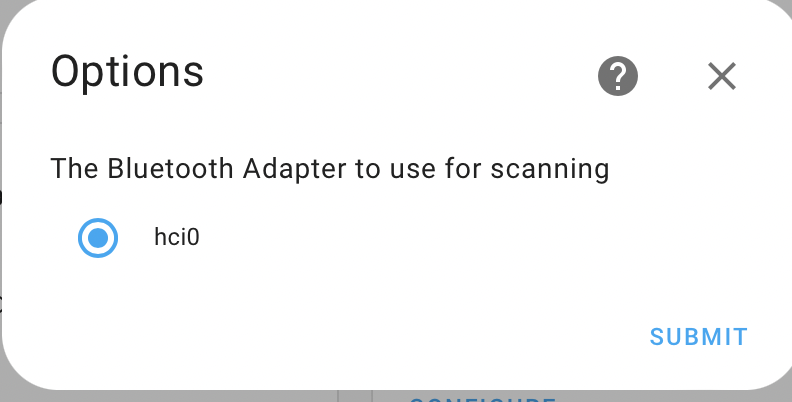 `/run/dbus` is exposed to the container. Container has the `NET_ADMIN` capability and is running in a `mac_vlan` network.
What version of Home Assistant Core has the issue?
2022.8.0
What was the last working version of Home Assistant Core?
2022.8.0
What type of installation are you running?
Home Assistant Container
Integration causing the issue
Bluetooth
Link to integration documentation on our website
https://www.home-assistant.io/integrations/bluetooth/
Diagnostics information
No response
Example YAML snippet
No response
Anything in the logs that might be useful for us?
No response
Additional information
No response
About this issue
- Original URL
- State: closed
- Created 2 years ago
- Comments: 63 (28 by maintainers)
A lot of devices these days don’t have flashable firmware, you have to load it over usb every time you plug in. In some cases a device won’t work at all unless you do this, in others it is crippled. So in effect it’s an auto upgrade but it’s not permanent.
.5 has some patches that help with auto recovery after bad things have happened AIUI.
We have some changes in 2022.8.5 that improve cycling the scanner if something stops it. 2022.9 will have some code to prevent integrations from doing that if they use the standard methods.
HAOS 9.0.dev20220818+ has all the latest firmware patch updates so it could fix other ones having issues as well. That should be out next month if you don’t want to run the dev channel.
I’m inclined to think it’s the realtek driver as well. My broadcomm has been running 19 hours now without issue, whereas with the realtek, it would stop working after between 6 and 9 hours
I’m starting to suspect the Realtek drivers have a yet undiscovered bug that is causing them to randomly stop working as I had another one lock up this morning. I ordered a few Qualcomm based Bluetooth adapters and going to see if the problem still happens
Was there any output from bluetoothctl when you did the scan on command?
It should log discoveries immediately. If it doesn’t then it’s bluez, your kernel or the Bluetooth dongle that’s struggling.