core: Streaming camera to Google Home is broken in 0.115
The problem
Since I upgraded to 0.115 streaming cameras to my Google Home Displays has stopped working.
All I get is a text saying "Playing Default Media Receiver” shown in the display of the Google boxes.
I have tried both running my automations and manually in the Developer Tools.
The cameras are Ubiquiti cameras. The cameras work fine and can be seen streaming in Lovelace.
in my script run from an automation I have
    - service: camera.play_stream
      data:
        entity_id: "{{ cameraentity }}"
        media_player: media_player.living_room_display, media_player.bedroom_display, media_player.kitchen_display
I have tried to simplify it to
    - service: camera.play_stream
      data:
        entity_id: camera.camera:1
        media_player: media_player.living_room_display
That does not make a difference.
I notice that my Lovelace stream now includes sound. I wonder if you guys have tested that this change is compatible with a Google Home box. Maybe the format changed and the Google boxes will no longer accept the stream?
Environment
- Home Assistant Core release with the issue:
- Last working Home Assistant Core release (if known): 0.114.4
- Operating environment (OS/Container/Supervised/Core): Supervised
- Integration causing this issue: Camera
- Link to integration documentation on our website: https://www.home-assistant.io/integrations/camera/
Problem-relevant configuration.yaml
    - service: camera.play_stream
      data:
        entity_id: camera.camera:1
        media_player: media_player.living_room_display
Traceback/Error logs
No errors in log
Additional information
I notice that the camera has an optional format parameter. It has the default value “hls”. There is no mention anywhere what other values are valid. I have tried mp4 and mpeg4 and other things I tried to guess but no other value than hls is accepted. I have looked at the documentation for stream and media_player and there is nothing to be found. It seems there is only one valid value which is hls and this is default. It makes no difference if I add it or not.
About this issue
- Original URL
- State: closed
- Created 4 years ago
- Reactions: 2
- Comments: 75 (39 by maintainers)
Alright, this issue ran deep, so as @uvjustin mentioned it required changes in a lot of places to fix. PRs are up in all of them now, and the latest one tags this issue as resolved when merged.
Confirmed working great with the 0.115.4 update
Thank you @hunterjm and @uvjustin for the hard work you did with one. It was beyond the normal small few liner fixes. I am deeply grateful and I am sure I speek for 100s of users
@kutsyy I think we have it figured out, but it may take several days to push and merge the fixes as we have to update 3 parts (stream, cast, and the underlying pychromecast library). Feel free to downgrade in the meantime.
And just to make 100% sure I just down graded HA to 0.114.4 from a snap shot and then everything works again and I can stream cameras to Google Home Displays. It is broken in 0.115.2 and it does not seem restoring the 3 components cast, camera, or stream to 0.114.4 flavour fixes anything so the problem may lie somewhere else.
Unfortunately the delay vs live is unavoidable with HLS. I discussed this here: https://community.home-assistant.io/t/i-tried-all-the-camera-platforms-so-you-dont-have-to/222999/26 . Since a lot of people have been griping about it, we could try to reduce the default segment durations back down from 2 seconds to 1 seconds or allow the users to override this default. This could reduce the delay by another ~2 seconds or so. @hunterjm any thoughts on this? As for it taking 5 seconds or more to start up, do you have preload stream enabled? That might help reduce the startup time.
Wow, lowercase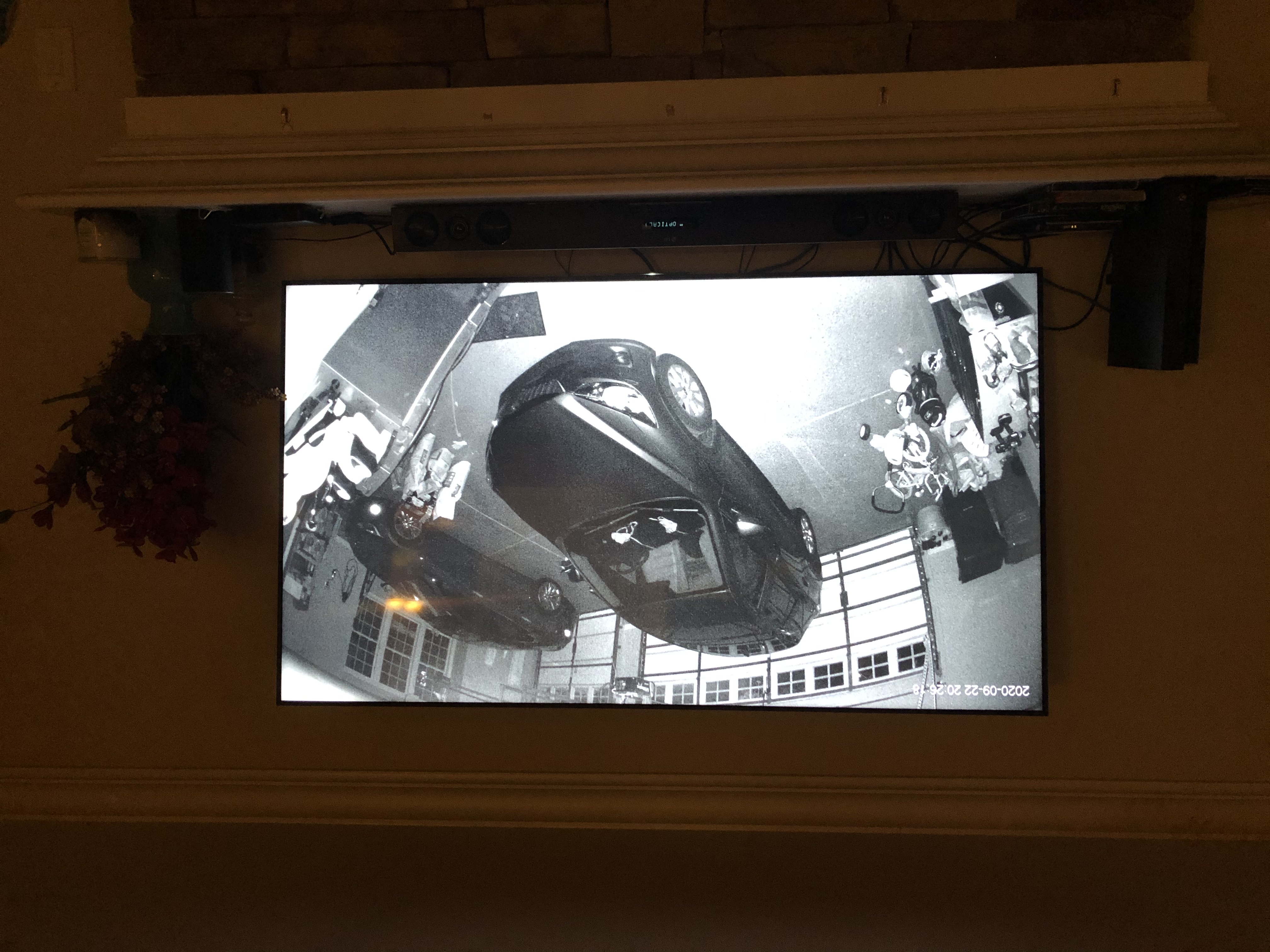
fmp4did it…Still has issues playing streams with no audio channel though. Should we add the empty audio channel back, or keep searching for options in their dev docs?
An extra observation that may not mean anything. But every start of HA has this error in the log
It is probably not related but it could be. It smells of Google.
I have also tried to stream camera to my Chromecast Ultra. That does not work either. Same black screen. If I cast the Lovelace front end to Chromecast then it works beautifully. It is only when I camera stream that I see a problem
Thanks @hunterjm! I really appreciate your responsiveness and pointing me in the right direction. I’ve opened a new issue as you’ve suggested.
Yes. They don’t like HLS because it is Apple’s standard and only allows H.264 and now the H.265 video format, both of which are licensed out by MPEG LA. Google has been trying to push their own “free use” codecs since buying out a codec company in 2010. As a large content producer (Youtube), they didn’t want to be beholden to MPEG LA licensing. In the previous generation, H.264 pretty much became standard beating out VP8. In this generation, this jockeying back and forth has split the content providers - Google and Netflix use VP9 and Amazon and Apple use H.265. You might notice the differential support for these 4K streams depending on which browser you use with which service. For the upcoming generation, Google is currently trying to hype up
AVC1AV1, but H.266 is probably slightly better, just like all the MPEG LA codecs seem to be slightly better (in terms of encoder speed, quality, and bandwidth) than their Google equivalents (maybe because MPEG LA has more patents and researchers). See this https://bugs.chromium.org/p/chromium/issues/detail?id=460703#c18 for an example of how Google blocked H.265 support in Chromium back in 2015 (that’s why our stream component does not play H.265 in most browsers outside of Safari).Quick look shows that this will require some changes in the
pychromecastlibrary to even expose the ability to Home Assistant.For reference: Media Information Message Type Definition: https://developers.google.com/cast/docs/reference/web_receiver/cast.framework.messages.MediaInformation
This is the full definition, which differs from what is linked in
pychromecasthere: https://github.com/home-assistant-libs/pychromecast/blob/master/pychromecast/controllers/media.py#L528My initial recommendation would be to implement
kwargsin theplay_mediamethod to support adding additional top-level message attributes for MediaInformation. I will play around with that tonight.@uvjustin - Two things here:
An interesting potential work-around we can do since you are encoding things as
m4snow for HLS as well is to create anMPEG-DASHformat that potentially shares the segments with the HLS format but outputs a different playlist (which is supported by Chromecast more fully, since it’s their protocol).Hi I am trying also to simply download the 0.114.4 sources and apply the entire stream directory to the custom_components.
I see the warning that the stream component is a custom component so I assume this is what is running. I also tried to put some swear words in the code and then the log returned these to me as expected so the code is surely run
I see no difference in the result running the 0.114.4 components stream, camera, and cast as custom components in 0.115.2 The result is the exact same
Let is wrap up.
TTS works in Google Home. I can cast the Lovelace tabs to the Google Home and it shows perfectly the HA on the Google Home. The Google Home shows that something is supposed to happen as it changes to the dark screen with the text The only problem is that no video is shown in the Google Home
IMPORTANT NOTE. When you delete the custom_component code again then the Home Assistant container contains a lot of cached code and you end up with trouble.
I got help in the dev channel on discord and the cure was to log into the ssh addon and execute
ha core rebuildThat rebuilds the Docker container/image whatever and wipes the cached code causing trouble