core: Error fetching speedtestdotnet data: Unable to connect to servers to test latency
The problem
the speedtest integration fails multiple times a day with this error message. i disabled the polling under options in the speedtest.net integration and did a automation. yaml of automation below
Error fetching speedtestdotnet data: Unable to connect to servers to test latency
What version of Home Assistant Core has the issue?
core-2023.1.1
What was the last working version of Home Assistant Core?
No response
What type of installation are you running?
Home Assistant OS
Integration causing the issue
speedtest.net
Link to integration documentation on our website
https://www.home-assistant.io/integrations/speedtestdotnet
Diagnostics information
No response
Example YAML snippet
this is my automation to perform a speedtest

alias: Speedtest update interval
description: Speedtest durchführen
trigger:
  - platform: time
    at: "23:00:00"
  - platform: time
    at: "07:00:00"
  - platform: time
    at: "15:00:00"
condition: []
action:
  - service: homeassistant.update_entity
    data: {}
    target:
      entity_id: sensor.speedtest_download
mode: single
Anything in the logs that might be useful for us?
2023-01-07 15:00:01.050 ERROR (MainThread) [homeassistant.components.speedtestdotnet.coordinator] Error fetching speedtestdotnet data: Unable to connect to servers to test latency.
Additional information
No response
About this issue
- Original URL
- State: closed
- Created a year ago
- Reactions: 7
- Comments: 33 (3 by maintainers)
This is not a network issue in my opinion.
I have my integration set to Auto detect.
If a server is unreachable why does the integration not try the next server from the list?
Instead it completely stops working until i restart homeassistant, not even change the server brings it back to life.
This integration is broken for so long now and the only response given is that it looks like a network issue
I am using this integration for i think over a year now and 80% of the time it is not working.
OK SOLVED. I used the good binary lol. There is a conflict with the debian package list. sudo apt-get install curl curl -s https://packagecloud.io/install/repositories/ookla/speedtest-cli/script.deb.sh | sudo bash sudo apt-get install speedtest
I assume you “/3” setting is for hours, meaning the automation should run at 00:00, 03:00, 06:00 etc. If “everybody else” also uses automation like you, run a timed on the hour or similar, my assumption is that there is simply to high a load on the SpeedTest servers. Running it in its default setup will mean that the initial test will be done at restart and the next test will be run on hour later. Using the automation will not have this “randomness”. Try to add e.g. a 1 min delay to your automation and things should start to work. A fix to retry on unavailable SpeedTest server could also be better. Only caveat is that it still depends on us to add the randomness to when test is conducted.
Just a observations from my side:
The effect is that I can either have a nice (hourly) history graph as on the left, or one with holes in, like the right: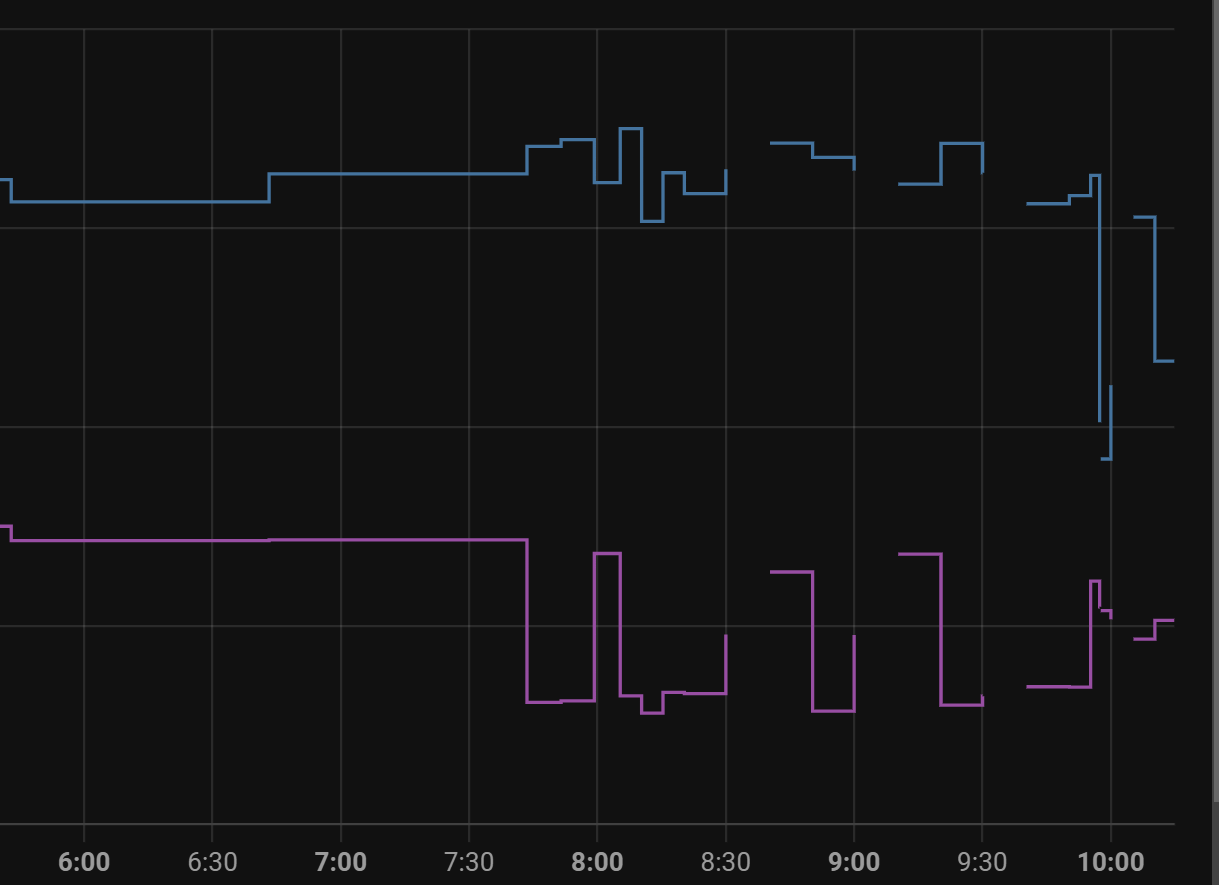
Edit: Enabling debug did not provide any additional useful information.