core: Cast media player entity going unavailable every minute or so
The problem
I noticed on my Lovelace UI and on my logbook that my Google TV (TCL 65S446) changes to unavailable every minute or so, just when it’s in standby mode. One important observation is that I have a Chromecast with TV and a Google Home mini speaker and this behavior doesn’t happen with them! It’s just the TV.
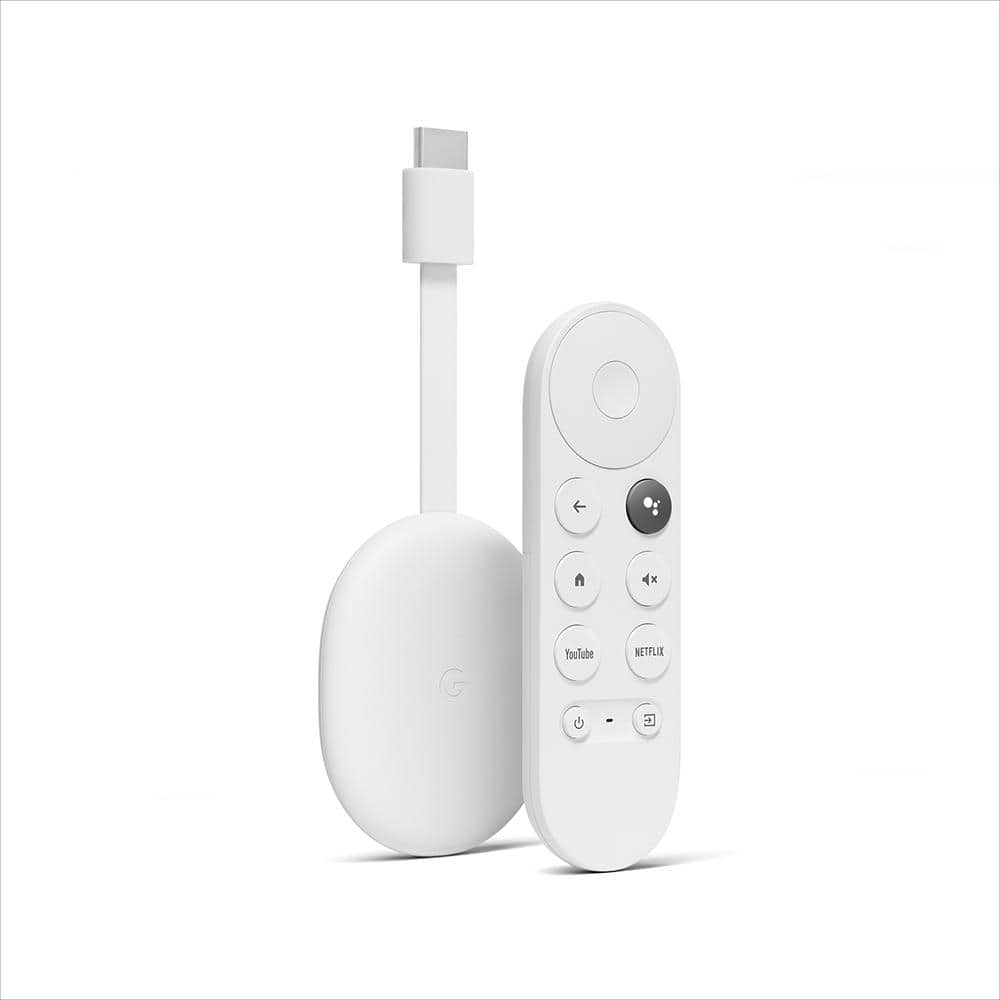
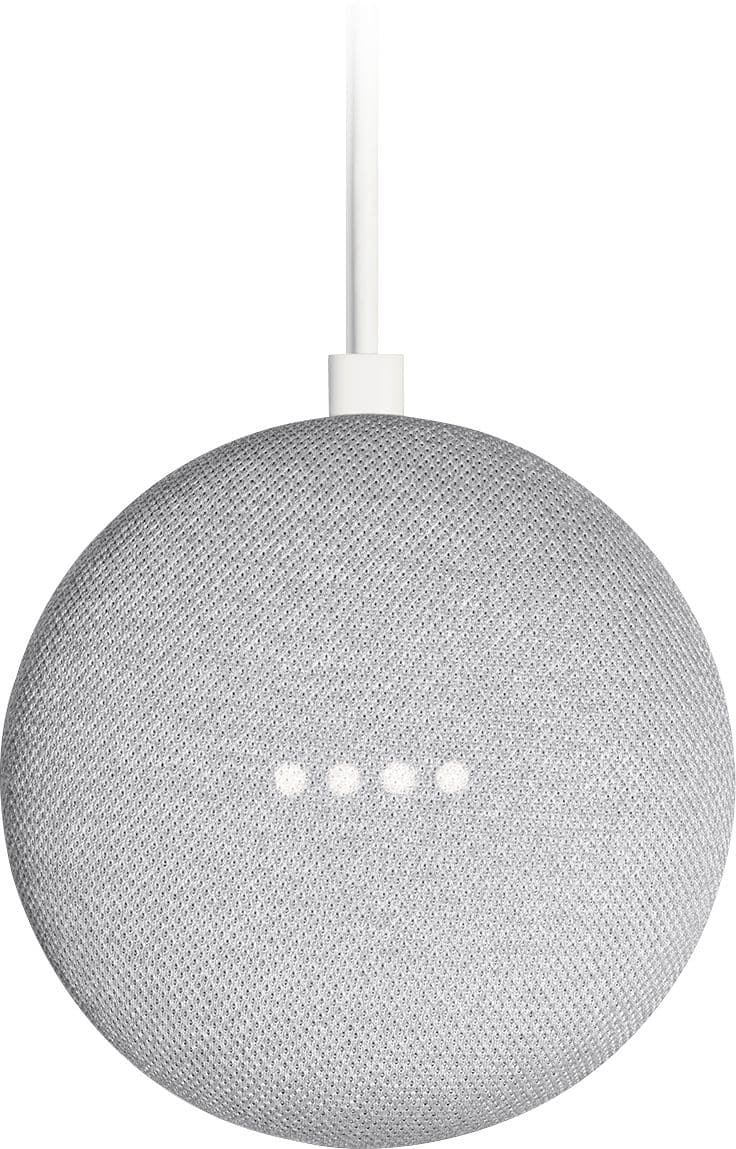
Here is a video showing the amount of entries created in the logbook by the entity from the Google Cast integration and this one from the Android TV integration.
Another important thing is that the TV was connected to Wi-Fi all the time.

What version of Home Assistant Core has the issue?
core-2022.4.0
What was the last working version of Home Assistant Core?
Don’t know exactly. But this happens since I bought the TV (few monhts ago).
What type of installation are you running?
Home Assistant Container
Integration causing the issue
Google Cast, Android TV
Link to integration documentation on our website
https://www.home-assistant.io/integrations/cast https://www.home-assistant.io/integrations/androidtv/
Diagnostics information
{ “home_assistant”: { “installation_type”: “Home Assistant Container”, “version”: “2022.4.0”, “dev”: false, “hassio”: false, “virtualenv”: false, “python_version”: “3.9.9”, “docker”: true, “arch”: “x86_64”, “timezone”: “America/Chicago”, “os_name”: “Linux”, “os_version”: “5.15.30-Unraid”, “run_as_root”: true }, “custom_components”: { “frigate”: { “version”: “2.2.2”, “requirements”: [] }, “ledfx”: { “version”: “1.3.1”, “requirements”: [] }, “openrgb”: { “version”: “2.2”, “requirements”: [ “openrgb-python==0.2.10” ] }, “hacs”: { “version”: “1.24.3”, “requirements”: [ “aiogithubapi>=21.11.0” ] }, “ui_lovelace_minimalist”: { “version”: “v0.0.7-hotfix2”, “requirements”: [] } }, “integration_manifest”: { “domain”: “androidtv”, “name”: “Android TV”, “documentation”: “https://www.home-assistant.io/integrations/androidtv”, “requirements”: [ “adb-shell[async]==0.4.2”, “androidtv[async]==0.0.66”, “pure-python-adb[async]==0.3.0.dev0” ], “codeowners”: [ “@JeffLIrion”, “@ollo69” ], “config_flow”: true, “iot_class”: “local_polling”, “loggers”: [ “adb_shell”, “androidtv”, “pure_python_adb” ], “is_built_in”: true }, “data”: { “entry”: { “entry_id”: “4f00f83a6068069fbe903976c1e03b23”, “version”: 1, “domain”: “androidtv”, “title”: “Living room TV”, “data”: { “host”: “living-room-tv.home”, “device_class”: “androidtv”, “port”: 5555 }, “options”: {}, “pref_disable_new_entities”: false, “pref_disable_polling”: false, “source”: “user”, “unique_id”: “REDACTED”, “disabled_by”: null }, “device_properties”: { “device_class”: “androidtv”, “manufacturer”: “TCL”, “model”: “Smart TV”, “serialno”: “REDACTED”, “sw_version”: “11”, “ethmac”: “REDACTED”, “wifimac”: “REDACTED” }, “device”: { “area_id”: “living_room”, “config_entries”: [ “4f00f83a6068069fbe903976c1e03b23” ], “configuration_url”: null, “connections”: “REDACTED”, “disabled_by”: null, “entry_type”: null, “id”: “6db37f88b5a69e10d581743121046af1”, “identifiers”: “REDACTED”, “manufacturer”: “TCL”, “model”: “Smart TV (Android TV)”, “name_by_user”: “Living room TV”, “name”: “Android TV living-room-tv.home”, “suggested_area”: null, “sw_version”: “11”, “hw_version”: null, “via_device_id”: null, “is_new”: false, “entities”: { “media_player.living_room_tv”: { “unique_id”: “REDACTED”, “platform”: “androidtv”, “area_id”: null, “capabilities”: {}, “config_entry_id”: “4f00f83a6068069fbe903976c1e03b23”, “device_class”: null, “device_id”: “6db37f88b5a69e10d581743121046af1”, “domain”: “media_player”, “disabled_by”: null, “entity_category”: null, “hidden_by”: null, “icon”: null, “id”: “a333387c6be6fe7f0bcdcc2407944c5e”, “name”: “Living room TV”, “options”: {}, “original_device_class”: null, “original_icon”: null, “original_name”: “Android TV living-room-tv.home”, “supported_features”: 23997, “unit_of_measurement”: null, “state”: { “state”: “unavailable”, “attributes”: { “friendly_name”: “Living room TV”, “supported_features”: 23997 }, “last_changed”: “2022-04-11T04:18:38.705950+00:00”, “last_updated”: “2022-04-11T04:18:38.705950+00:00” } } } } } }
Example YAML snippet
No response
Anything in the logs that might be useful for us?
Logger: pychromecast.socket_client
Source: /usr/local/lib/python3.9/site-packages/pychromecast/socket_client.py:396
First occurred: April 7, 2022, 9:10:45 AM (241 occurrences)
Last logged: 9:37:35 PM

[Living room TV(192.168.1.136):8009] Failed to connect to service ServiceInfo(type='mdns', data='Smart-TV-d895cdd4cb150e32767c85fcb1123c2b._googlecast._tcp.local.'), retrying in 5.0s
[Bedroom Speaker(192.168.1.130):8009] Failed to connect to service ServiceInfo(type='host', data=('192.168.1.130', 8009)), retrying in 5.0s
[Living room TV(192.168.1.136):8009] Failed to connect to service ServiceInfo(type='host', data=('192.168.1.136', 8009)), retrying in 5.0s

Logger: pychromecast.socket_client
Source: /usr/local/lib/python3.9/site-packages/pychromecast/socket_client.py:672
First occurred: April 7, 2022, 8:58:39 AM (445 occurrences)
Last logged: 9:37:05 PM

[Living room TV(192.168.1.136):8009] Heartbeat timeout, resetting connection

Logger: pychromecast.socket_client
Source: /usr/local/lib/python3.9/site-packages/pychromecast/socket_client.py:663
First occurred: 4:41:56 PM (1 occurrences)
Last logged: 4:41:56 PM

[Living room TV(192.168.1.136):8009] Error communicating with socket, resetting connection

Logger: pychromecast.socket_client
Source: /usr/local/lib/python3.9/site-packages/pychromecast/socket_client.py:610
First occurred: 4:41:56 PM (1 occurrences)
Last logged: 4:41:56 PM

[Living room TV(192.168.1.136):8009] Error reading from socket.


2022-04-07 08:58:39 WARNING (Thread-6) [pychromecast.socket_client] [Living room TV(192.168.1.136):8009] Heartbeat timeout, resetting connection
2022-04-07 09:00:12 WARNING (Thread-6) [pychromecast.socket_client] [Living room TV(192.168.1.136):8009] Heartbeat timeout, resetting connection
2022-04-07 09:02:01 WARNING (Thread-6) [pychromecast.socket_client] [Living room TV(192.168.1.136):8009] Heartbeat timeout, resetting connection
2022-04-07 09:09:41 WARNING (Thread-6) [pychromecast.socket_client] [Living room TV(192.168.1.136):8009] Heartbeat timeout, resetting connection
2022-04-07 09:10:15 WARNING (Thread-6) [pychromecast.socket_client] [Living room TV(192.168.1.136):8009] Heartbeat timeout, resetting connection
2022-04-07 09:10:45 ERROR (Thread-6) [pychromecast.socket_client] [Living room TV(192.168.1.136):8009] Failed to connect to service ServiceInfo(type='mdns', data='Smart-TV-d895cdd4cb150e32767c85fcb1123c2b._googlecast._tcp.local.'), retrying in 5.0s
2022-04-07 09:11:27 WARNING (Thread-6) [pychromecast.socket_client] [Living room TV(192.168.1.136):8009] Heartbeat timeout, resetting connection
2022-04-07 09:11:57 WARNING (Thread-6) [pychromecast.socket_client] [Living room TV(192.168.1.136):8009] Heartbeat timeout, resetting connection
2022-04-07 09:12:27 ERROR (Thread-6) [pychromecast.socket_client] [Living room TV(192.168.1.136):8009] Failed to connect to service ServiceInfo(type='mdns', data='Smart-TV-d895cdd4cb150e32767c85fcb1123c2b._googlecast._tcp.local.'), retrying in 5.0s
2022-04-07 09:12:47 WARNING (Thread-6) [pychromecast.socket_client] [Living room TV(192.168.1.136):8009] Heartbeat timeout, resetting connection
2022-04-07 09:13:17 ERROR (Thread-6) [pychromecast.socket_client] [Living room TV(192.168.1.136):8009] Failed to connect to service ServiceInfo(type='mdns', data='Smart-TV-d895cdd4cb150e32767c85fcb1123c2b._googlecast._tcp.local.'), retrying in 5.0s
2022-04-07 09:13:37 WARNING (Thread-6) [pychromecast.socket_client] [Living room TV(192.168.1.136):8009] Heartbeat timeout, resetting connection
2022-04-07 09:14:29 WARNING (Thread-6) [pychromecast.socket_client] [Living room TV(192.168.1.136):8009] Heartbeat timeout, resetting connection
2022-04-07 09:15:15 WARNING (Thread-6) [pychromecast.socket_client] [Living room TV(192.168.1.136):8009] Heartbeat timeout, resetting connection
2022-04-07 09:15:45 ERROR (Thread-6) [pychromecast.socket_client] [Living room TV(192.168.1.136):8009] Failed to connect to service ServiceInfo(type='mdns', data='Smart-TV-d895cdd4cb150e32767c85fcb1123c2b._googlecast._tcp.local.'), retrying in 5.0s
2022-04-07 09:16:48 WARNING (Thread-6) [pychromecast.socket_client] [Living room TV(192.168.1.136):8009] Heartbeat timeout, resetting connection
2022-04-07 09:18:45 WARNING (Thread-6) [pychromecast.socket_client] [Living room TV(192.168.1.136):8009] Heartbeat timeout, resetting connection
2022-04-07 09:19:23 WARNING (Thread-6) [pychromecast.socket_client] [Living room TV(192.168.1.136):8009] Heartbeat timeout, resetting connection
2022-04-07 09:19:54 WARNING (Thread-6) [pychromecast.socket_client] [Living room TV(192.168.1.136):8009] Heartbeat timeout, resetting connection
2022-04-07 09:20:55 WARNING (Thread-6) [pychromecast.socket_client] [Living room TV(192.168.1.136):8009] Heartbeat timeout, resetting connection
2022-04-07 09:21:25 ERROR (Thread-6) [pychromecast.socket_client] [Living room TV(192.168.1.136):8009] Failed to connect to service ServiceInfo(type='mdns', data='Smart-TV-d895cdd4cb150e32767c85fcb1123c2b._googlecast._tcp.local.'), retrying in 5.0s
Additional information
This problem DOESN’T happen when the TV is ON.
These options need to be ON then the TV will still be connected to the WI-FI when it’s off (standby), so I can cast anything (youtube video, photos or whatever) to the TV and wake it up when it’s off (standby).


About this issue
- Original URL
- State: open
- Created 2 years ago
- Comments: 74 (8 by maintainers)
@TarcisioMenezes thanks for your quick reaction. I will create a new issue about the state changes. I saw this also was mentoined in issue #69723.
Same issue on my Sony X950H connected via ethernet.
@emontnemery Apologies, I wrote my comment when I probably should have been asleep!
This is the docker container I installed: https://hub.docker.com/r/barnybbb/adb-hass-androidtv It’s available on the Unraid Community Apps store and all I did was define the IP of my fire stick within the setup.
When first running the container, I made sure to be on the Developer Options menu on the fire stick (no idea if this is necessary) and allowed access to the container when prompted.
I then deleted my existing Android TV integration on HA and configured it as below
I’ll be honest I don’t really know what I’m doing half the time, my HA setup is mainly built from googling and copying code snippets etc. This was my thought process for installing the ADB container: I stumbled across this HA ADB add-on while looking into this issue (https://github.com/hassio-addons/addon-adb) and noted that it is now depreciated as HA has the built-in python ADB implementation. As all my errors included something about python, I figured I’d give an external ADB service a try
Thank you very much for the info. As I am no longer home, I will come back and post feedback/conclusion on Saturday 18.03.2023 😉.
Hey Gang, has anyone been able to come up with any kind of work around? If I can atleast delay interval or frequency of the tv state check, that can hold me over Just not sure how to go about doing this.
As of today, continuous timeouts rendered the integration useless…
Mine also has no ubiquiti devices in the network. It’s probably something on the firetv side disconnecting the integration (due to device sleeping, wifi down, etc) and not allowing to connect again.
I was having the same issue with a fire stick, along with it sometimes going unavailable for days at a time. Today I installed the AndroidDebugBridge docker container on my unraid server and used this instead of HAs built in ADB handling and it seems to have fixed both issues. Of course, only time will tell if it’s a (semi) permanent fix.
I know this may not help everyone, but I thought I’d mention it as it may be useful to some.
I think your problem is different than this one. @guyke01 Your problem is related to different states, mine is related to the device being switching between unavailable and off every minute when you turn the device off.
I also have this issue you just described, when playing on some apps the states keep changing to different ones. but It’s something related to the adb connection and Android 11. So I think you better open another issue to make things easier to be fixed.
The TV doesn’t disconnect from the network. The connection seems to be stable.
Everything seems to work as it’s supposed to, except for Home Assistant’s Android TV and Google Cast integrations.