amplify-js: Cannot get API.get to work
Hello,
I’m trying to use API.get and pass queryStringParameters in the request so these params can be accessed from Lambda function’s ‘event’ but this doesn’t seem to work.
    const val1 = 'test123';
    const val2 = 'test123';

    let myInit = {
        'queryStringParameters': {
            'key1': val1,
            'key2': val2
        },
        headers: {
            'Accept': 'application/json',
            'Content-Type': 'application/json',
        }
    };

    return API.get(apiName, path, myInit).then(data => {
        return data;
    }).catch(err => console.log('error.', err));
Notes:
- I’ve added the query params in Api Gateway method (URL Query String Parameters)
- In Lambda function’s logs i can see
queryStringParameters: null, - API Gateway Integration request details (Use Lambda Proxy integration is enabled)
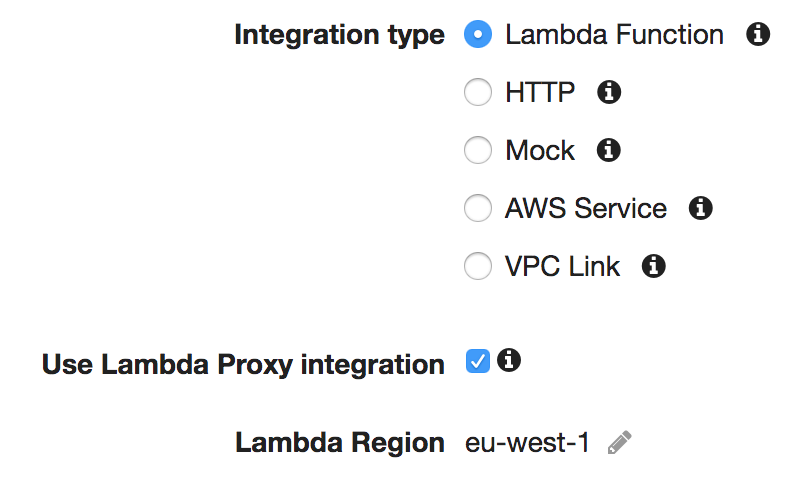
- I’ve tried adding the query params as part of path as abc?key1=val1&key2=val2 etc. but didn’t work as well
- API.post works good (when passing the params in body
Let me know if you need more details
Thanks in advance.
About this issue
- Original URL
- State: closed
- Created 6 years ago
- Comments: 27 (3 by maintainers)
@marioskonstantinou suppose that your path is
const path = '/users';, if you want to include a param called email you simply append the param to the path. Now it becomesconst path = '/users?email=example@email.com';Okay so a colleague of mine figured out that the parameter values need to be URL encoded for this to work. I had a colon (
:) in one of my values which resulted in me getting that signature calculation error.Once I url encoded the colon (to
%3A), the request returned a successful response.Hope this helps anyone!
Sure! That will save me from having to make an additional PR 😃 Looking forward to seeing the change merged in!
Hi there, Thanks for the fix, any chance to get that merged ? It’s very disturbing miss…
@marioskonstantinou I have a React Native example here that should work until
queryStringParametersis supported: