XamarinCommunityToolkit: TouchEffect doesnt work in UWP? How to use LongPressCommandParameter?
Discussed in https://github.com/xamarin/XamarinCommunityToolkit/discussions/1454
<div type='discussions-op-text'>Originally posted by TuxCZ July 1, 2021 Hello, I have problem with a touch effect. It works perfectly in the Android APP, but in UWP doesnt.
My UWP target version is Windows 10, 2004 (Build 19041) and Min version 1803, build 17134…
I tried this fix:
 var assembliesToInclude = new List<Assembly>()
                {
                    typeof(Xamarin.CommunityToolkit.Effects.TouchEffect).GetTypeInfo().Assembly
                };
                Xamarin.Forms.Forms.Init(e, assembliesToInclude);
but it doesnt helped me. I changed ,Compile with .NET Native tool chain" but it doesnt helped too… I tried to compile UWP with different target and min versions, but it doesnt work…
My second question is how to use LongPressCommandParameter? I have entry defined like this:
<Entry x:Name="txtProjectName" Text="{Binding Project.Name}" Style="{StaticResource EntrySecondaryStyle}" xct:TouchEffect.LongPressCommand="{Binding LongPressCommand}" xct:TouchEffect.LongPressCommandParameter="{Binding .}" xct:TouchEffect.LongPressDuration="1500"/>
And I need to get LongPressCommandParameter (sender) in the code… How can I do that? </div>
About this issue
- Original URL
- State: closed
- Created 3 years ago
- Comments: 20 (10 by maintainers)
@AndreiMisiukevich @TuxCZ I was able to make the sample work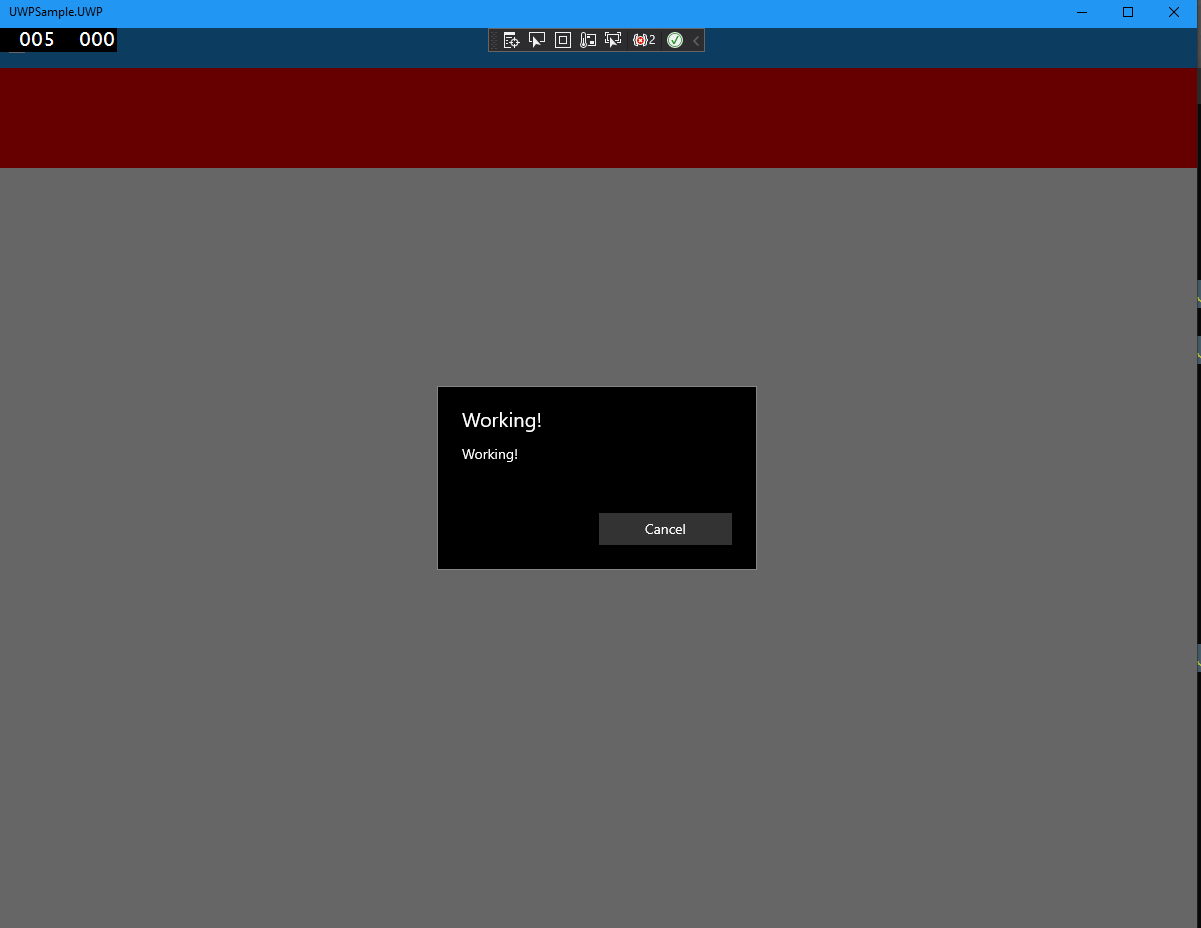
The issue is related to the UWP target version. You need to have your version configuration like this to make it work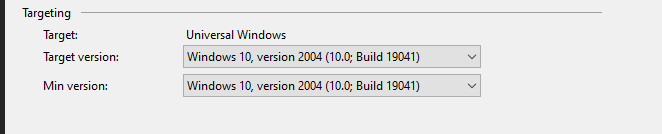
@TuxCZ we’re working harder to put this fix on the next stable release (1.3)