webdriverio: @wdio/cucumber-framework doesn't report variables in dataTables from Scenarios Outline Examples
There is an issue which persists along wdio versions which is parsing variable values from Examples in Scenario Outline to the Json Reporter in data tables
See the report:
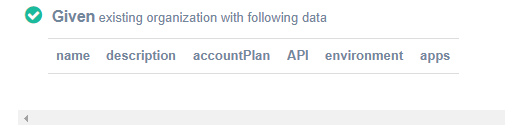 And the feature:


The execution is ok, the problem happens when parsing the variable. See the json report block:
"cells": [
                                            "<name>",
                                            "<description>",
                                            "<accountPlan>",
                                            "<API>",
                                            "<environment>",
                                            ""
                                        ],
Which is taken in the html as html nodes because the '<>; symbols
My npm dependencies: “devDependencies”: { “@babel/cli”: “7.8.4”, “@babel/core”: “7.9.0”, “@babel/preset-env”: “^7.9.6”, “@babel/register”: “^7.7.0”, “@wdio/cucumber-framework”: “6.1.13”, “@wdio/local-runner”: “5.23.0”, “@wdio/spec-reporter”: “5.23.0”, “@wdio/sync”: “5.23.0”, “chromedriver”: “^83.0.0”, “expect”: “24.3.0”, “expect-webdriverio”: “0.2.0”, “fs-extra”: “^9.0.0”, “geckodriver”: “^1.19.1”, “multiple-cucumber-html-reporter”: “^1.16.2”, “wdio-chromedriver-service”: “5.0.2”, “wdio-cucumberjs-json-reporter”: “^2.0.0”, “wdio-geckodriver-service”: “^1.0.3”, “winston”: “^3.2.1”, “yargs”: “^15.3.1”
About this issue
- Original URL
- State: closed
- Created 4 years ago
- Comments: 27 (19 by maintainers)
I’ve raised the PR that should give an idea on how to to fix the issue.
Even though “it works” the code doesn’t look well and can be optimized 😃
Here is the test data I used:
Feature file
step definition
how it looks now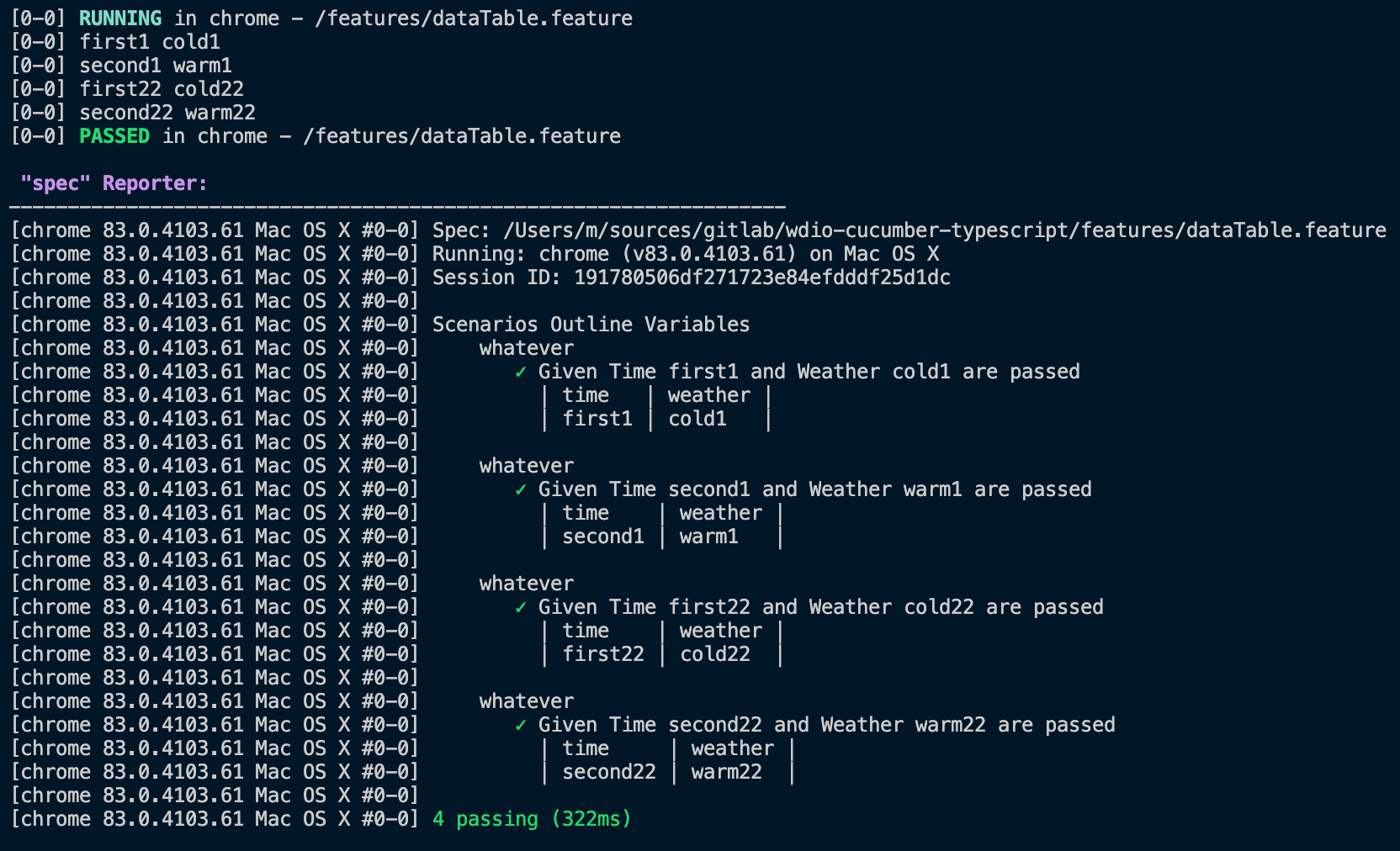
I’ll try to complete it on Sunday, otherwise feel free to pick it up because I don’t have free time next week 😦
Great! It´s fixed, thank you very much for your effort!
@mgrybyk
Already tested it with my report and it works 🎉