binaryninja-api: Binary Ninja 3.3 has broken antialiasing with Windows 10 (no HiDPI)
Version and Platform (required):
- Binary Ninja Version: 3.3.3996 Personal (Build ID e34a955e)
- OS: Windows 10
- OS Version: 21H2
- CPU Architecture x64
Bug Description:
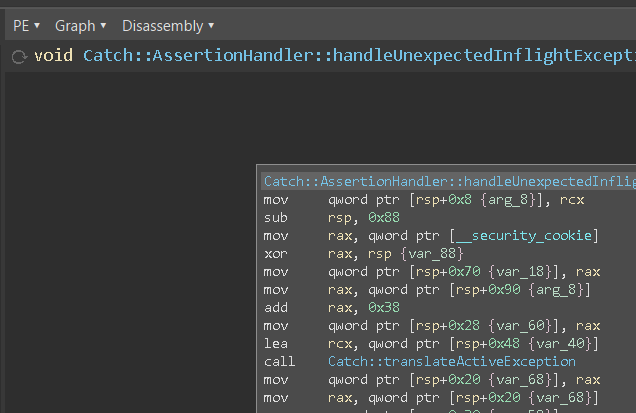
The font antialiasing has been failing for me since at least 3.2. While I could work around it in that version (see below), 3.3 has broken it completely. having blurry widgets even with the default Inter typeface.
Steps To Reproduce: Please provide all steps required to reproduce the behavior:
- Go to Settings, type
fontin the search bar. - Set font.app > “Application font name” to “Segoe UI”
- Restart Binary Ninja.
- Repeat 1, then set font> “Font Antialiasing Style” to any desired option.
Expected Behavior: Crisp font rendering.
Screenshots:
With 3.3:
| Inter/Roboto | Segoe UI/Consolas | |
|---|---|---|
| subpixel |  |
 |
| grayscale | 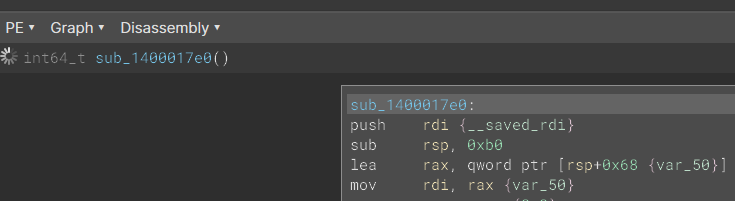 |
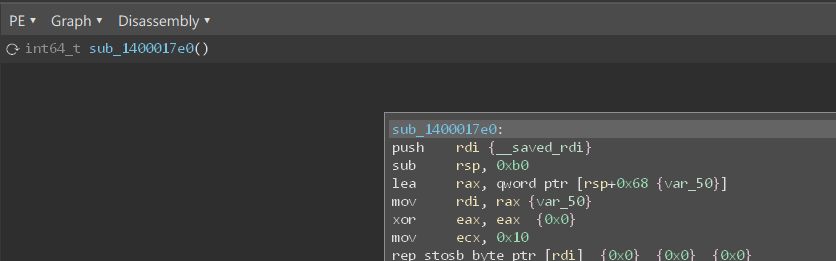 |
| none | 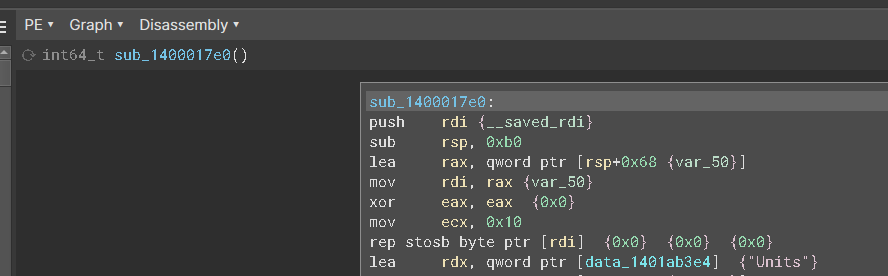 |
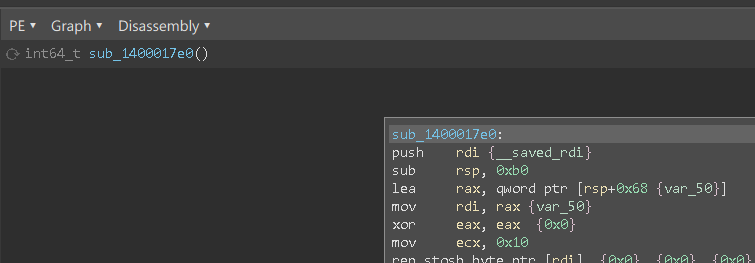 |
With 3.2:
| Inter/Roboto | Segoe UI/Consolas | |
|---|---|---|
| subpixel | 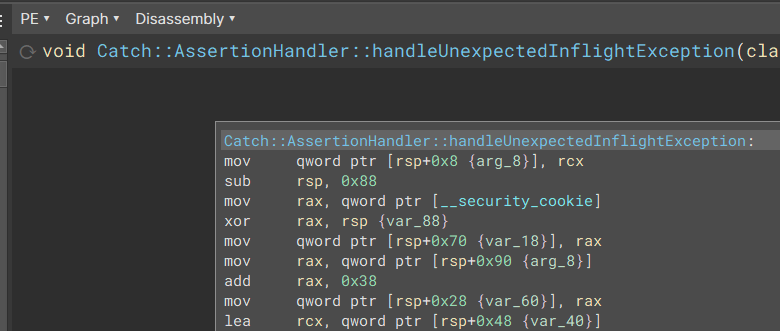 |
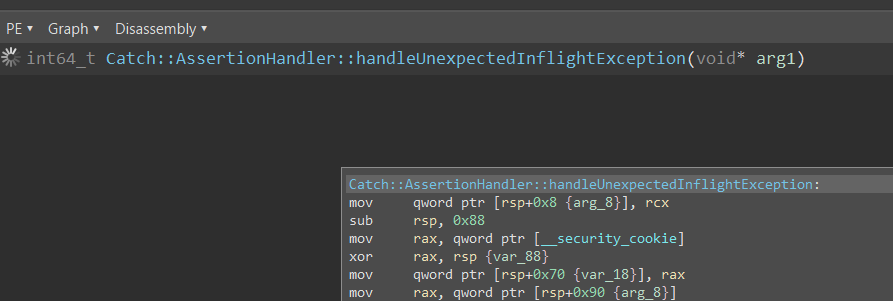 |
| grayscale | 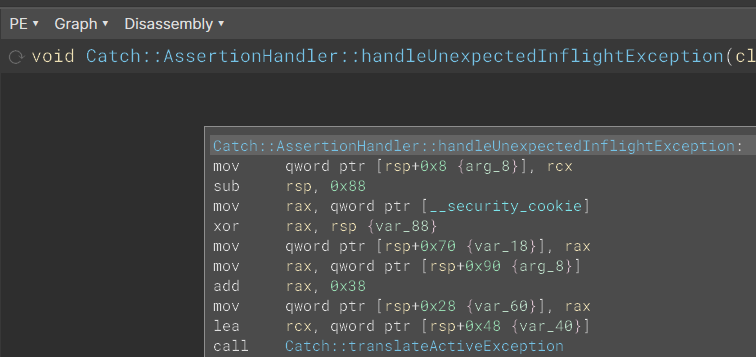 |
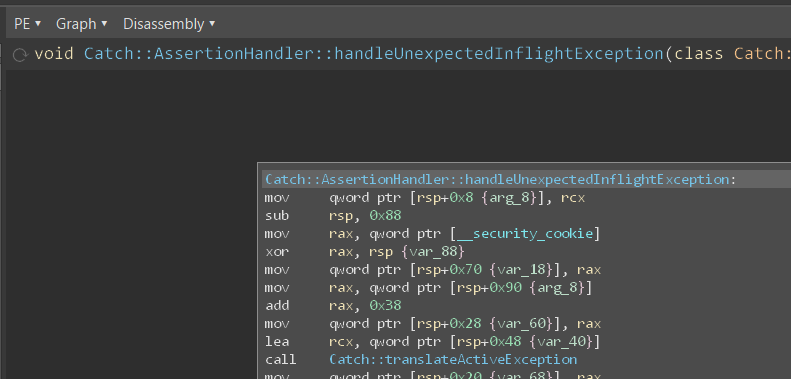 |
| none | 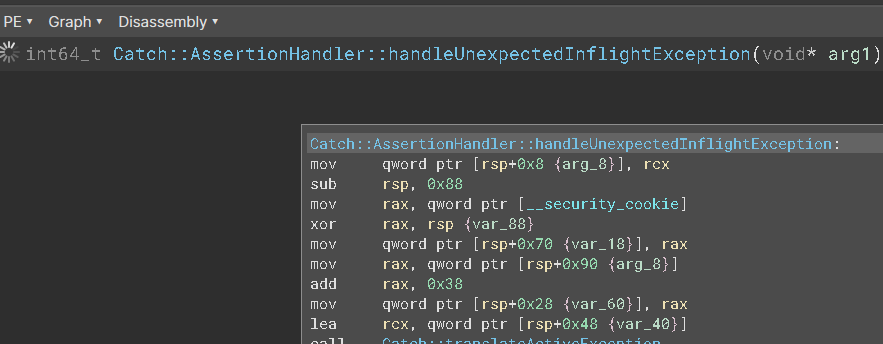 |
 |
Additional Information:
In 3.2, it was possible to work around this by setting “Segoe UI” and “Consolas” as the application and view font name respectively, plus setting the antialiasing to Subpixel. In 3.3, this has broken completely and the UI look just wrong irrespective of font and antialiasing option, as shown in the screenshots above.
About this issue
- Original URL
- State: closed
- Created a year ago
- Comments: 25 (15 by maintainers)
I did not, but I did implement a fallback to our font if there isn’t a match on the filesystem for the font specified in the user settings to fix #4566. So, it sounds like I did indeed have an edge-case that I didn’t account for and I’ll need to implement that differently. 😞
I’ll close this one and re-open that one while I look for a better solution. So close! 😛 Thanks again for testing this out for me.
I’m slipping this to next release. I suspect there are multiple confounding factors here, only one of which is the antialiasing being off.
We upgraded to Qt 6.4.3 for the next release, which has had some improvements, but linear view in particular still looks pretty bad:
There are, however, places in the product that don’t look quite so bad. So, I might need to do a more thorough audit of how we’re rendering text to see if maybe we’re causing additional issues. Since some of the Qt issues mentioned earlier are still open as well, it’s also possible that a future update to the Qt 6.5 series (or newer) might also help resolve some of these problems.
I apologize for this process taking so long, and I do want to get it fixed. It’s just been difficult because of so many confounding factors.