wallet-core: walletconnect doesn't work for trust wallet ios app
Copy of https://github.com/trustwallet/wallet-core/issues/2197, which I could not reopen. Provided more context, including a link to a demo where you can observe the issue happening.
Describe the bug
Using the WalletConnect npm package, we are not able to our Trust Wallet app to properly connect with our dapp. A new WalletConnect connection seems to be prematurely added to the WC seciton of the app, but our site is still waiting for the user to read the ETH message and sign it
To Reproduce You can see it here: https://wallet-kit-e2e-react-pr-299.onrender.com/
Steps:
-
click on “connect my wallet”
-
scroll down to “trust” and click on it

-
scan the QR code with ios app (my app version is
7.9 (650)) -
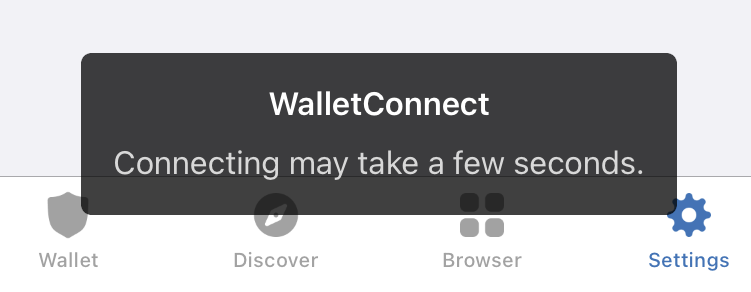
app hangs with:
Expected behavior
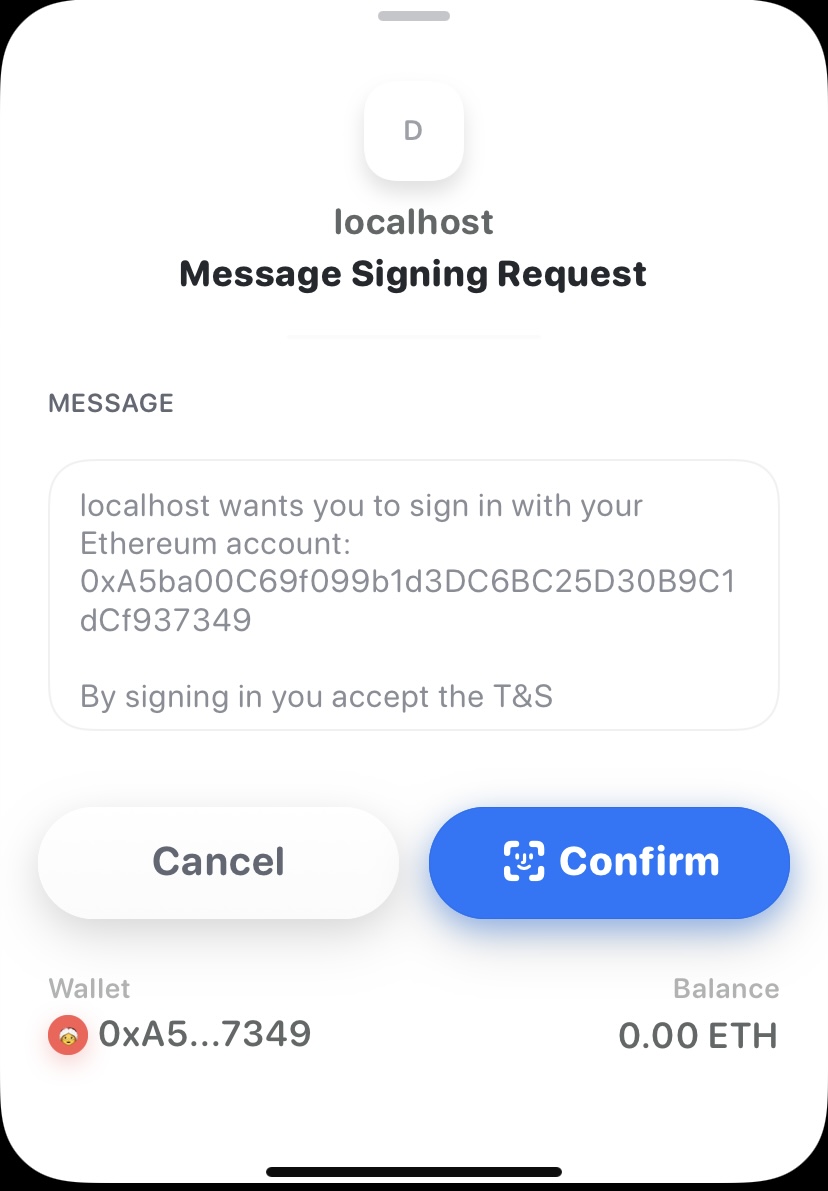
A sign-in view, with the message, should be displayed and there’s a way for the user to confirm the message. For example, we get the following with rainbow using the exact same code in the previous section:
Additional context
In case it might help, the client object from client.signPersonalMessage above is the following (after JSON.stringify):
{
  "protocol":"wc",
  "version":1,
  "_bridge":"https://f.bridge.walletconnect.org",
  "_key":{ },
  "_clientId":"68a2c54b-0245-4526-9a25-79d77d71a9d1",
  "_clientMeta":{
    "description":"",
    "url":"http://localhost:4200",
    "icons":[
      "http://localhost:4200/assets/apple-touch-icon.png",
      "http://localhost:4200/assets/favicon-32x32.png",
      "http://localhost:4200/assets/favicon-16x16.png",
      "http://localhost:4200/favicon.ico"
    ],
    "name":"Dashboard"
  },
  "_peerId":"a938900b-6831-4740-b41c-59a2af9448af",
  "_peerMeta":{
    "description":"",
    "icons":[ ],
    "name":"Trust Wallet",
    "url":"https://trustwallet.com"
  },
  "_handshakeId":1651769694012533,
  "_handshakeTopic":"a56c05ed-bc12-47bc-af06-646c1c71c423",
  "_connected":true,
  "_accounts":[ "0xADe186d1607fC324196aF0d37aFF64e975ea4378" ],
  "_chainId":1,
  "_networkId":0,
  "_rpcUrl":"",
  "_eventManager":{
    "_eventEmitters":[
      { "event":"display_uri" },
      { "event":"connect" },
      { "event":"call_request_sent" },
      { "event":"wc_sessionRequest" },
      { "event":"wc_sessionUpdate" },
      { "event":"response:1651769694012533" },
      { "event":"connect" },
      { "event":"disconnect" },
      { "event":"response:1651769706341401" }
    ]
  },
  "_cryptoLib":{ },
  "_sessionStorage":{ "storageId":"walletconnect" },
  "_signingMethods":[
    "eth_sendTransaction",
    "eth_signTransaction",
    "eth_sign",
    "eth_signTypedData",
    "eth_signTypedData_v1",
    "eth_signTypedData_v2",
    "eth_signTypedData_v3",
    "eth_signTypedData_v4",
    "personal_sign",
    "wallet_addEthereumChain",
    "wallet_switchEthereumChain",
    "wallet_getPermissions",
    "wallet_requestPermissions",
    "wallet_registerOnboarding",
    "wallet_watchAsset",
    "wallet_scanQRCode"
  ],
  "_transport":{
    "opts":{
      "protocol":"wc",
      "version":1,
      "url":"https://f.bridge.walletconnect.org",
      "subscriptions":[ "68a2c54b-0245-4526-9a25-79d77d71a9d1" ]
    },
    "_queue":[ ],
    "_events":[
      { "event":"message" },
      { "event":"open" },
      { "event":"close" },
      { "event":"error" }
    ],
    "_subscriptions":[ "68a2c54b-0245-4526-9a25-79d77d71a9d1" ],
    "_protocol":"wc",
    "_version":1,
    "_url":"https://f.bridge.walletconnect.org",
    "_netMonitor":{
      "_eventEmitters":[
        { "event":"online" }
      ]
    },
    "_socket":{ },
    "_nextSocket":null
  }
}
About this issue
- Original URL
- State: closed
- Created 2 years ago
- Comments: 19 (8 by maintainers)
@paololim try to do it with VPN, please
Looks like network issue, try to remove all sessions and kill the app then try again
could you please try to update iOS app to latest version (7.9 650)? I tried and worked