serpbear: Unable to connect to GSC
I added all required variables and it logs:
2023-04-23T23:14:05.451004008Z [0] [ERROR] Search Console API Error for site.com (3days) : undefined undefined
2023-04-23T23:14:05.451859598Z [0] [ERROR] Search Console API Error for site.com (7days) : undefined undefined
2023-04-23T23:14:05.452633155Z [0] [ERROR] Search Console API Error for site.com (30days) : undefined undefined
2023-04-23T23:14:05.453519311Z [0] [ERROR] Search Console API Error for site.com (30days) : undefined undefined

Could Not fetch Keyword Data for this Domain from Google Search Console. is what shows on site.
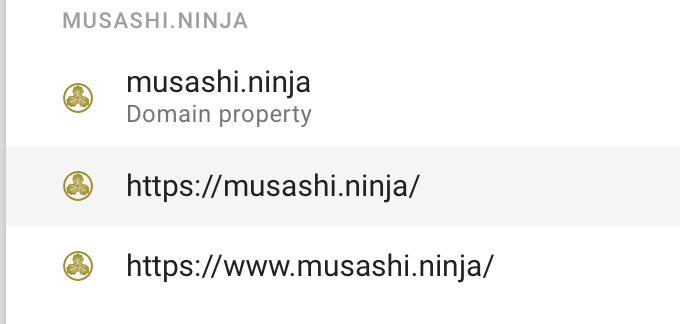
I got all variants and I added the console api email to all with full access. I am using similar with SEOPress and there insights works well.
I see this is an area to improve a bit. As of first 3 hours of testing since I deployed all works well, beside the Console integration.
About this issue
- Original URL
- State: closed
- Created a year ago
- Comments: 15 (6 by maintainers)
@uhlhosting Were you able to identify and fix the issue?
Damn ! I coulnd’t find this option before:
And i thought it was from an old interface and no longer needed. But i’ve seen it now! Added the email and all is working fine! Thanks!