panes: [BUG] Keyboard resize behavior
I have a Pane with a Textarea in it. In it smallest breakpoint it is smaller than the keyboard height. Focusing this cause a Keyboard resize (of course lol). The resize behavior is not working.
-
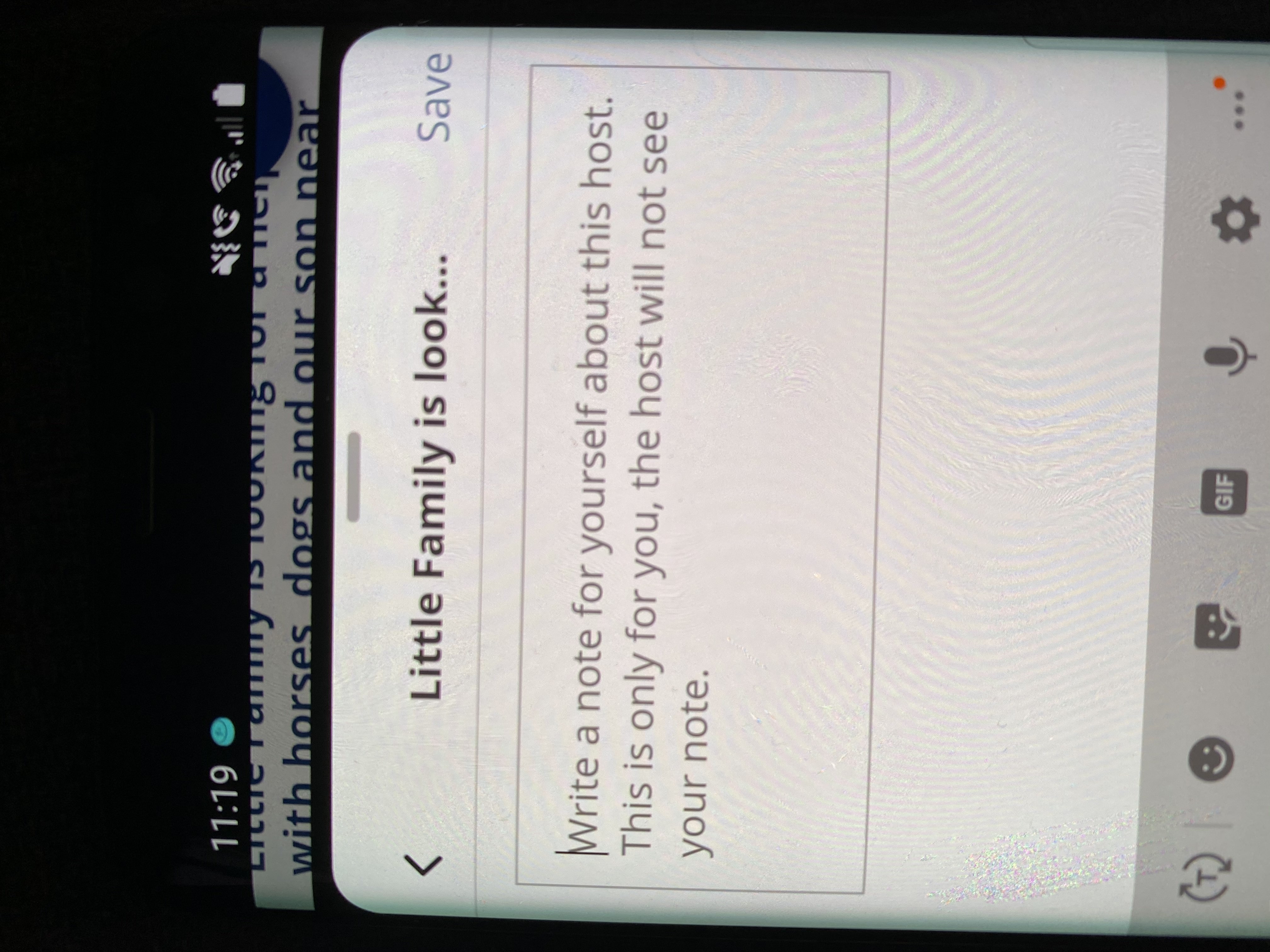
Android: View is getting resized somehow, but kinda breaks. I have a black bar at the top and the <ion-fab> which is positioned absolute is displayed at the top, so it’s relative container is kinda shrinked over the pane? (Screenshot attached)
-
iOS: The Pane does not resize at all, i think because it is
fixed.
Expected behavior
On both Platforms the Pane should be adjusted to be displayed over the keyboard (like android) but without being buggy.
Screenshots
Android:
Smartphone (please complete the following information):
- Device: S8 / iPhone 11 Pro
- OS: Android 9 / iOS 14.1
About this issue
- Original URL
- State: closed
- Created 4 years ago
- Comments: 15
Commits related to this issue
- handle keyboard - issue #80 — committed to tech-systems/panes by roman-rr 4 years ago
@EinfachHans Let’s confirm scenario’s.
Chrome/Safari/WkWebView/WebView
We don’t have keyboard callbacks such as close/open. User’s must use input focus/blur callback’s to handle keyboard. On focus ->
moveToBreak('top')or on focus ->moveToHeight(current + keyboardHeight)Cordova apps
By default no callbacks, we using method above
Cordova/Capacitor apps with keyboard plugin
Here we have listeners
And we can push keyboard from our side to keyboard height. Also, create new option
pushOnKeyboard: trueby default.Something more ?
@EinfachHans I have plan to handle this issue within one week. Until that, you can handle it manually with
moveToHeight()method on focus/blur input.