svgo: TypeError: Cannot read property 'toFixed' of undefined
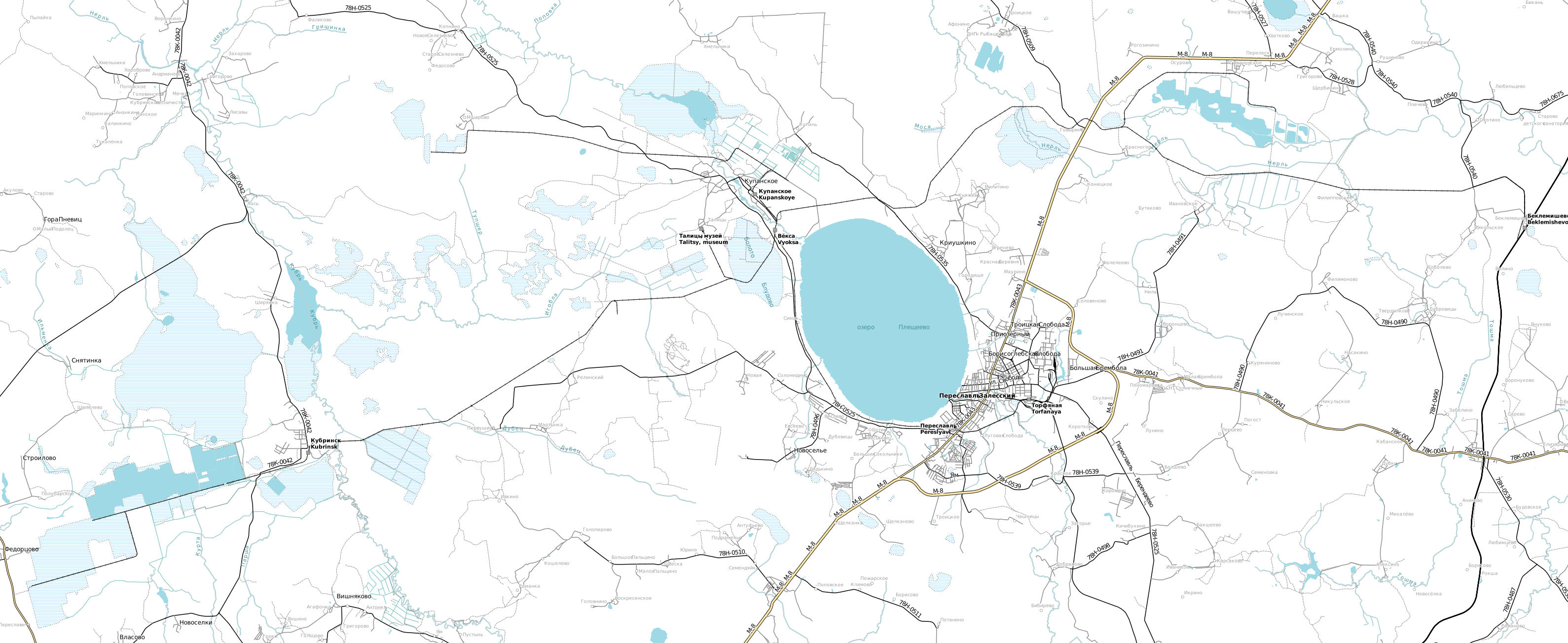
Prozessing File:Pereslavl_narrow_gauge_railway_1990.svg with
svgo -i Pereslavl_narrow_gauge_railway_1990.svg -o output.svg --pretty --indent=1
leads to
TypeError: Cannot read property 'toFixed' of undefined at strongRound (C:\Users\jkalliau\AppData\Roaming\npm\node_modules\svgo\plugins\convertPathData.js:766:21) at C:\Users\jkalliau\AppData\Roaming\npm\node_modules\svgo\plugins\convertPathData.js:424:17 at Array.filter (<anonymous>) at filters (C:\Users\jkalliau\AppData\Roaming\npm\node_modules\svgo\plugins\convertPathData.js:272:17) at Object.exports.fn (C:\Users\jkalliau\AppData\Roaming\npm\node_modules\svgo\plugins\convertPathData.js:79:20) at C:\Users\jkalliau\AppData\Roaming\npm\node_modules\svgo\lib\svgo\plugins.js:61:45 at Array.filter (<anonymous>) at monkeys (C:\Users\jkalliau\AppData\Roaming\npm\node_modules\svgo\lib\svgo\plugins.js:48:39) at C:\Users\jkalliau\AppData\Roaming\npm\node_modules\svgo\lib\svgo\plugins.js:68:17 at Array.filter (<anonymous>)
(Same as in https://github.com/svg/svgo/issues/987, except here I don’t specify convertPathData, therfore it is enabled.)



About this issue
- Original URL
- State: closed
- Created 6 years ago
- Reactions: 2
- Comments: 24 (12 by maintainers)
Commits related to this issue
- Original svgs Change back because of this https://github.com/svg/svgo/issues/990 — committed to feelingapp/feeling-app by adamjhc 4 years ago
Edit: The issue occurred with SVGs that contain
<pathdattribute values that use shorthand for decimals, omitting the zero integer.When in your
package.jsonasvgorelease is used where this issue should have been fixed, but you still get this error, your project quite probably uses another package that indirectly uses an older/outdatedsvgodependency. You can find this out by using thenpm ls svgocommand (not sure whetheryarnsupports this, too, I switched fromyarnback tonpmwhennpmbecame fast enough). This will list a dependency tree of the packages in the project that use thesvgopackage. In my case (roots.io Sage 9 base theme), the packagecss-loaderrequired other old dependencies and one of them requires a very old package ofsvgo(css-loaderis used for inlining SVGs in the CSS). Luckily there was already a newer version ofcss-loaderavailable that requires newer dependency which themselves, in turn, require a recentsvgowith this issue fixed.So I’ve experienced this with babel-plugin-inline-react-svg today, but they won’t update their version of svgo because this library was updated to be asynchronous. Here’s an issue about that: https://github.com/svg/svgo/issues/1015 Is this essentially a catch-22 where neither library will make a move in either direction?
It was an easy fix for me to re-optimise my SVG to not strip the zero integer, but it may not always be that way…
Example of svg that triggers this error:
Seems like no more an issue.
Yep, looks like this issue is fixed with v1.2.2
@dingo-d: Check your dependency tree for outdated
svgopackages, see these instructions: https://github.com/svg/svgo/issues/990#issuecomment-570012473gulp-imageminmay use its own, separate and outdatedsvgodependency.@trainoasis: Check your dependency tree for outdated
svgopackages, see these instructions: https://github.com/svg/svgo/issues/990#issuecomment-570012473This issue just popped up in my notifications. Has anyone edited or added something I hadn’t noticed?
@adam-hite it may be because of incorrect image. But as I see by stacktrace, there is outdated version of SVGO underhood.
Has the issue been fixed?
Need to keep in mind if upgrading that the issue exists in 1.3.0
Can confirm this is not an issue in v1.2.2