cli: Cannot create a new user on dev server
Bug report
Describe the bug
I cannot create a user either with JS or via Studio.
To Reproduce
JS (1)
Example from https://supabase.com/docs/reference/javascript/auth-api-createuser seems wrong.
// error TS2345: Argument of type '{ name: string; }' is not assignable to parameter of type 'UserAttributes'.
const { data: user, error } = await supabase.auth.api.createUser({ name: 'Yoda' });

JS (2)
Instead I use following:
// I got error: { message: 'Database error checking email', status: 500 }
const { data: user, error} = await supabase.auth.api.createUser({ email: "abc@xyz.com", data: {name: 'Yoda'} });
Studio
I try to use Authetication/Users/Invite, but got error “Failed to invite user: Database error finding user”

supabase/supabase#4268 mentions disabling e-mail confirmation, but I can’t find how to do it in the local dev studio.
System information
macOS 11
About this issue
- Original URL
- State: closed
- Created 3 years ago
- Comments: 15 (7 by maintainers)
You should be able to monitor & click the confirmation email on the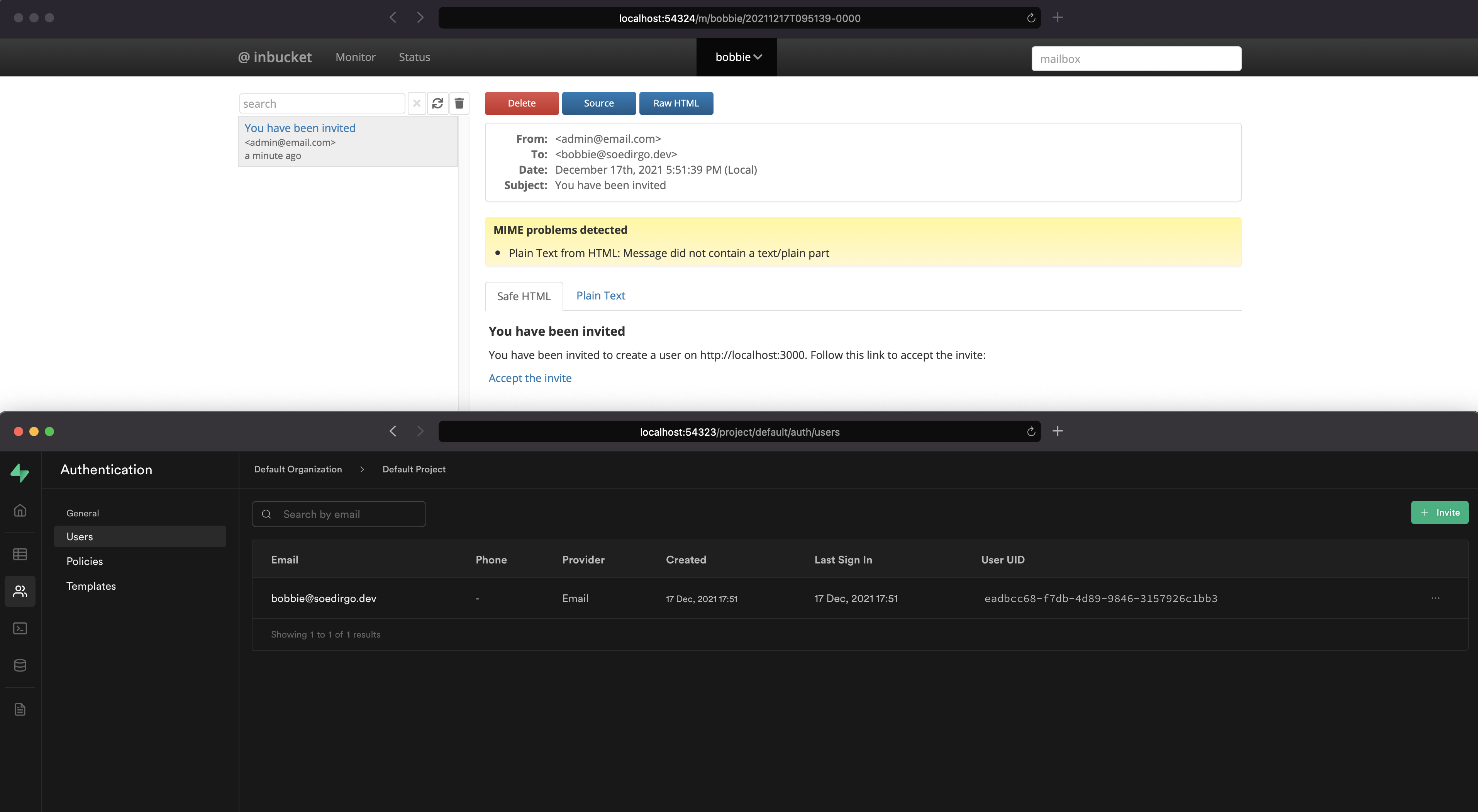
inbucketport (http://localhost:54324):I found a workaround. I’m sharing here if anyone needs it until a proper solution is developed.
To create a user in development server:
supabase/config.jsonfile and addports.inbucketkey with a port value. (i.e. 54324)auth.userstable and update the user by settingemail_confirmed_atcolumn to a date. (i.e. ‘2012-12-01 00:00:00’)Now, you have a verified user and can use
await supabase.auth.signIn({ email: "abc@xyz.com", password: "password" });@soedirgo, thank you. I didn’t know that it is a connectable web-based app.