auth: Custom email templates are not working
Bug report
Describe the bug
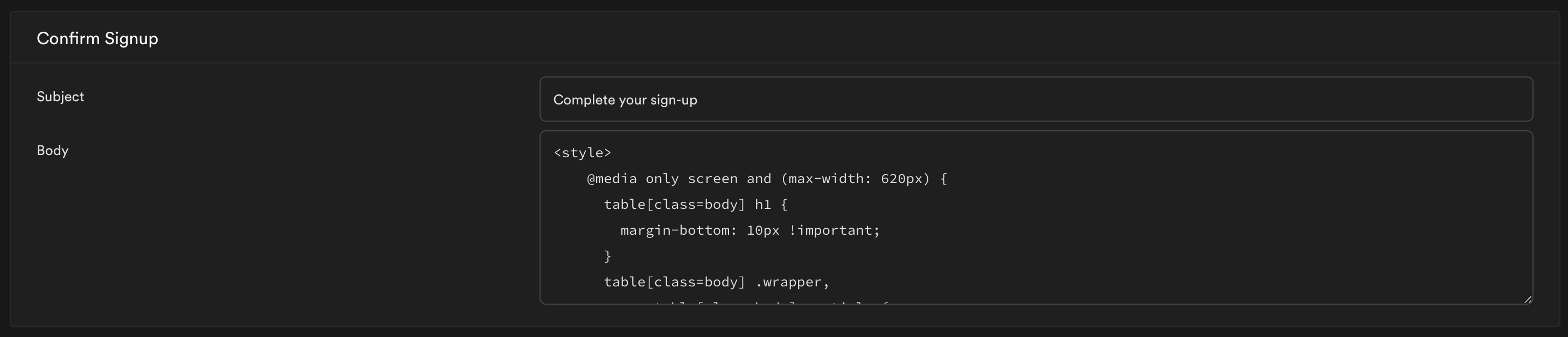
- Enable Custom SMTP (in case relevant I am using SendGrid SMTP Gateway)
- Create a custom email template for “Confirm Signup”
- Use a custom
subjectand custombody - Save these changes
- Refresh the dashboard and confirm the changes are saved correctly - all good
The email that gets delivered uses the new custom subject but the body is the default supabase template
Expected behavior
The email that gets delivered should use the custom body as well (currently only the subject is being used).
Screenshots
If applicable, add screenshots to help explain your problem.
System information
- N/A - standard Supabase cloud setup
About this issue
- Original URL
- State: closed
- Created 5 years ago
- Reactions: 2
- Comments: 16 (5 by maintainers)
@dthyresson i can indeed confirm that this issue is fixed if I remove the erroneous
{{{preheader}}}tag.Many thanks for investigating. I agree with you would make a lot of sense that there is pre-validation of the template on save.
And also would be very useful to get the auth logging fixed in the dashboard.
@fincha
Unfortunately, e-mails are not used if wrong variables are used.
Remove the variable
{{ current_year }}and the e-mail should be sent with this template.