LSP: LSP cannot be automatically enabled in ST4
Describe the bug
LSP is installed for ST4, but cannot be automatically enabled when editing files. Here is the example for R file:
// Settings in here override those in "LSP/LSP.sublime-settings"
{
	"clients":
	{
		"rlang":
		{
			"command":
			[
				"R",
				"--slave",
				"-e",
				"languageserver::run()"
			],
			"enabled": true
		}
	},
}
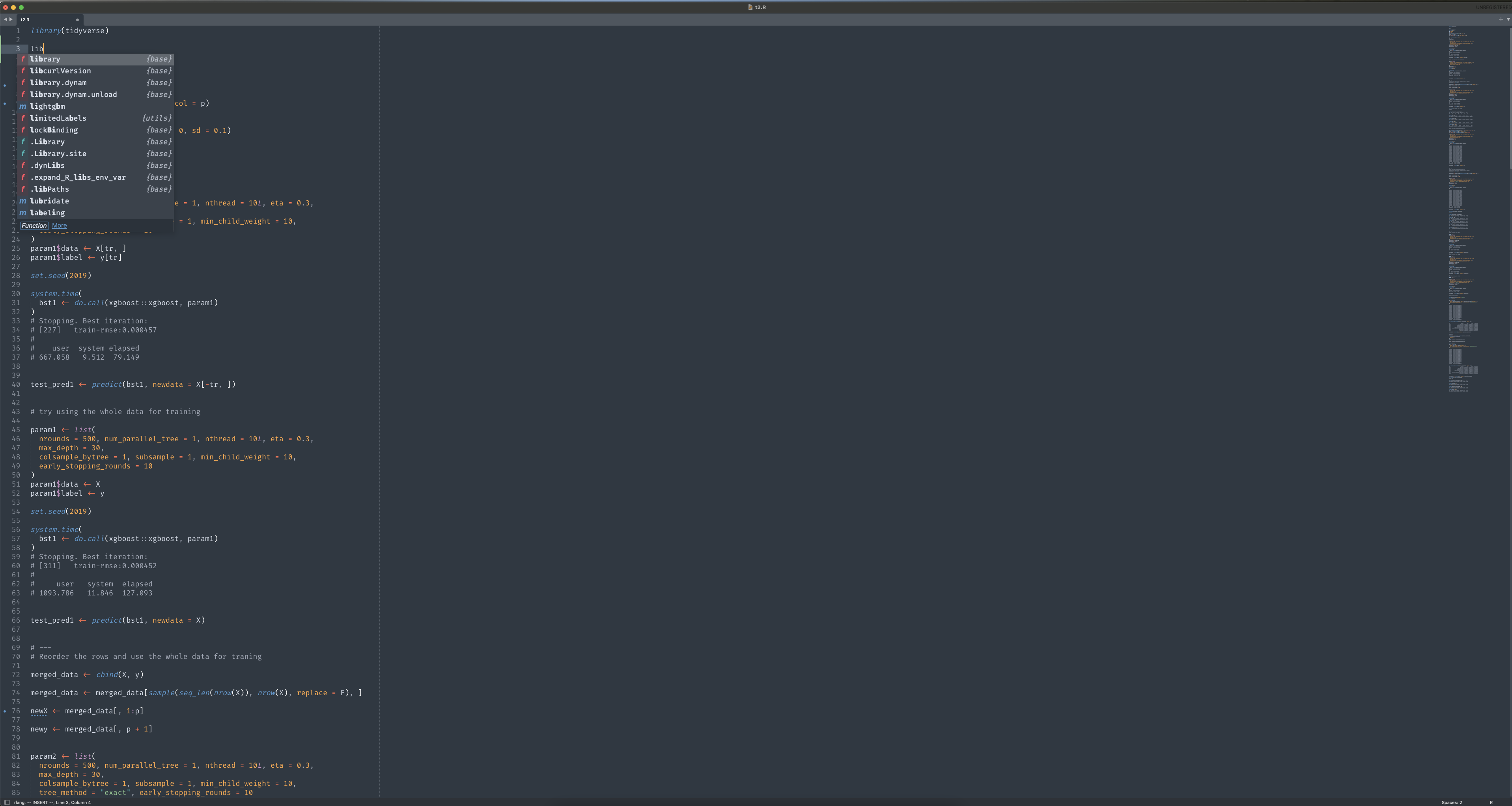
However, when opening the new R file the left bottom corner cannot indicate rlang is loaded. A stranger stuff is that when I click LSP: Enable Language Server Globally, and then the left bottom corner says: No config available to enable. Another stranger stuff is that if I edit the LSP settings a little bit (e.g. add the comma and then remove it) and save, then I can find the left bottom conner in the R file indicates that rlang initialize and work. Such situation also applies for pylsp, so that LSP cannot be enabled globally unless I re-open the settings of LSP and modify it a little bit and save.
Expected behavior LSP should be automatically loaded like in ST3.
Screenshots
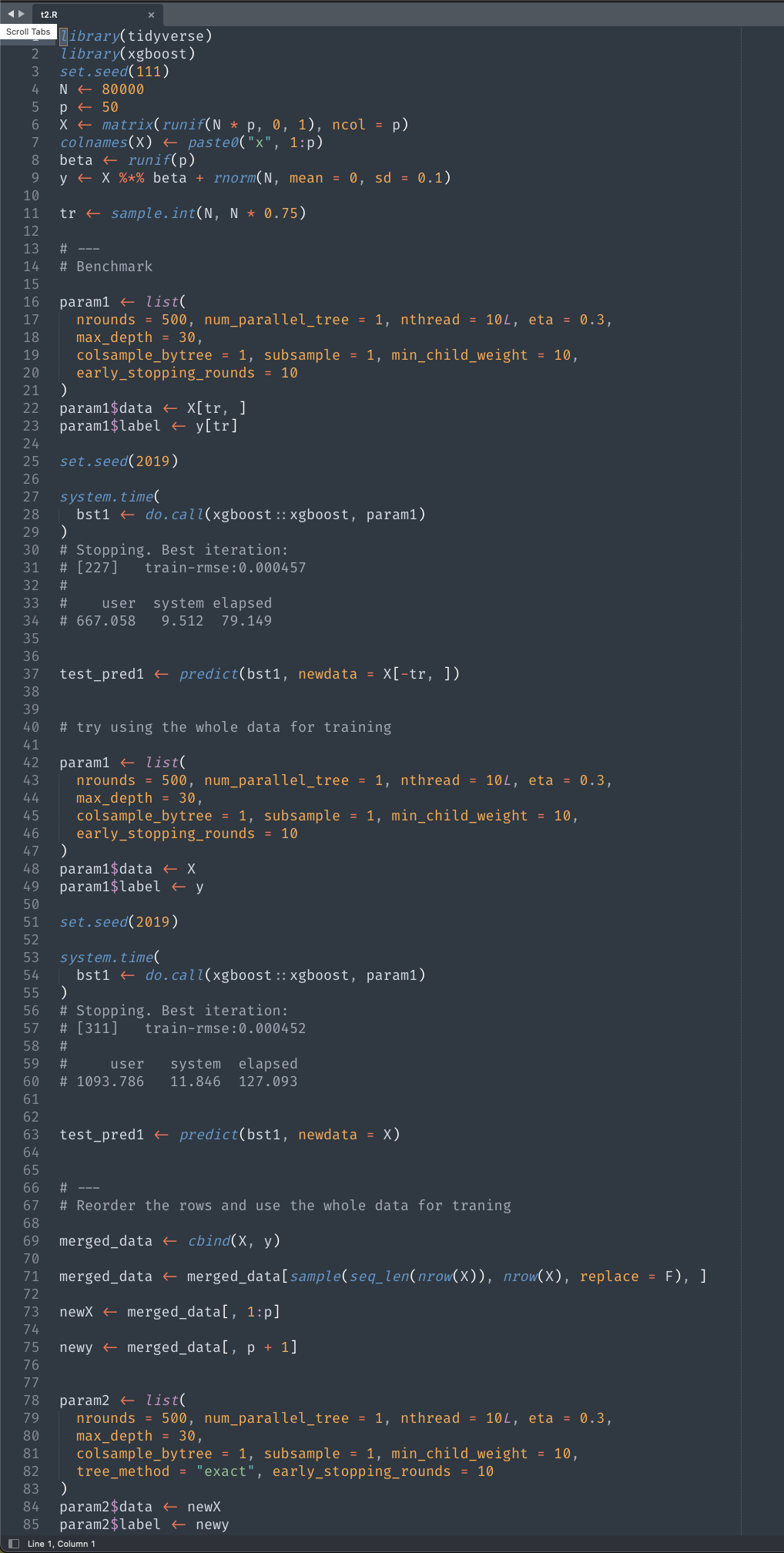

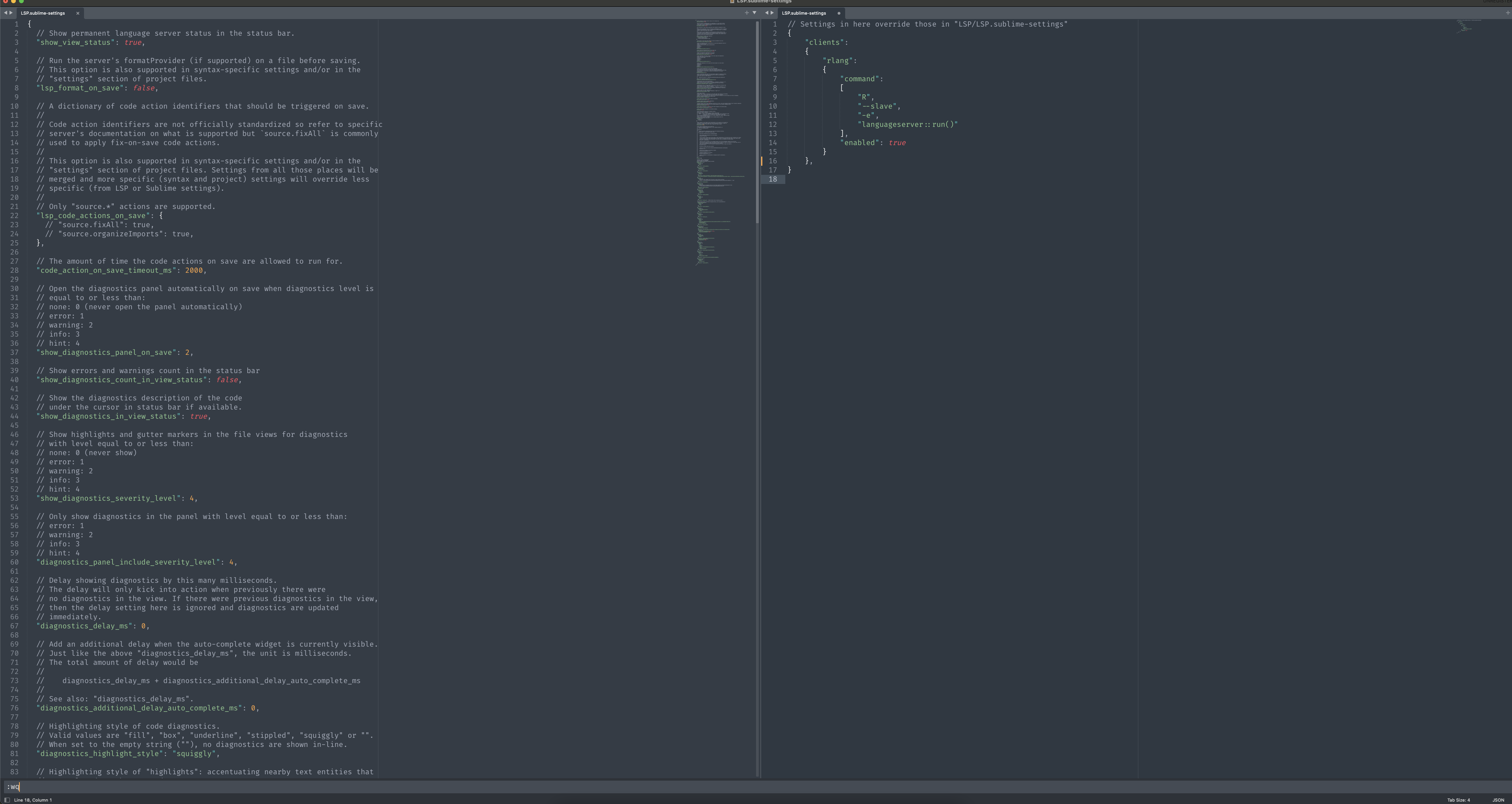
Then everything works well.
Environment (please complete the following information):
- OS: Running under: macOS Big Sur 11.3.1
- Sublime Text version: 4107
- LSP version: 1.3.1
About this issue
- Original URL
- State: closed
- Created 3 years ago
- Comments: 18 (15 by maintainers)
OK. I got extra confused because R-IDE is even mentioned in the readme of the language server: https://github.com/REditorSupport/languageserver/
Yes, R-IDE did provide a client configuration implicitly. But it seems that it’s making users confused because it is not visible to users. So I decided to remove it. And now it is a great opportunity to make it right and more transparent to users.
@randy3k done. BTW, apologies if this might have brought you sudden extra work. I was under the impression the R-IDE package took care of providing a client configuration. In any case, I’m not in a hurry to release a new LSP version soon 😃
sounds good to me.
Would it be actually better to create a separate LSP-R package than baking it in R-IDE? By the way, I am the author of R-IDE.
I ran into the same issue and appreciate the solution @asam46 found - thanks.
@randy3k is the author of the R package so he might be interested in whatever the issue is