storybook: Published Storybook Never Loads (perpetual spinner)
Describe the bug
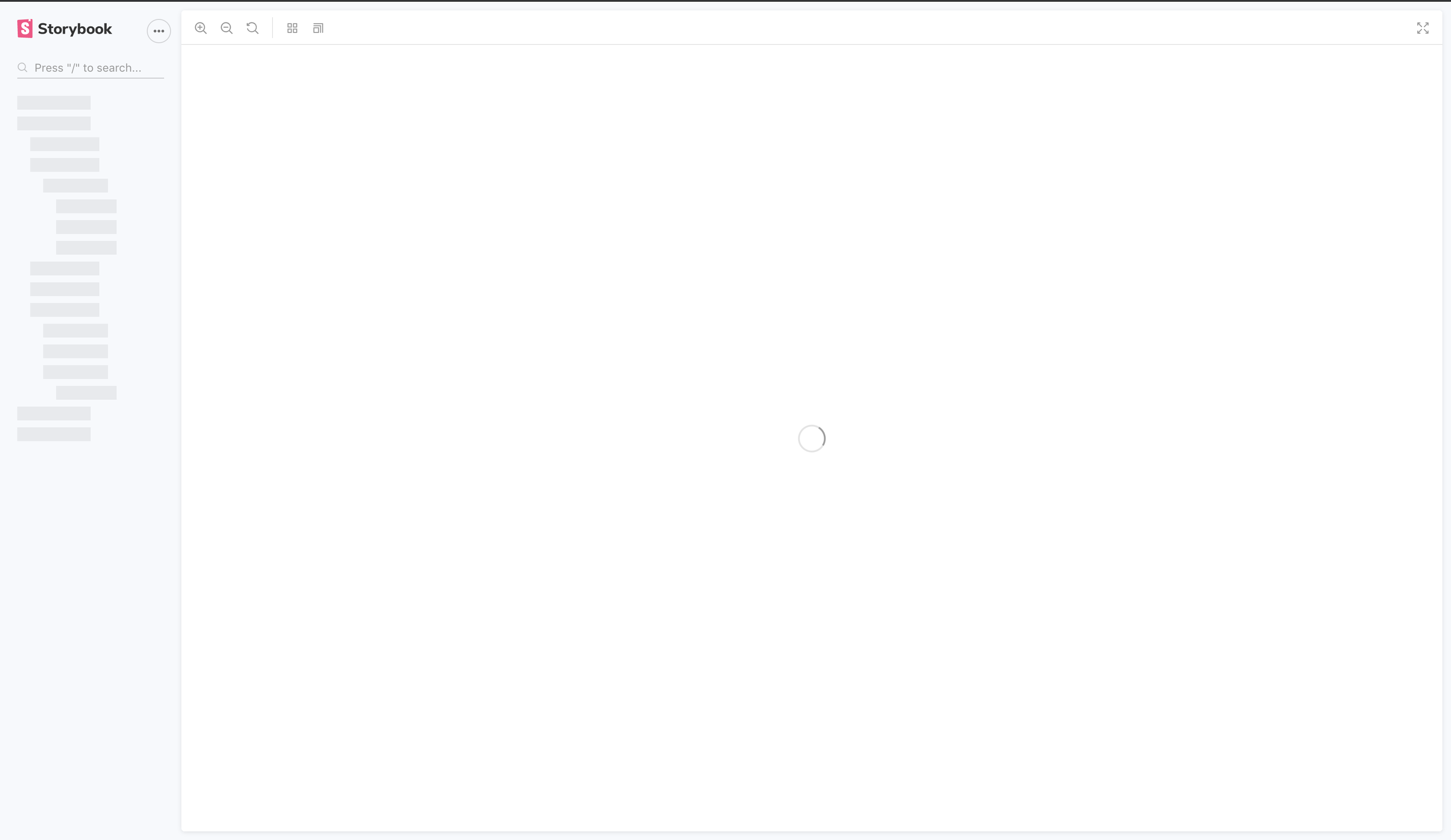
When I try and publish my Storybook it builds fine but the deployed site never gets past the loading screen shown below.
It works fine when I run it locally with npm run storybook.
It also works when I build it and run npx http-server .[build-folder].
I, however, get the same error when I serve it serve -s [build-folder].
I’m testing it on a blank CRA project with all the boilerplate stories. Is anybody else experiencing this problem?
System:
Environment Info:

  System:
    OS: macOS Mojave 10.14.6
    CPU: (12) x64 Intel(R) Core(TM) i7-8750H CPU @ 2.20GHz
  Binaries:
    Node: 12.16.1 - ~/.nvm/versions/node/v12.16.1/bin/node
    npm: 6.14.5 - ~/.nvm/versions/node/v12.16.1/bin/npm
  Browsers:
    Chrome: 85.0.4183.102
    Edge: 84.0.522.63
    Firefox: 78.0.1
    Safari: 14.0
  npmPackages:
    @storybook/addon-actions: ^6.0.21 => 6.0.21
    @storybook/addon-essentials: ^6.0.21 => 6.0.21
    @storybook/addon-links: ^6.0.21 => 6.0.21
    @storybook/node-logger: ^6.0.21 => 6.0.21
    @storybook/preset-create-react-app: ^3.1.4 => 3.1.4
    @storybook/react: ^6.0.21 => 6.0.21
About this issue
- Original URL
- State: closed
- Created 4 years ago
- Comments: 22 (10 by maintainers)
@shilman I resolved the problem. It was similar to the
serveissue you pointed out in that it was related to theiframe. I created a generic rule on my backend to catch alliframe.html(as well as other) requests and redirect toindex.html.Posted below for future reference to anyone experiencing deployment issues with AWS Amplify / S3 static deployment.
SOURCE ADDRESS: </^[^.]+$|\.(?!(html|css|gif|ico|jpg|js|png|txt|svg|woff|ttf)$)([^.]+$)/>Hi, you can just remove “-s” option from your serve request.
Use : serve [build-folder]
This worked for me:
SOURCE ADDRESS: </^[^.]+$|\.(?!(html|css|gif|ico|jpg|js|png|txt|svg|woff|ttf)$)([^.]+$)/>redirects to/index.htmlstatus:200 (rewrite)So far, I haven’t needed to include the iframe rule. I’ll monitor and report back.
@lallenfrancisl this fixed it for me - thanks for the input! For anybody else here’s my screenshot of Amplify rules. I used
404 redirectto get it working.There should be another rule which redirects requests to /iframe.html. So the other rule needed is
Source: /iframe.htmlTarget: /iframe.html