zed-sdk: NEURAL depth mode not working
Preliminary Checks
- This issue is not a duplicate. Before opening a new issue, please search existing issues.
- This issue is not a question, feature request, or anything other than a bug report directly related to this project.
Description
To record data for an ML project, we (need to) use nvidia accelerated laptops (Windows 10). As your SDK 3.7 came out we decided to test the brand new NEURAL depth mode, however we could not make it to work.
According to the following SDK 3.7 release notes statement:
Use ZED_Diagnostic -nrlo after installing the ZED SDK or launch your application with the new depth mode and wait for the optimization to finish.
we need to optimize the NEURAL depth DL model by either running the ZED Diagnostic tool or running our application with using NEURAL depth mode.
So first, we ran the ZED Diagnostic app which said that NEURAL DEPTH is not optimized. After that we ran our application with NEURAL depth mode, the app started immediately and got fully black depth maps (with retreive_image). Therefore, for some reason the DL model optimiziation is not executed at all.
Steps to Reproduce
Run the following code:
import sys
import cv2
import pyzed.sl as sl

camera = sl.Camera()

init_params = sl.InitParameters()
init_params.camera_resolution = sl.RESOLUTION.HD1080
init_params.camera_fps = 15
init_params.depth_mode = sl.DEPTH_MODE.NEURAL
init_params.coordinate_units = sl.UNIT.MILLIMETER
init_params.depth_minimum_distance = 1000
init_params.depth_maximum_distance = 40000
init_params.camera_image_flip = sl.FLIP_MODE.AUTO
init_params.depth_stabilization = True
runtime_params = sl.RuntimeParameters(confidence_threshold=50, texture_confidence_threshold=100)

err = camera.open(init_params)
if err != sl.ERROR_CODE.SUCCESS:
    print(err)
    sys.exit()

image = sl.Mat()
depth_map = sl.Mat()

while True:
    if camera.grab(runtime_params) == sl.ERROR_CODE.SUCCESS:
        camera.retrieve_image(image, sl.VIEW.LEFT) # Retrieve left image
        camera.retrieve_image(depth_map, sl.VIEW.DEPTH) # Retrieve depth

        numpy_image = image.get_data()
        numpy_depth_map = depth_map.get_data()

        cv2.imshow('DEPTH', numpy_depth_map)
        if cv2.waitKey(1) & 0xFF == ord('q'):
            break
Expected Result
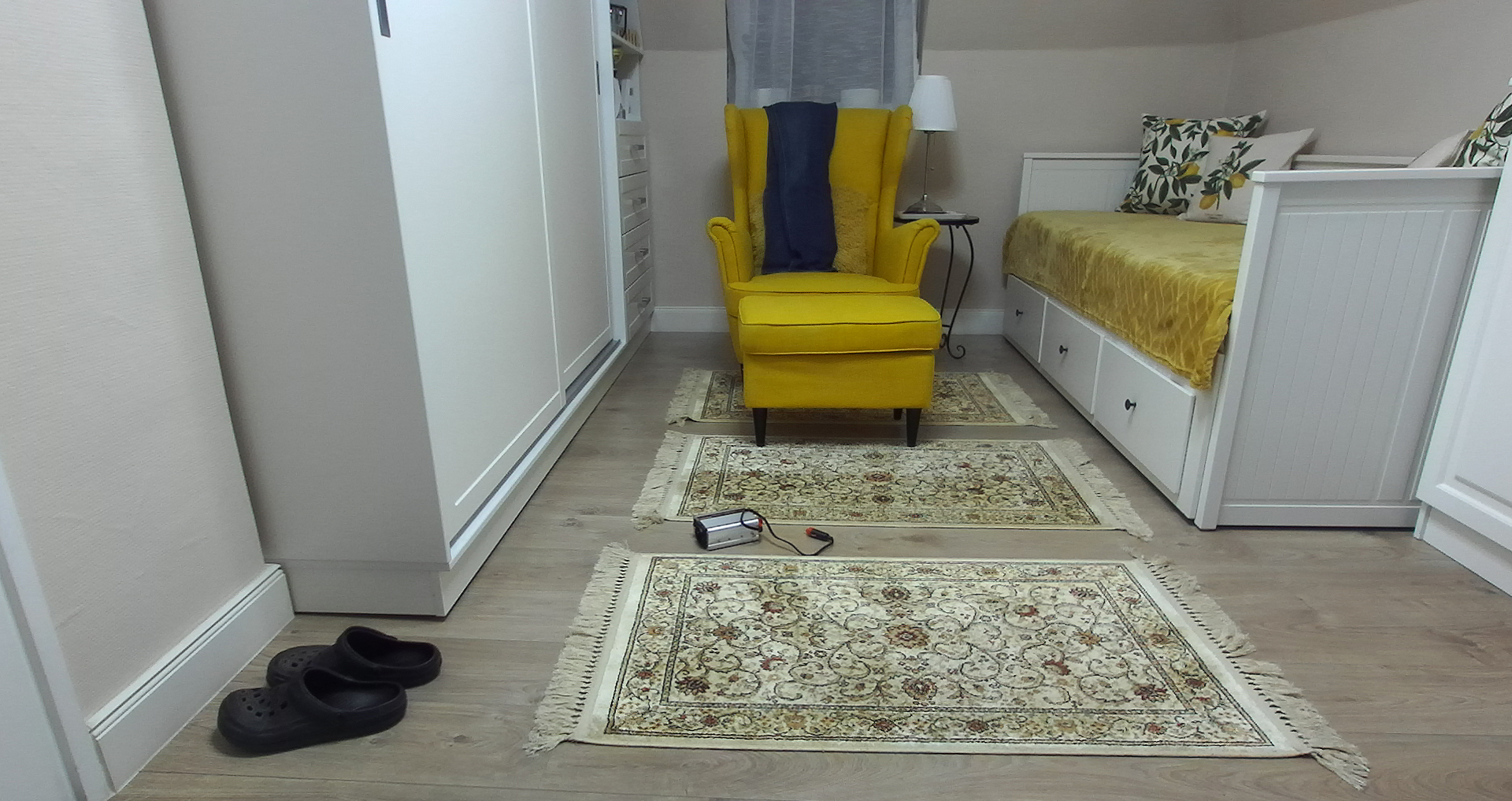
The room looks like this:
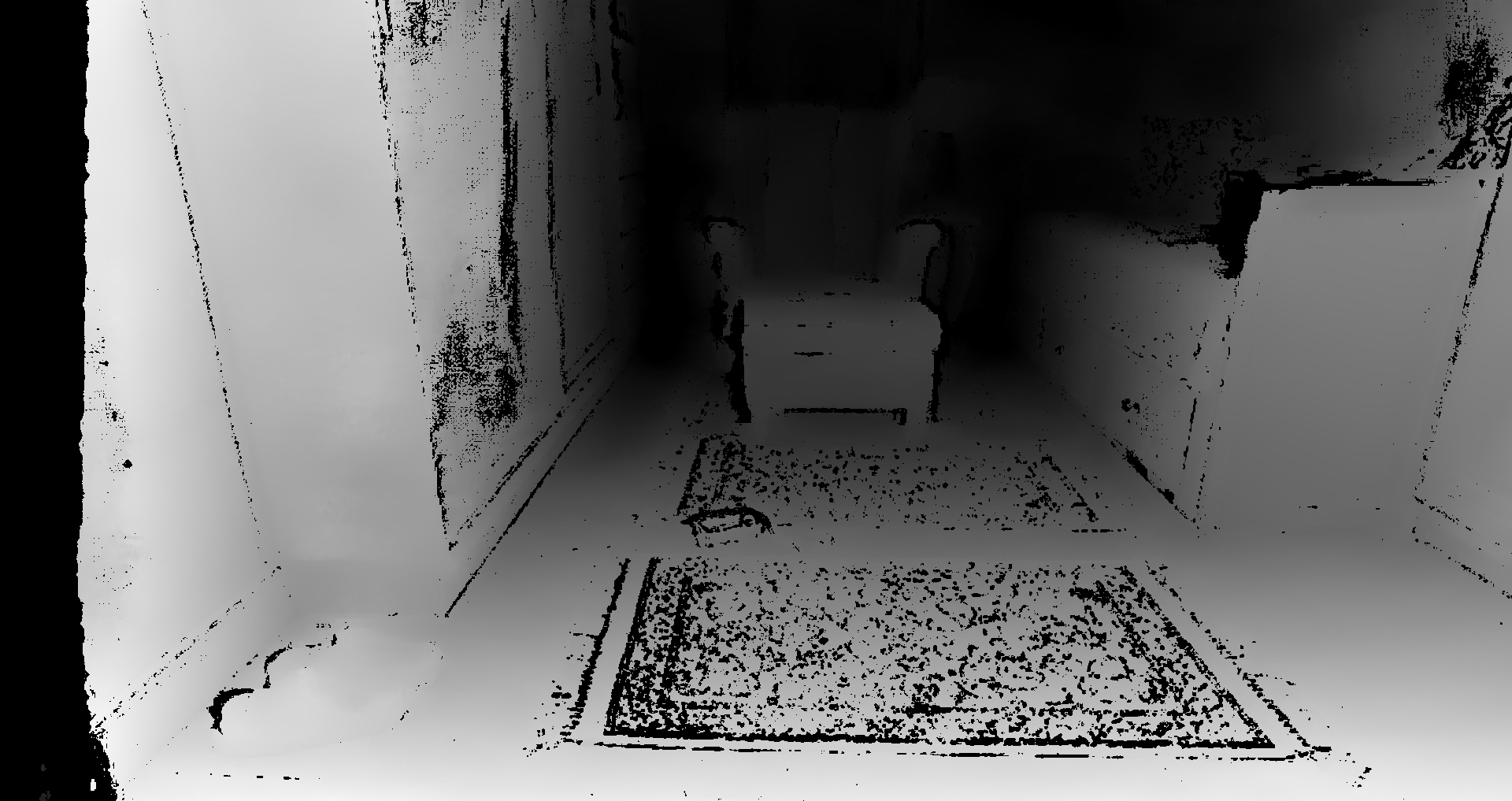
The following depth map was taken using ULTRA depth mode:
Actual Result
With NEURAL depth mode the depth map looks like this:

Furthermore, with the following code, we counted the occurance of unique values in the retreived numpy depth maps:
unique, counts = np.unique(numpy_depth_map, return_counts=True)
The result was: [ 0 255] [6220800 2073600], which means that only 0 and 255 values are in the depth map.
However, during the application run, the python process (that runs the ZED SDK with NEURAL depth mode) uses 377MiB of GPU ram with a 20-55% GPU utilization (based on nvidia-smi) and around 30% CPU utilization (based on the Task Manager).
ZED Camera model
ZED2i
Environment
OS: Windows 10
CPU: Intel Core i7-8565U @ 1.80 GHz
GPU: Nvidia GeForce MX250 @ 2GB
Nvidia driver version: 497.29
CUDA version: 11.5
Camera firmware: 1523
SDK version: 3.7
Python verson: 3.8.10
Anything else?
No response
About this issue
- Original URL
- State: closed
- Created 2 years ago
- Comments: 25 (13 by maintainers)
Hi @pezosanta I tested your Python script under Ubuntu and I’m facing the same issue. We are debugging the Python wrapper searching for a solution. Stay tuned.
@pezosanta the bug will be fixed in the oncoming ZED SDK v3.7.1 that brings other fixes to the NEURAL depth mode.