spyder: Console blocks when debugging if using the Tkinter graphics backend on Windows
Issue Report Checklist
- [x ] Searched the issues page for similar reports
- Read the relevant sections of the Spyder Troubleshooting Guide and followed its advice
- [ x] Reproduced the issue after updating with
conda update spyder(orpip, if not using Anaconda) - Could not reproduce inside
jupyter qtconsole(if console-related) - Tried basic troubleshooting (if a bug/error)
- [ x] Restarted Spyder
- Reset preferences with
spyder --reset - Reinstalled the latest version of Anaconda
- Tried the other applicable steps from the Troubleshooting Guide
- [x ] Completed the Problem Description, Steps to Reproduce and Version sections below
Problem Description
when using ctrl-F5 to debug a file , the console blocks
debugfile(‘D:/code/hyperion_metadata/python_code/untitled4.py’, wdir=‘D:/code/hyperion_metadata/python_code’)
d:\code\hyperion_metadata\python_code\untitled4.py(2)<module>() 1 # -- coding: utf-8 -- ----> 2 “”" 3 Created on Tue Mar 22 16:52:09 2022 4 5 @author: RMT7801
IPdb [1]: !continue
I did not find a way to get the console active again.
What steps reproduce the problem?
- create a simple python file
- place a break point
- press ctrl+F5
What is the expected output? What do you see instead?
in previous versions, the console goes trough the file in debug mode and halts on the first breakpoint.
Paste Traceback/Error Below (if applicable)
PASTE TRACEBACK HERE
Versions
- Spyder version: 5.2.2 None
- Python version: 3.7.9 64-bit
- Qt version: 5.12.10
- PyQt5 version: 5.12.3
- Operating System: Windows 10
Dependencies
# Mandatory:
atomicwrites >=1.2.0          :  1.4.0 (OK)
chardet >=2.0.0               :  4.0.0 (OK)
cloudpickle >=0.5.0           :  2.0.0 (OK)
cookiecutter >=1.6.0          :  1.7.3 (OK)
diff_match_patch >=20181111   :  20200713 (OK)
intervaltree                  :  None (OK)
IPython >=7.6.0;<8.0.0        :  7.31.1 (OK)
jedi >=0.17.2;<0.19.0         :  0.18.1 (OK)
jellyfish >=0.7               :  0.9.0 (OK)
jsonschema >=3.2.0            :  4.4.0 (OK)
keyring >=17.0.0              :  23.5.0 (OK)
nbconvert >=4.0               :  6.4.0 (OK)
numpydoc >=0.6.0              :  1.1.0 (OK)
paramiko >=2.4.0              :  2.9.2 (OK)
parso >=0.7.0;<0.9.0          :  0.8.3 (OK)
pexpect >=4.4.0               :  4.8.0 (OK)
pickleshare >=0.4             :  0.7.5 (OK)
psutil >=5.3                  :  5.9.0 (OK)
pygments >=2.0                :  2.11.2 (OK)
pylint >=2.5.0                :  2.12.2 (OK)
pyls_spyder >=0.4.0           :  0.4.0 (OK)
pylsp >=1.3.2;<1.4.0          :  1.3.3 (OK)
pylsp_black >=1.0.0           :  1.0.1 (OK)
qdarkstyle =3.0.2             :  3.0.2 (OK)
qstylizer >=0.1.10            :  0.2.1 (OK)
qtawesome >=1.0.2             :  1.1.1 (OK)
qtconsole >=5.2.1;<5.3.0      :  5.2.2 (OK)
qtpy >=1.5.0                  :  2.0.0 (OK)
rtree >=0.9.7                 :  0.9.7 (OK)
setuptools >=49.6.0           :  60.5.0 (OK)
sphinx >=0.6.6                :  4.3.2 (OK)
spyder_kernels >=2.2.1;<2.3.0 :  2.2.1 (OK)
textdistance >=4.2.0          :  4.2.2 (OK)
three_merge >=0.1.1           :  0.1.1 (OK)
watchdog                      :  2.1.6 (OK)
zmq >=17                      :  22.3.0 (OK)

# Optional:
cython >=0.21                 :  0.29.26 (OK)
matplotlib >=2.0.0            :  3.5.1 (OK)
numpy >=1.7                   :  1.19.3 (OK)
pandas >=1.1.1                :  1.3.5 (OK)
scipy >=0.17.0                :  1.7.3 (OK)
sympy >=0.7.3                 :  1.9 (OK)
About this issue
- Original URL
- State: closed
- Created 2 years ago
- Comments: 37 (17 by maintainers)
Yeah, if that fixes the problem, please do that @dalthviz. Also, after a new ipykernel version is released with your fix, please add a test here to be aware of possible regressions due to future changes on that project. That PR is the one that’s going to close this bug.
@dalthviz, I think we need to update the Tkinter binaries packaged with the installer to be the same ones used in the Python 3.8.10 version that we’re using to build it now (it seems we’re still packaging the ones for Python 3.7).
If after that this problem persists, then I’d suggest to show a message in the console saying that debugging doesn’t work with the Tkinter backend and that users need to switch to a different one.
I tested your explanation above and confirm your observations. Thanks a lot for your support.
You can find the export in attachment. I added .txt as extension, because github does not accept .yml files.
hyperion_metadata.yml.txt
I did the following steps:
conda update --all --channel conda-forgenot a solution, as it upgrades jupyter_client to 7.2.1, so it triggers the bug you linked to.I will not be able to test further the coming days, but end of next week, I’ll try to create a new environment with python 3.8 instead of 3.9. After all, the issue seems related to my env. I’ll keep you informed. Anyhow, your help is appreciated.
thanks @dalthviz for pointing out that in the last gif, debug is working. I completely missed that, I probably need some sleep 😃 So, I rechecked with the python 3.9.10 environment called hyperion_metadata, and there, debugging is still not working in spyder 3.5.0 (same behaviour: hangs at beginning)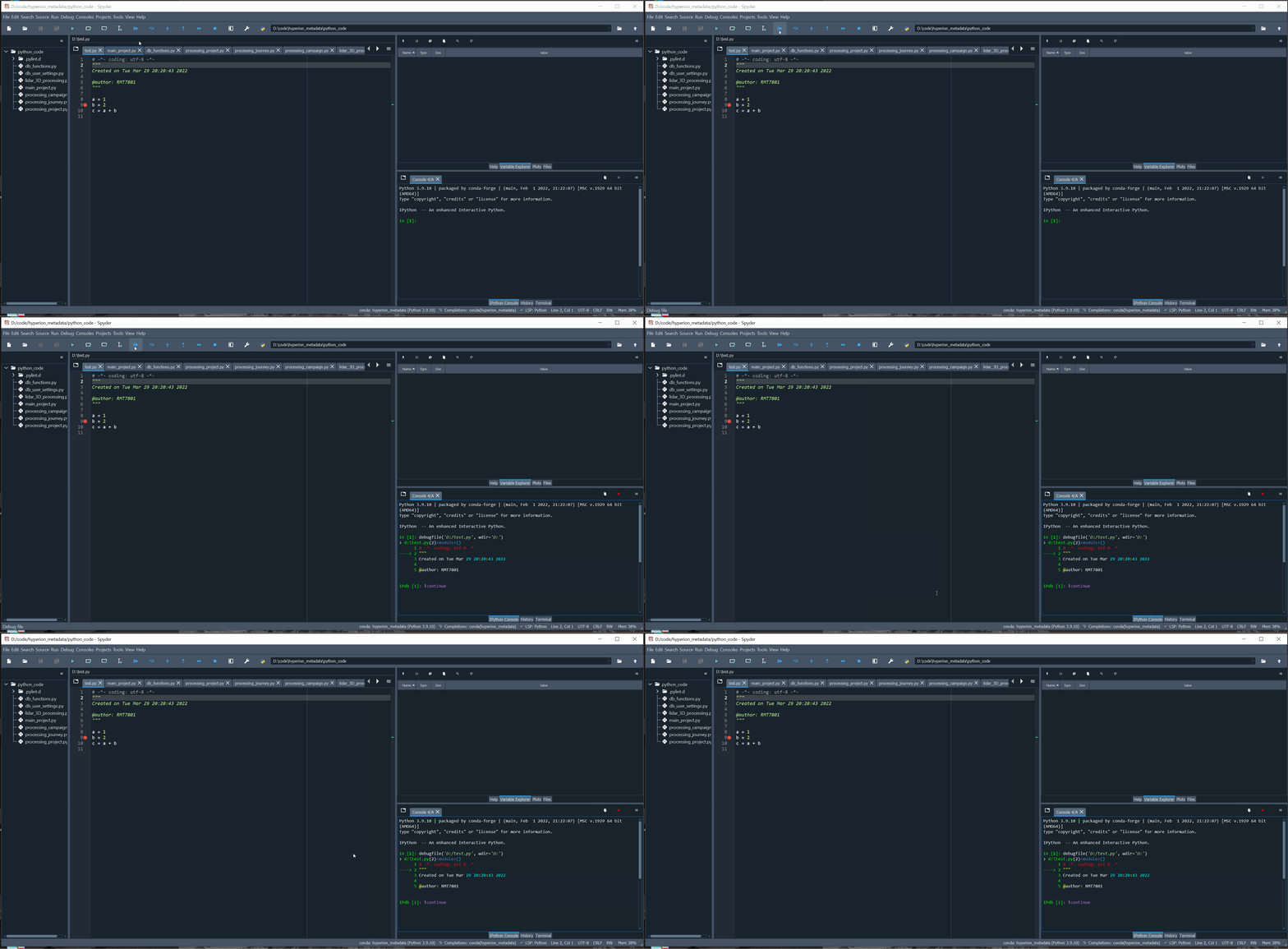
However, building further on the feedback of @ccordoba12, I made some checks on that environment. This is the content:
pyzmq is installed, but via conda-forge, not via pip. I missed that originally, because, for a reason unknown to me , import pyzmq does not work, but that might be my python knowledge lacking in that area.
Anyhow, do you have any ideas on what I could do to solve this or help you debugging?
Checked locally and seems like the debug funtionality with the buttons is working for me:
However I noted some differences in the execution of commands from the buttons. Could you share your debugger config @LiGengLei ? These are the ones I’m using:
Hi, I have looked carefully at the question #17519. But it doesn’t match this question. When start the debug mode, all buttons can not work as normal as follows.