spinnaker: clouddriver-ecs: applications search very slow
Running /search?pageSize=500&q=foobar&type=applications with ecs.enabled = true results in very slow response times (10-20+ seconds), occasionally timing out. Doubling both the instance (from 1cpu/3GB to 2cpu/4GB) or the DB (cpu + RAM) does not lower the response time.
However, when I disable ecs again (e.g. only aws anymore enabled), then the search is almost instant again.
Two things I noticed:
- When I have ecs disabled, the search is just exactly 1 query (which is what I would expect):
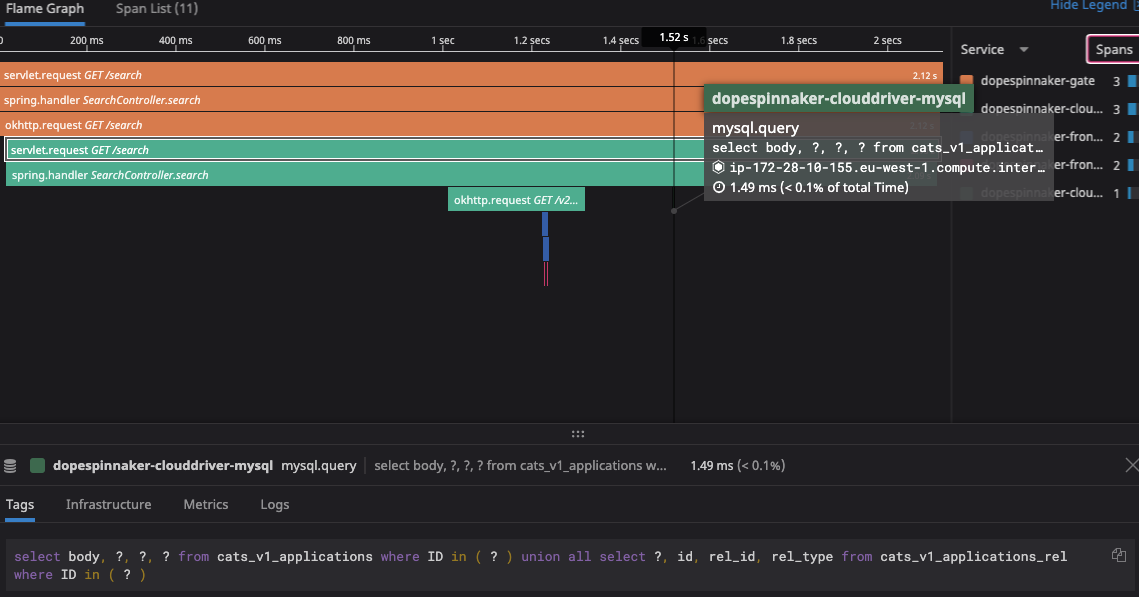
however, when I enable ecs, it is doing over 3k SQL queries per search request:

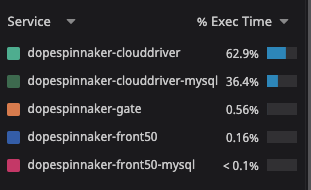
With many queries being done against alarms (??), taskDefinitions, services, etc.:

- I noticed that the “application” column is empty in many of the ecs tables:

And also ecs services are missing from cats_v1_applications
This is with Spinnaker version: 1.22.1, 1.23.1 - we definitely had the issue though earlier (e.g. the search with ecs never worked), and also had it when using redis as database for clouddriver. It is only now that we gained visibility after adding datadog-apm.
About this issue
- Original URL
- State: open
- Created 4 years ago
- Reactions: 3
- Comments: 30
From what I can tell (though I haven’t tested this) the issue is that
getClusterSummaries()is returning the full data set when it should be just returning summary data. That flag is then used during the search results to pull in details of matching server groups.So there’s kind of two issues:
The AWS provider has a bit of optimisation around this that I’m trying to understand how to map to how the ECS provider does things.
Thanks @lifeofguenter, will have a look!
You can simplify your Dockerfile by using
ADD https://dtdg.co/latest-java-tracer /opt/datadog.jarinstead of adding and calling curl.That is ingenious @lifeofguenter, thank you! Now I just need to figure out how to use custom docker images with Halyard and Kubernetes. 😃