crates.io: https://crates.io/authorize/github fails to report authorization errors
Describe the bug
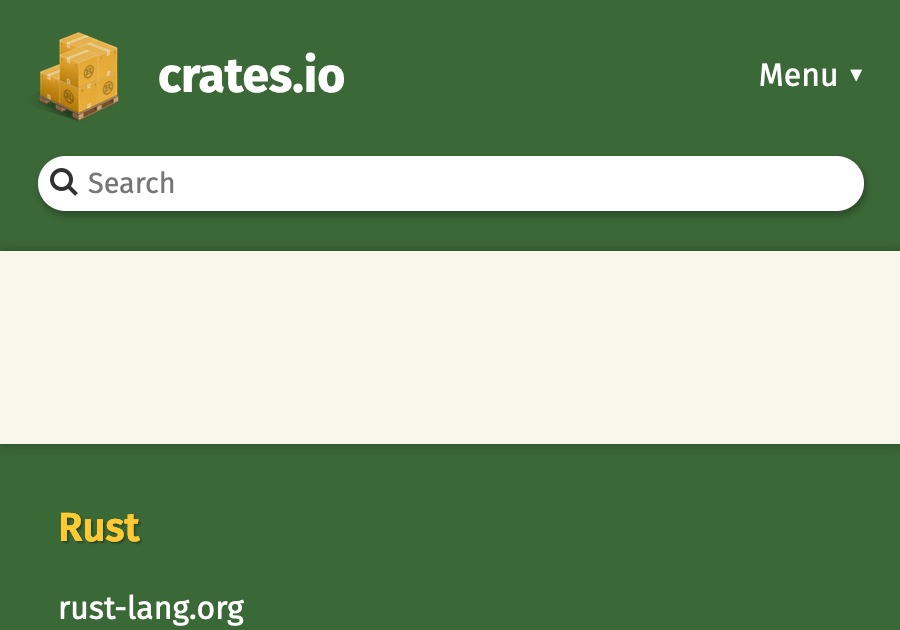
Redirect from github login page back to https://crates.io/authorize/github?code=[redacted]&state=[redacted] fails to log me in, and it doesn’t explain why. When it runs in a pop-up, the popup just disappears (#3810). If I trick it to run in the same window (by running window.open = () => window), I get an empty page like in the attached screenshot.
To Reproduce Steps to reproduce the behavior:
- Click on ‘Log in with GitHub’
- Nothingness
Expected behavior I expect to be logged in, OR receive an explanation of what went wrong, e.g. authorization failure, wrong token, missing cookies, expected referrer, or whatever is preventing the site from working. I suspect the failure is caused by my browser, but I don’t have enough information to fix it.
Screenshots
Desktop (please complete the following information):
- macOS 12
- Firefox 96.0a1
About this issue
- Original URL
- State: closed
- Created 5 years ago
- Comments: 15 (3 by maintainers)
a workaround to solve this issue.
1 - open chrome in incognito mode and log in. 2 - close incognito and log in again in normal mode.
hope the team solves this issue soon.
Try using a browser other than Chrome. I used Brave for the same. Cheers!!
@k8scat Our service providers are currently experiencing an outage. Please see https://status.crates.io/incidents/r6qckdr6wtq1 for updates.
can’t log in. Pop up closes quickly w/o any error reporting or further information.
Both chrome and edge didn’t work.
Safari work.
When I was using the Chrome Browser, I was unable to log in. I was able to log in when I used Brave Browser. Hope it helps while debugging.