redux-persist: Fetch as google : Redux persist creating problem when fetching as google it is showing blank page
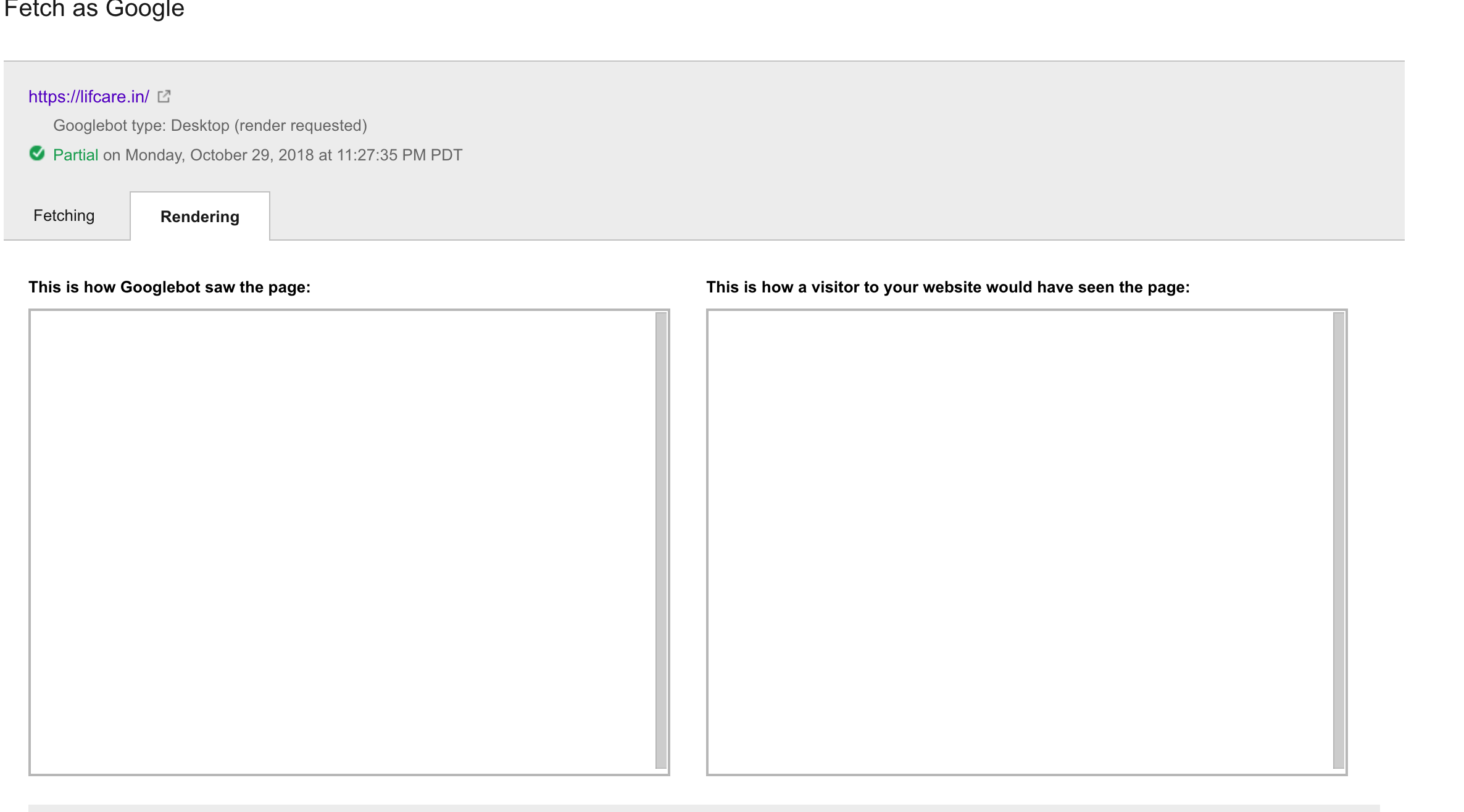
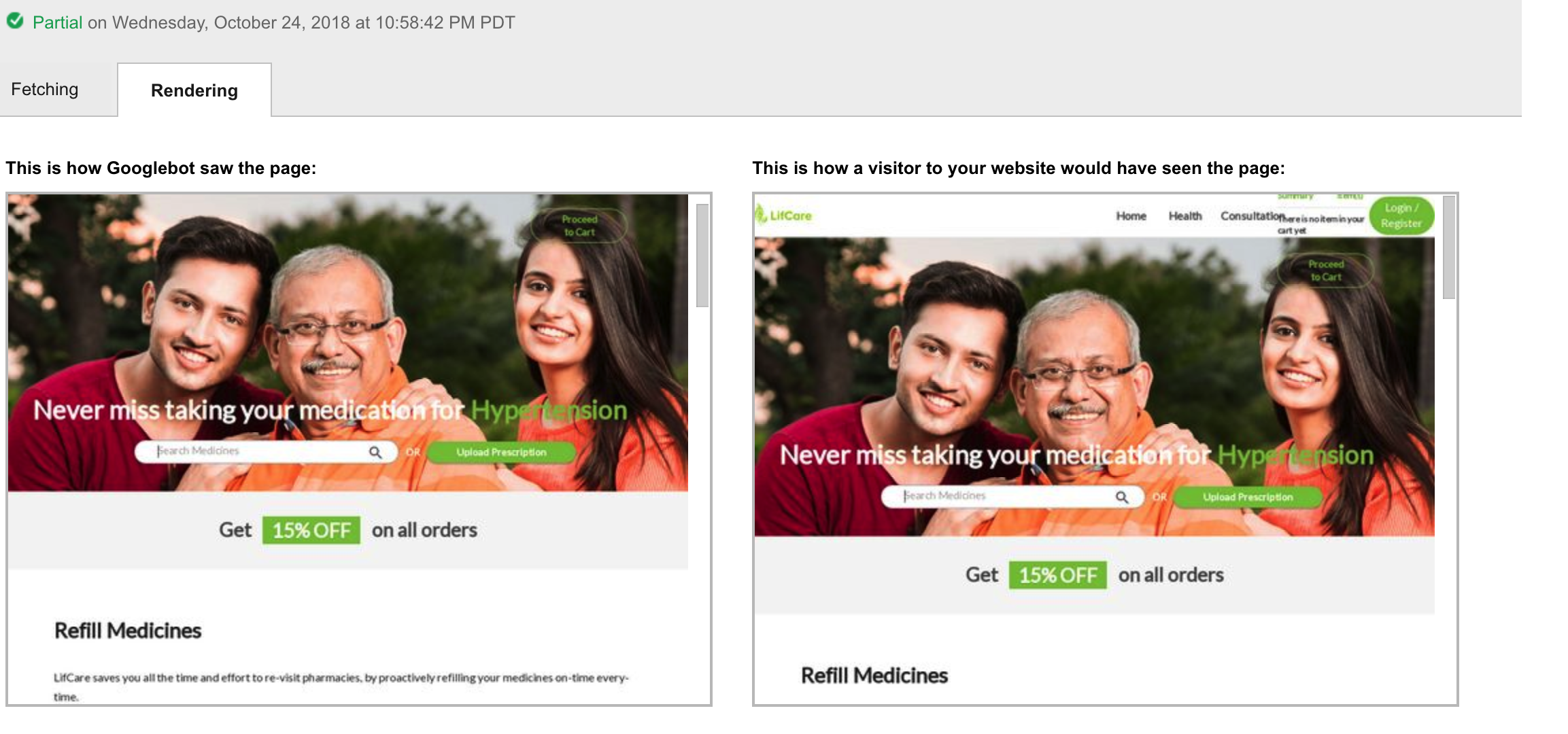
Fetching as google giving blank page when using redux persist with nextJS When I removed redux persist it is showing all the content when fetching as google.
This is how I am using persist in app.js
const { store } = this.props return ( <Container> <Provider store={store}> <PersistGate persistor={store.__persistor} loading={null}> <WrapperComp {...this.props} /> </PersistGate> </Provider> </Container> )
With redux persist
Without redux-persist
Please suggest some solution.
redux-persist: “5.7.2”, next: “6.4.1” react: ‘16.3’ redux: ‘3.6’
About this issue
- Original URL
- State: closed
- Created 6 years ago
- Reactions: 2
- Comments: 18
Make a conditional on the render of _app.js so that when React is being mounted on the client-side it will be wrapped with PersistGate.
I recommend to use
typeof window !== 'undefined'instead ofprocess.browser(https://github.com/zeit/next.js/issues/5354#issuecomment-520305040)I have this problem as well with the same setup. SSR doesn’t work at all when using Redux persist. As soon as you take the <PersistGate …> out it works as expected.
Is there a way to use redux-persist and keep SSR?
Anyone has found any solutions to this?
@aguynamedben I thought i found something about this it may be a bug.
Reproduce steps
_app.jswith this code:Headfromnext/headto insert some data into<head>.page source.<head>._app.jsand try to removePersistGateas this code:page sourceagain.<head>will appears.Actually this problem appears on next 6 also, It effect to SEO of website directly.