rook: Ceph dashboard not showing up
Is this a bug report or feature request?
- Bug Report
Deviation from expected behavior:
Expected behavior:
How to reproduce it (minimal and precise):
kubectl get service -n rook-ceph
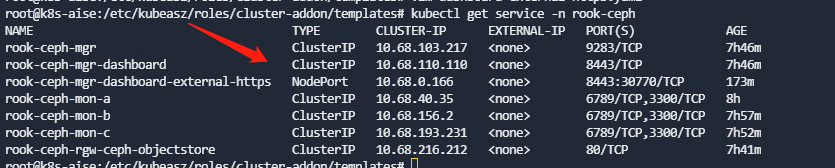
and the ceph mrg service is
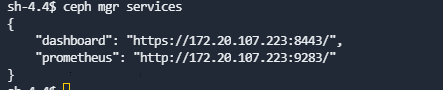
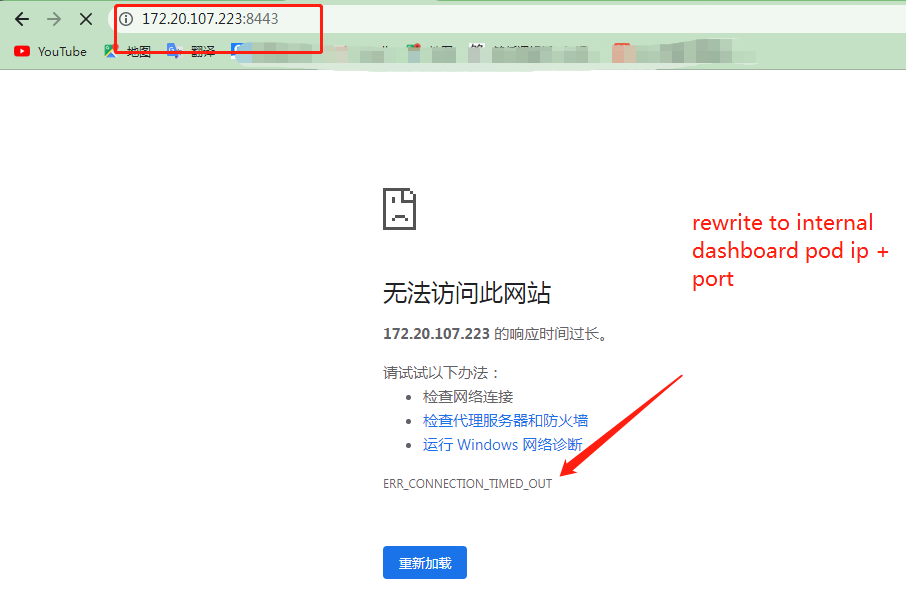
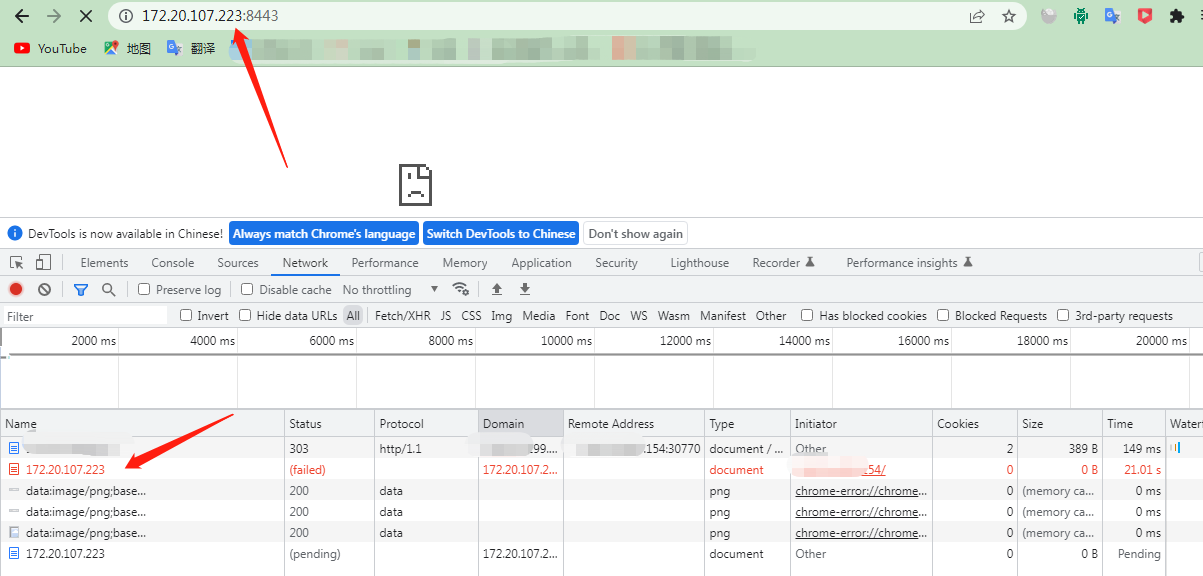
I use node_ip(172.31.5.140) + port(30770) to access the dashboard, But the browser address always jumps to the internal ip(172.20.107.223)+ port(8443) port address of the pod why??
- Cluster CR (custom resource), typically called
cluster.yaml, if necessary
Logs to submit:
-
Operator’s logs, if necessary
-
Crashing pod(s) logs, if necessary
To get logs, use
kubectl -n <namespace> logs <pod name>When pasting logs, always surround them with backticks or use theinsert codebutton from the Github UI. Read GitHub documentation if you need help.
Cluster Status to submit:
-
Output of krew commands, if necessary
To get the health of the cluster, use
kubectl rook-ceph healthHEALTH_OK To get the status of the cluster, usekubectl rook-ceph ceph status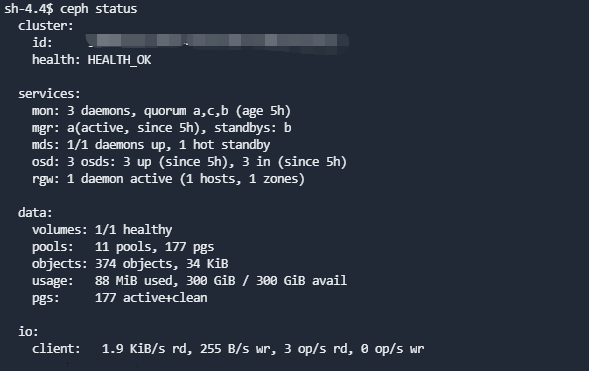
For more details, see the Rook Krew Plugin
Environment:
- OS (e.g. from /etc/os-release):
- ubuntu18.04
- Kernel (e.g.
uname -a): - Cloud provider or hardware configuration:
- Rook version (use
rook versioninside of a Rook Pod): - 1.9.10
- Storage backend version (e.g. for ceph do
ceph -v): - Kubernetes version (use
kubectl version): - 1.23.1
- Kubernetes cluster type (e.g. Tectonic, GKE, OpenShift):
- Storage backend status (e.g. for Ceph use
ceph healthin the Rook Ceph toolbox):
About this issue
- Original URL
- State: closed
- Created 2 years ago
- Comments: 30 (16 by maintainers)
Hi @rkachach,
Yes I can confirm that from the main repo seems to work well. Now there are no pod local address links errors. Good Job 😃 However, my test was limited only to the loadbalancer exposing service way (dashboard-loadbalancer.yaml) All other methods should be checked (nodeport, proxy etc…)
I think we still have an issue here. When I testet end of March from Master, it worked fine. Unfortunately I cannot test this, but I have the latest version 1.11.7 installed.
Doing a port-forward directly to one of the 2 active managers on port 8443 works fine, e.g.
kubectl -n rook-ceph port-forward rook-ceph-mgr-a-7d6858475c-58tvl 8443:8443.But when I runcurl localhost:8443, the forward breaks because ofread connection reset by peerSo, I tried from another temporary pod by directly calling the ip from within the clster, e.g.
curl 10.99.241.79:8443. But this also tells meConnection reset by peer.Last resort is with the already known workaround with
kubectl proxyand then callinghttp://localhost:8001/api/v1/namespaces/rook-ceph/services/https:rook-ceph-mgr-dashboard:https-dashboard/proxyThis still works!
Yay! Working here, too!
@meltingrock , @unreal-altran , @Jeansen , @ubombi , @Hello-Linux
The new implementation that should fix this issue https://github.com/rook/rook/pull/11845 has been merged to main. Please, can you test on your side and if you still experiment any issues?
Thanks.