rancher: Wrong icon for Longhorn app in Apps & Marketplace
The icon of Longhorn is appearing wrong on the App & Marketplace with master-head 2dca0c6

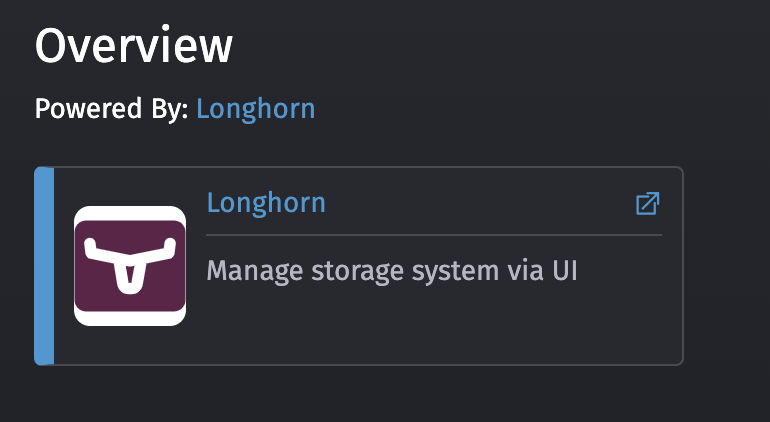
Expected Icon:
About this issue
- Original URL
- State: closed
- Created 3 years ago
- Comments: 15 (10 by maintainers)
Root cause of this issue is https://github.com/rancher/rancher/blob/5e3b154abc2b697bcd4124bfa7a38f0d7398ae5a/pkg/catalogv2/http/download.go#L65
path.Ext(u.String())does not necessarily represent the suffix since a URL with url encoded params can have elements after the file extension. e.g. in this case, the value returned for the suffix was.svg?sanitize=true.The simple fix here is to replace
u.String()withu.Path, which returns just the path without URL-encoded elements.The issue is not reproducible because, at Longhorn v1.1.1 chart, we change the icon from
.svgto.png. If you roll back to use the Longhorn v1.1.0 chart, I think the issue is reproducible.That’s not fixing the problem; it’s fixing the symptom by hacking around it and leaving the problem unfixed for when the next chart hits it.
All of our 1st party icons should be SVG, and the catalog endpoint should know how to serve them properly.
Change the icon from .svg to .png fixes this issue.
However, the rancher server serves it as
content-type: text/plainrather thancontent-type: image/svg+xml, it looks like an issue related to how the rancher server process it.Moreover, the icon is wrong only in Apps & Marketplace view but is correct in Cluster Applications > Longhorn.