code-d: Could not initialize DCD for /Users/a/sauv/htdocs/MES-SITES/info/site. client & server version mismatch
OS : MAC 10.15.4 VSCODE : Version: 1.45.1
Hello, i have installed code-d but I have this message
Could not initialize DCD for /Users/a/sauv/htdocs/MES-SITES/info/site. client & server version mismatch
With
- brew install dcd
- brew install dub
- ext install webfreak.code-d
or directly
- ext install webfreak.code-d
OK i get
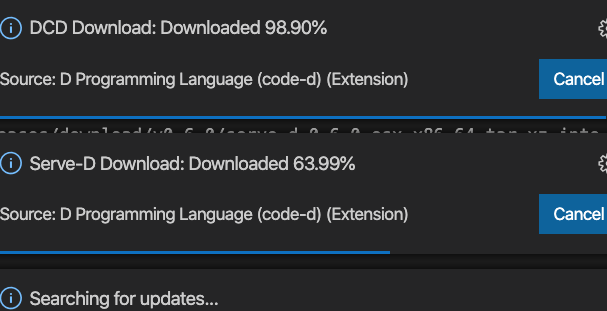
but It is the same I get:
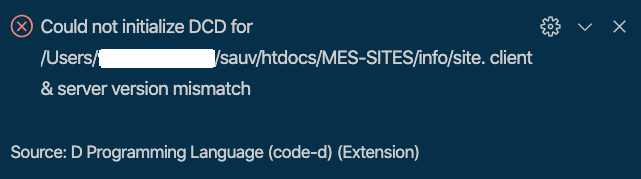
Thanks for your help
About this issue
- Original URL
- State: closed
- Created 4 years ago
- Reactions: 7
- Comments: 17 (7 by maintainers)
this is very likely an issue with the precompiled DCD binaries. The latest workspace-d will fix this with including dcd-client as library and more compatibility versions with dcd-server, however for this first DCD needs a new release tagged and release on dub.
There are newer working precompiled DCD binaries starting with v0.12.0, however that version has a severe flaw in symbol resolution making auto completion much worse so I downgraded the downloaded DCD version currently. This was an issue in dsymbol which is fixed in master, however upgrading this will also require the newest libdparse release to be available on dub.
Currently on dub libdparse doesn’t upgrade so the programs are kind of stuck not upgradable. Once it does release however we can also publish new dsymbol and dcd and new dfmt and dscanner. The current workspace-d changes are dependent on current DCD changes to compile properly, so until there is a new DCD release (which in turn needs a new dsymbol release which should contain the latest libdparse release) this is kind of stuck.
As a workaround it’s possible to clone DCD yourself,
git checkout v0.11.0and builddub build --config=clientanddub build --config=serverand configure these generated ./bin/dcd-client and ./bin/dcd-server binaries in your user settings (and reload) to have something working.