prisma: [Ubuntu 19.04] - Prisma2 Init hangs at "Preparing your database" when using MySQL database
I just started by installing prisma2 globally, goes into /stacks and start with a boilerplate (GraphQL API (+Auth))
Tree:
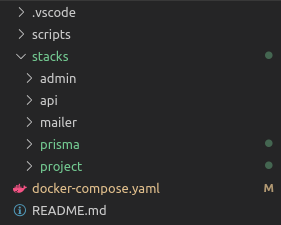
Prisma2 version:
prisma2@2.0.0-preview-10, binary version: 1b0c271f14ca00606f56c93717e228fe48c5603c
MySQL version:
8.0.17 via docker hub (latest)
Nodejs version:
v10.15.2
Docker compose file:
  db:
    image: mysql
    command: --default-authentication-plugin=mysql_native_password
    restart: always
    ports:
      - 3307:3306
    environment:
      MYSQL_ROOT_PASSWORD: ChangeMe
      MYSQL_DATABASE: izio
Command I wrote:
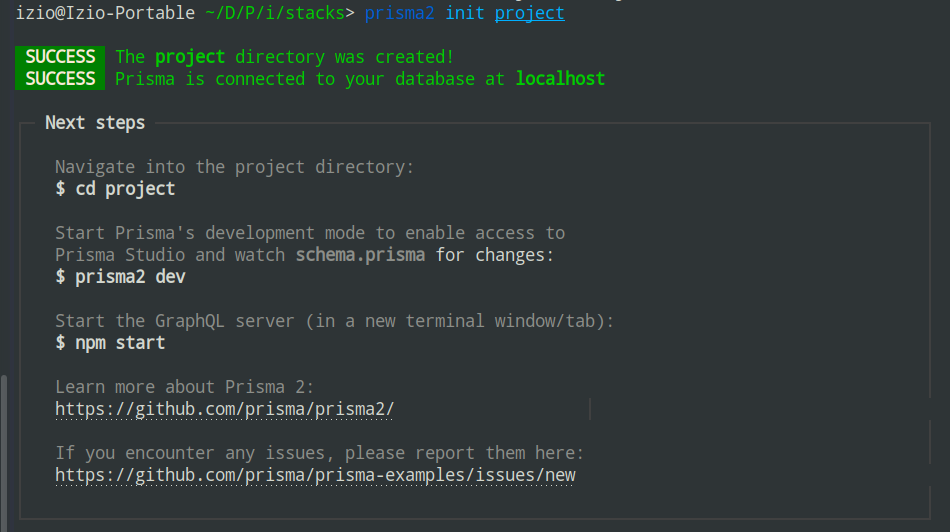
prisma2 init project
Database overview (via adminer):
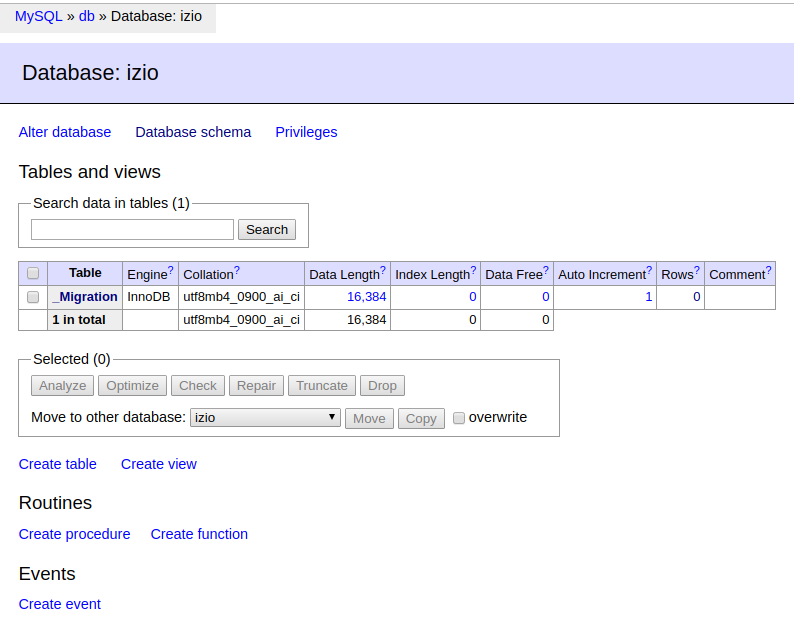
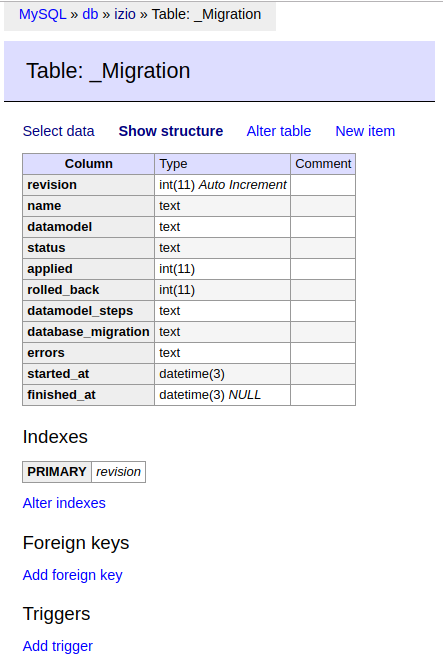
Output:
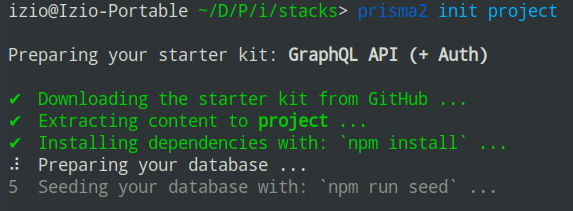
After some tries:
It seems it worked with a PostgresQL server instance:
  kong-database:
    image: postgres
    restart: always
    container_name: kong-database
    environment:
      POSTGRES_DB: kong
      POSTGRES_USER: kong
      POSTGRES_PASSWORD: ChangeMe
      PGDATA: /var/lib/postgresql/data/pgdata
    ports:
      - 3308:5432
    volumes:
      - kong-postgres-data:/var/lib/postgresql/data/pgdata
If you need other informations, feel free to ask. However, I’m not an expert… 😃
About this issue
- Original URL
- State: closed
- Created 5 years ago
- Comments: 15 (7 by maintainers)
Commits related to this issue
- Merge pull request #522 from prisma/raw-params .raw`` template literal API with parameters Former-commit-id: 88722eca386b377616159556e9e1a8b9bec84032 — committed to prisma/prisma by timsuchanek 4 years ago
- Merge pull request #522 from prisma/raw-params .raw`` template literal API with parameters Former-commit-id: 88722eca386b377616159556e9e1a8b9bec84032 Former-commit-id: 8c8aab61dc590d5d76e5df0160933d... — committed to prisma/prisma by timsuchanek 4 years ago
Yes, we currently recommend you to use MySQL 5.7 as our tests are running on that.
@chernandezweb Looks like your issue is related to https://github.com/prisma/prisma2/issues/778. So the fix is to add the mysql database name in the url in the schema manually.
Ok guys I managed to resolve from my side. I updated my nodejs to the latest version (12). Before this was using node version 8.