vscode-powershell: PowerShell extension (and Integrated Console) never starts
System Details
System Details Output
### VSCode version: 1.30.1 dea8705087adb1b5e5ae1d9123278e178656186a x64

### VSCode extensions:
christian-kohler.npm-intellisense@1.3.0
christian-kohler.path-intellisense@1.4.2
CoenraadS.bracket-pair-colorizer@1.0.61
DavidAnson.vscode-markdownlint@0.22.0
dbaeumer.vscode-eslint@1.7.2
eg2.vscode-npm-script@0.3.5
jasonnutter.search-node-modules@1.3.0
jebbs.plantuml@2.10.1
ms-mssql.mssql@1.4.0
ms-vscode.csharp@1.17.1
ms-vscode.PowerShell@1.10.2
rebornix.ruby@0.21.0
waderyan.nodejs-extension-pack@0.1.9
xabikos.JavaScriptSnippets@1.7.2
yzhang.markdown-all-in-one@1.8.0


### PSES version:

### PowerShell version:

Name                           Value
----                           -----
PSVersion                      5.1.16299.666
PSEdition                      Desktop
PSCompatibleVersions           {1.0, 2.0, 3.0, 4.0...}
BuildVersion                   10.0.16299.666
CLRVersion                     4.0.30319.42000
WSManStackVersion              3.0
PSRemotingProtocolVersion      2.3
SerializationVersion           1.1.0.1
Issue Description
All right click console options fail (i.e. Run Selection).
Expected Behaviour
If I highlight code and press F8 (or right click and Run Selection), I expect the command(s) to be run in the terminal window.
Actual Behaviour
A pop-up appears stating <ConsoleFeature>: Unable to instantiate; language client undefined.
Attached Logs
There are no logs in the extension logs folder (even with logs set to Diagnostic) and the lines below are the only output in the PowerShell Extension console:
12/26/2018 10:34:57 AM [NORMAL] - Visual Studio Code v1.30.1 64-bit
12/26/2018 10:34:57 AM [NORMAL] - PowerShell Extension v1.10.2
12/26/2018 10:34:57 AM [NORMAL] - Operating System: Windows 64-bit
12/26/2018 10:35:10 AM [ERROR] - <ConsoleFeature>: Unable to instantiate; language client undefined.
About this issue
- Original URL
- State: closed
- Created 6 years ago
- Comments: 41 (1 by maintainers)
I had this exactly same issue. Disabling, enabling then reload solved it for me.
I also ran into this on a completely clean install and can confirm that installing PowerShell 7 fixed mine as well.
I installed PowerShell 7 from here and it fixed the problem for me.
I was having this issue and reverting to 2019.5.0 fixed it for me.
Well, I logged in as a local administrator and all Administrators rights for pwsh.exe were there. I added Read & Execute (there was only Read) for my User\goujon user and restarted the PC. After that it VSC extension and terminal started to work fine. Not sure it was what I did lately, but definitely helped in my case. Thank you very much, @rjmholt!!! You’re the saviour! 😃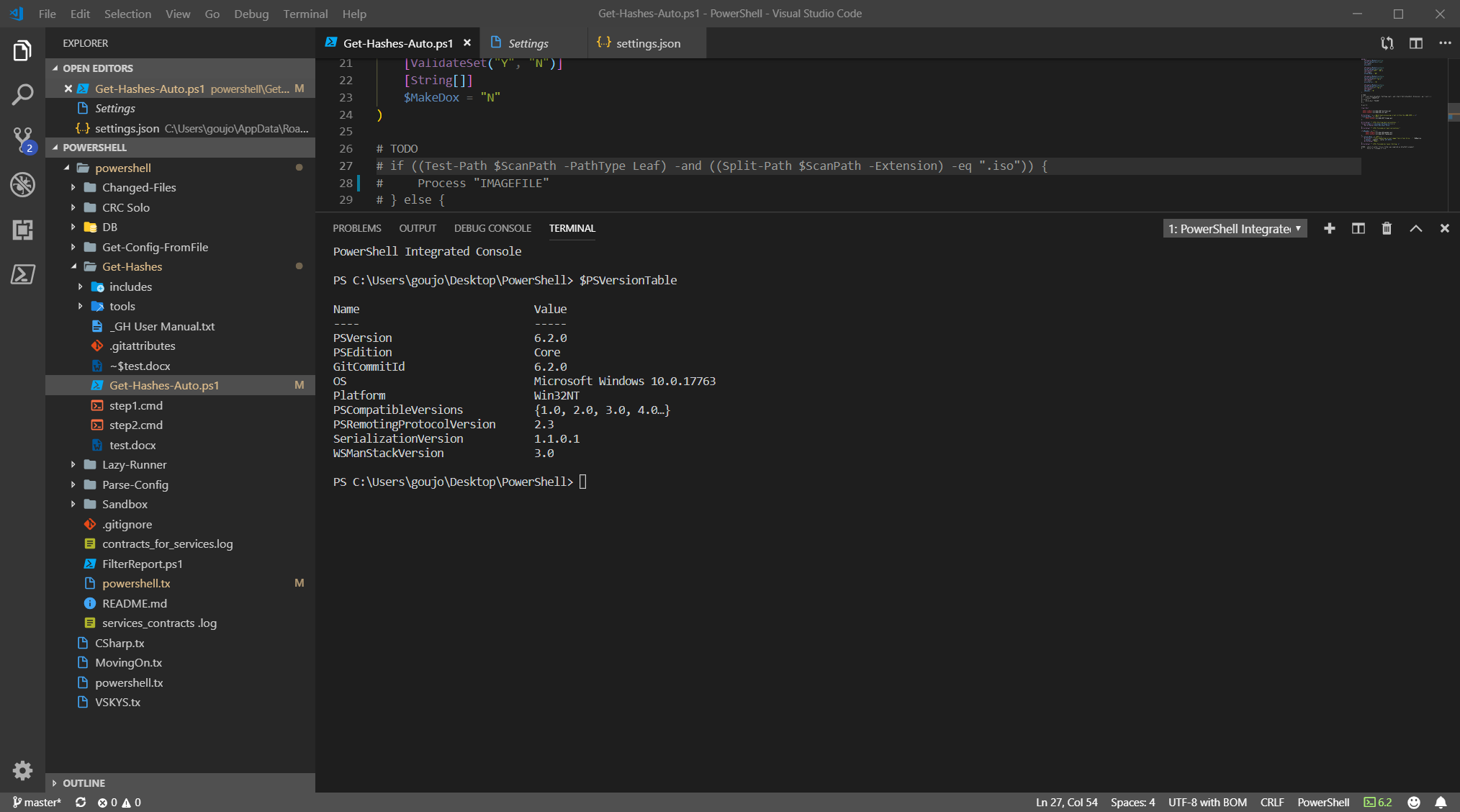
Unfortunately this looks most like https://github.com/microsoft/vscode/issues/62953. VSCode is not good about sending through error messages, but there’s some problem occurring when it tries to start the PowerShell process to run the extension on.
Maybe there’s a permissions problem with the PS 6.2 executable?