vscode-powershell: Integrated console does not write output on Windows Insider build 16193
System Details
- Operating system name and version: Microsoft Windows [Version 10.0.16193.1001]
- VS Code version: 1.12.1
- PowerShell extension version: 1.0.0
- Output from
$PSVersionTable:

Issue Description
VSCode cannot launch integrated powershell and stuck at showing “starting powershell…” like this:

Attached Logs
About this issue
- Original URL
- State: closed
- Created 7 years ago
- Comments: 31 (10 by maintainers)
Workaround
OK folks, I’ve got a workaround for this issue. Open up your VS Code profile at one of the following paths (create the file if it doesn’t already exist):
Windows PowerShell 5.1
PowerShell Core 6.0
Insert this line at the top of the file:
Now restart VS Code. When the Integrated Console appears, you should start to see output again.
Explanation
Something happened in the latest Windows Insider builds to cause output in the Integrated Console to not be written inside of VS Code’s integrated terminal. My guess is that there’s some specific set of factors that contribute to this issue since it doesn’t happen when you set powershell.exe to use UTF-8 output encoding inside of VS Code. I’ll continue investigating this issue to try and find a real solution, but the workaround should suffice for now.
But it’s fixed in 16241 👍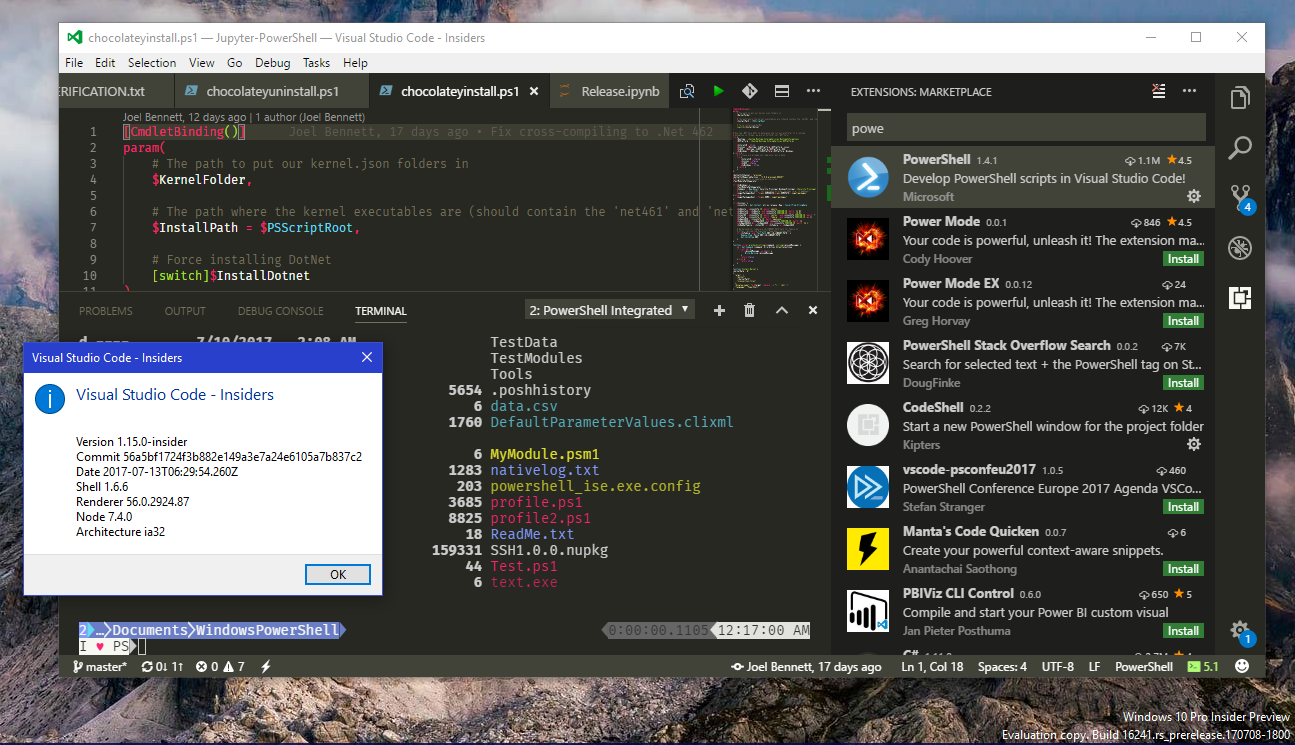
Thanks worked for me. . . well after I enabled the profile again.
“powershell.enableProfileLoading”: true
Seems faster 😉
Wanted to provide an update on this from the end-user exp:
without workaround it still doesn’t work on Windows build
16215with vs code1.13.0and PS Ext1.3.1An update though which didn’t work before. I am now able to get a descent working prompt again by first setting ASCII mode and after setting Unicode mode.
No more question marks is worth a lot for me!
Note that I cannot go to Unicode directly for some reason.
Actually, I could possibly do a temporary fix inside of the language server to change the thing I’m doing that’s triggering Windows console’s bug, let me look into it for this week’s release.
@daviwil ! Thanks for the workaround. It work on both VS Code April release and in the latest VS Code Insider.
😃
Also resolved it for me, you are a legend @daviwil, thanks for looking into this!
Just tried this with internal canary build 16199 and I’m still seeing the problem. I’ll try to debug the issue and see where it’s coming from.
/cc @bgelens @jdhitsolutions