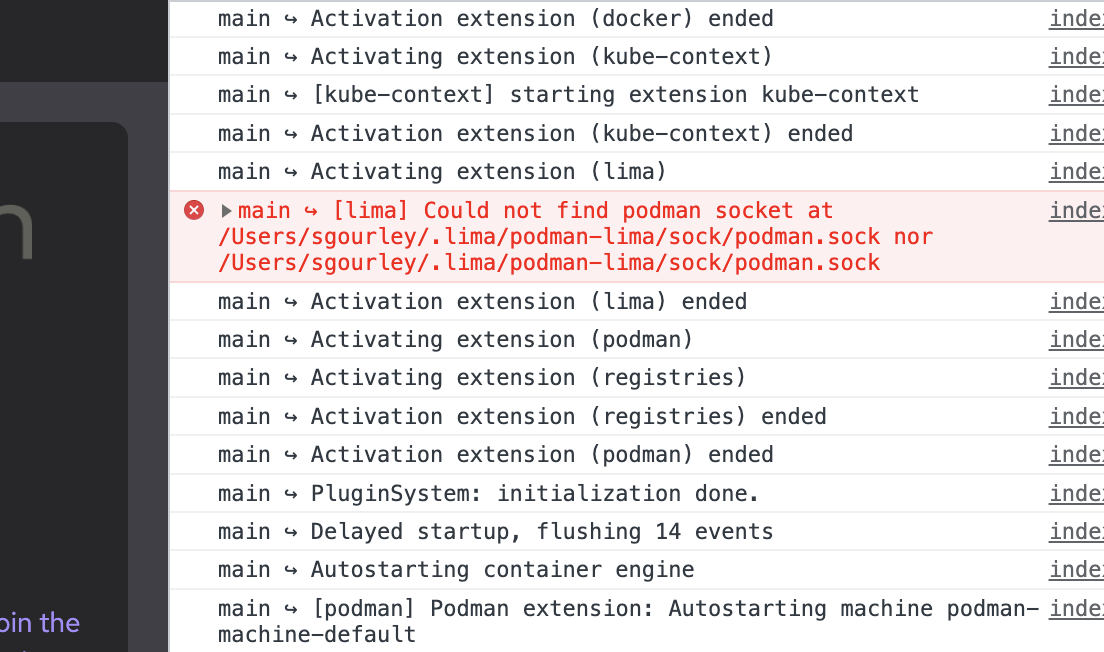
podman-desktop: podman-mac-helper binary not found.
Bug description
I’m trying to use build pack but it’s failing
===> ANALYZING
ERROR: failed to build: executing lifecycle. This may be the result of using an untrusted builder: failed to create 'analyzer' container: Error response from daemon: container create: statfs /var/run/docker.sock: permission denied
The docker.sock error makes me thing docker compatibility is not working. I check the compatibility button in desktop and try to toggle it. But desktop can’t find it.
Operating system
macOs 13.2.1
Version
0.13.0
Steps to reproduce
click docker compatibility
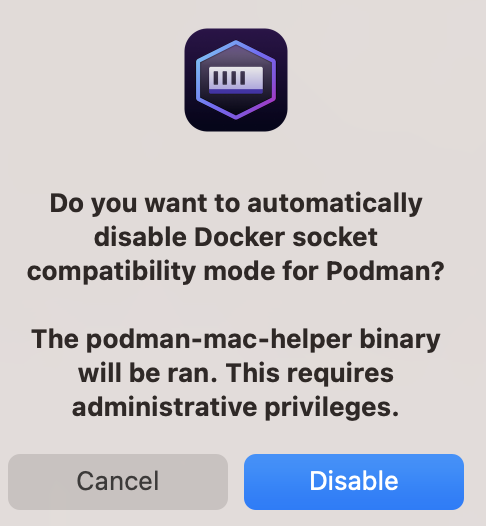
click disable

$ which podman-mac-helper
/usr/local/bin/podman-mac-helper
Relevant log output
No response
Additional context
About this issue
- Original URL
- State: closed
- Created 4 years ago
- Reactions: 1
- Comments: 18
Commits related to this issue
- fix: fix binary location for podman-mac-helper ### What does this PR do? Sometimes the user may have installed the podman-mac-helper binary manually to /usr/local/bin. We use full binary paths (not... — committed to cdrage/podman-desktop by cdrage 4 years ago
- fix: fix binary location for podman-mac-helper ### What does this PR do? Sometimes the user may have installed the podman-mac-helper binary manually to /usr/local/bin. We use full binary paths (not... — committed to cdrage/podman-desktop by cdrage 4 years ago
- fix: fix binary location for podman-mac-helper (#2391) ### What does this PR do? Sometimes the user may have installed the podman-mac-helper binary manually to /usr/local/bin. We use full bina... — committed to podman-desktop/podman-desktop by cdrage 4 years ago
Hi @steveoh and thanks for your report
As a workaround could you open a terminal and enter
and restart podman desktop and your podman machine
Once I made the macOS updates provided from https://buildpacks.io/docs/app-developer-guide/building-on-podman/ it worked.