pixijs: Displacement filter causes black boxes around add blend mode sprites
Hey, not sure if this is a known issue or not. I’m trying to use a displacement filter, but I’m getting nasty black boxes around any sprites that have their blend mode set to “ADD”. Here’s a before/after of applying a circular displace filter to the upper left of my object. I’d definitely be open to any workarounds.
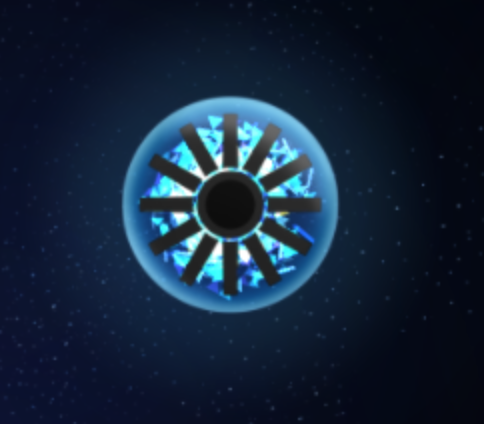

pixi.jsversion: 4.8.5- Browser & Version: Chrome 71.0.3578.98
- OS & Version: OSX 10.14.3
About this issue
- Original URL
- State: closed
- Created 5 years ago
- Reactions: 1
- Comments: 17 (7 by maintainers)
I appreciate all the ideas, although just using a custom blend mode of
[gl.ONE, gl.ONE]seems to be working fine. If I don’t encounter any further issues with that, I’ll probably keep doing it that way because it’s a simple fix.Lol, sorry, thanks for the playground link. I guess sometimes I assume issues are easier to repro than they actually are. I think I got it figured out though: the black boxes seem to only happen if you have multiple overlapping ADD mode sprites that have alpha < 1. In this playground link, if you comment out the alpha line, the blend mode line, or the line adding the displacement filter, the boxes go away: https://www.pixiplayground.com/#/edit/1_rsDXbjsvbl4HK~Yu432