pagedjs: Missing lines with hypens in chrome
In some special cases I loose the last line when I set body{hyphens: auto } in chrome. It works fine if I set body{hyphens: none }.
I am not super sure if it is related to hyphens because I also set p{ margin-bottom: 12px; } . if I set it to 0px the problem is also gone, but any other value makes it more or less instable, so with some values higher 0px I will lose a line now and then.
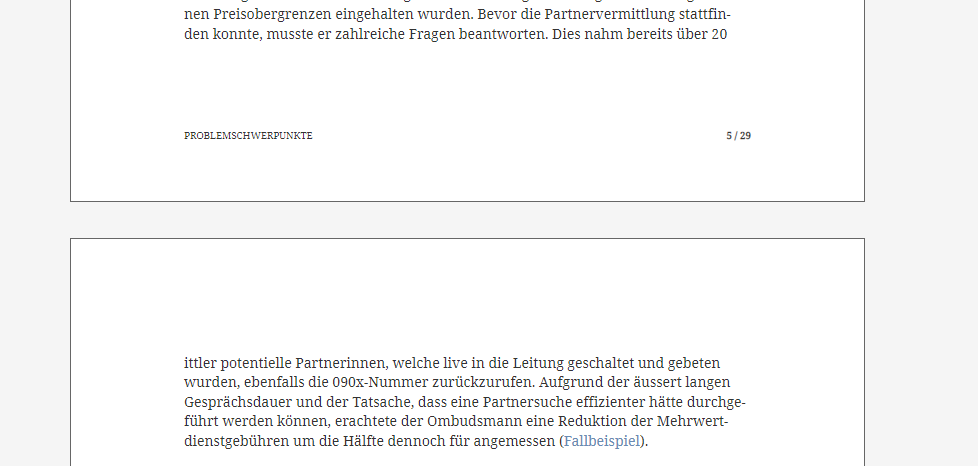
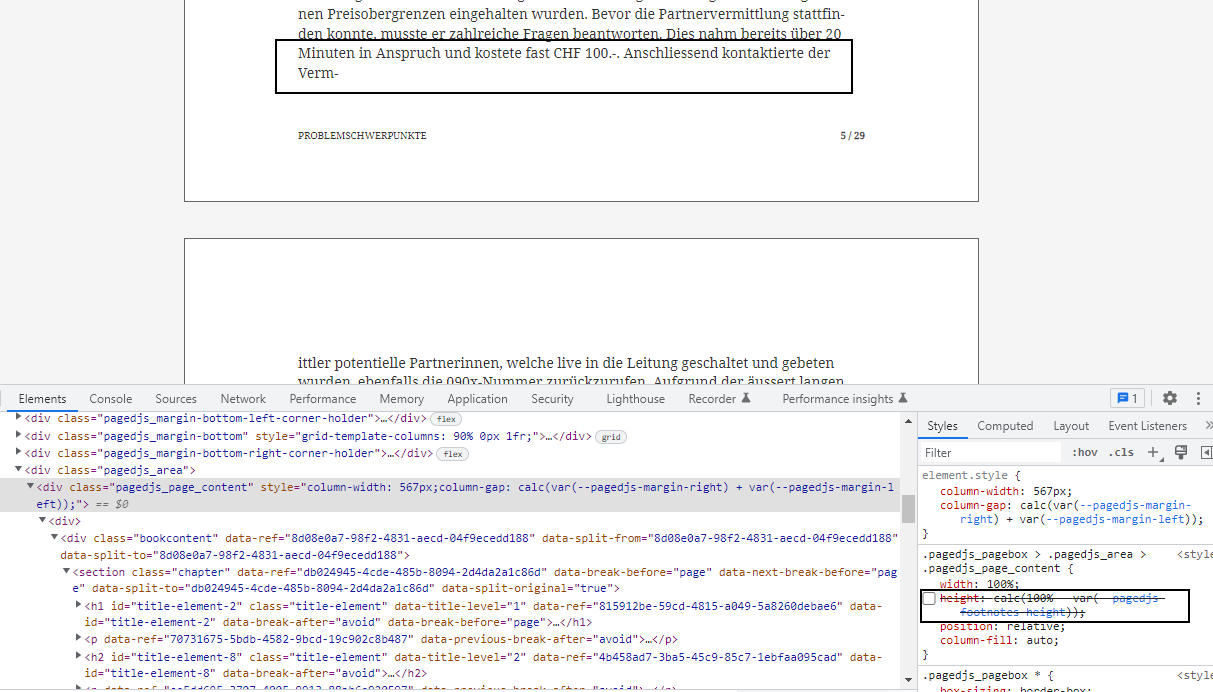
Is it a known problem?
About this issue
- Original URL
- State: open
- Created 2 years ago
- Comments: 23
I think that we got the issue in a french book and i think it was changed on a specific code. I’ll ask Nicolas to share his code and come back (when he’s back from holidays [summer is not the most efficient time managing working session 😄] ).
yes. all that comes from the hyphen character. we’ll dig that when 5.0beta gets in
ha damn it!
i forget that function again! a thousand sorries!
happy that it works!
hi there, we got that before so the problem is in pagedjs indeed: when a break with a hyphen happens between pages, we get the
-replaced. Since it’s not the exact same character, it breaks the rendering.I believe there is a configuration to change the glyph used in paged.js itself. @fchasen i can’t remember the exact config. Do you have it somewhere?