OrchardCore: System.IO.IOException inside MediaFileStoreResolverMiddleware
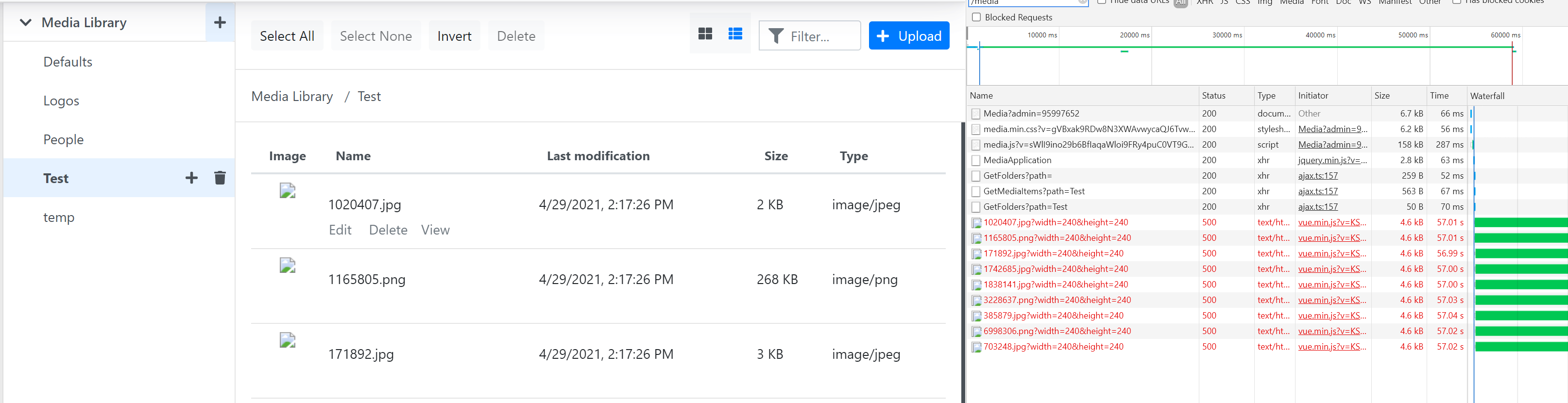
After deploying app to azure, Media module stopped working.
(we are using Azure Media Storage, and we have 4 instances in our app service plan)
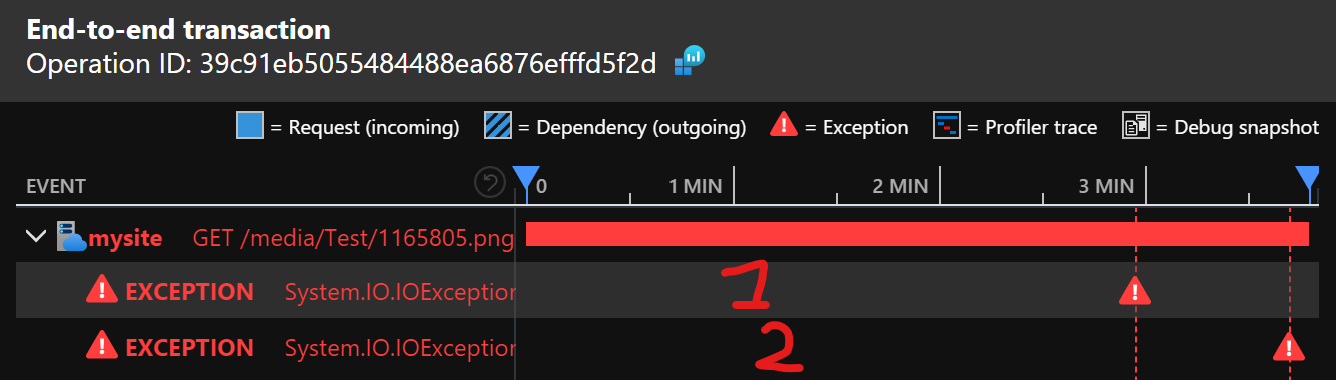
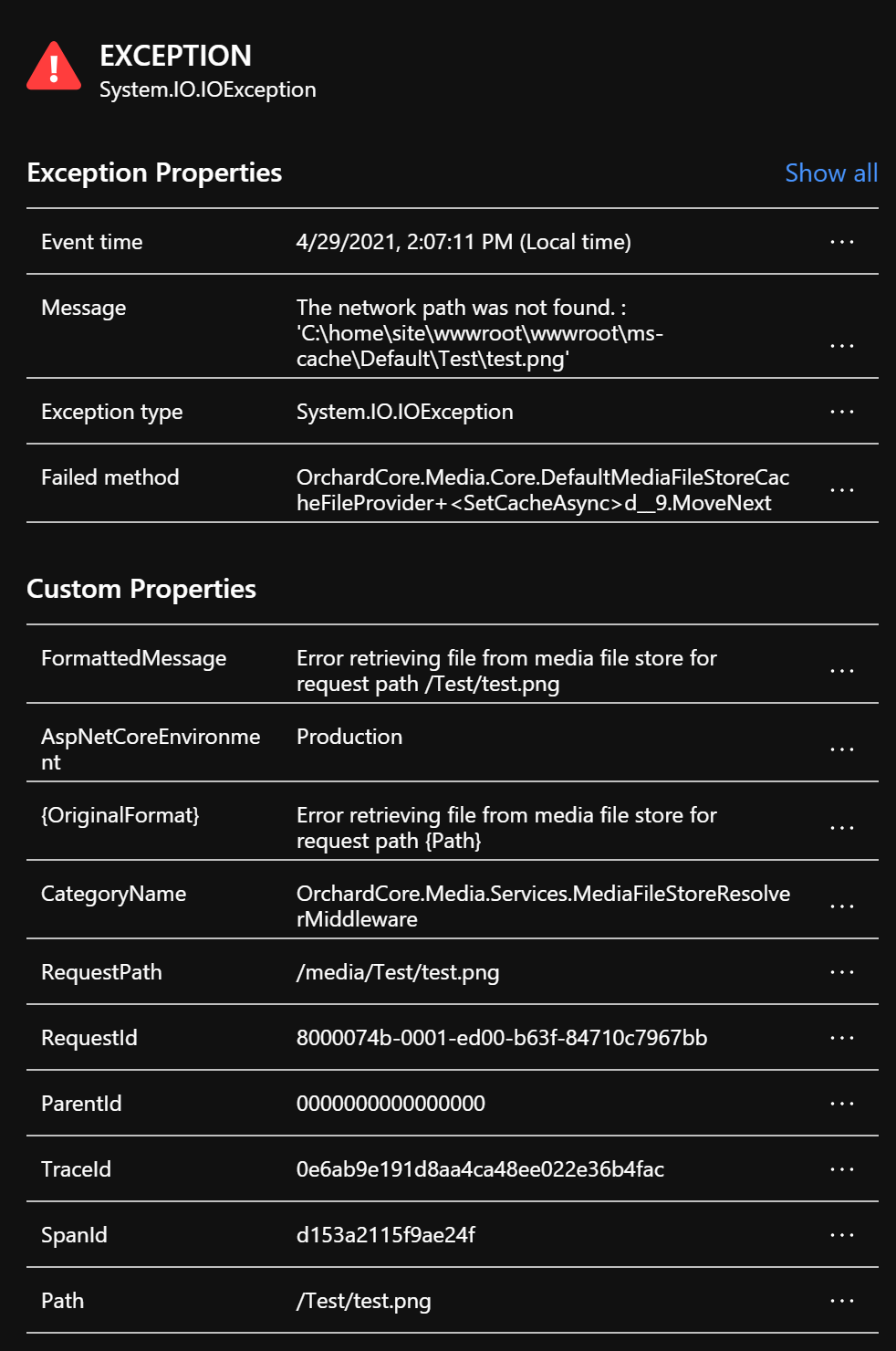
First exception:
System.IO.IOException:
   at System.IO.FileStream.ValidateFileHandle (System.Private.CoreLib, Version=5.0.0.0, Culture=neutral, PublicKeyToken=7cec85d7bea7798e)
   at System.IO.FileStream.CreateFileOpenHandle (System.Private.CoreLib, Version=5.0.0.0, Culture=neutral, PublicKeyToken=7cec85d7bea7798e)
   at System.IO.FileStream..ctor (System.Private.CoreLib, Version=5.0.0.0, Culture=neutral, PublicKeyToken=7cec85d7bea7798e)
   at System.IO.FileStream..ctor (System.Private.CoreLib, Version=5.0.0.0, Culture=neutral, PublicKeyToken=7cec85d7bea7798e)
   at System.IO.File.Create (System.IO.FileSystem, Version=5.0.0.0, Culture=neutral, PublicKeyToken=b03f5f7f11d50a3a)
   at System.IO.File.Create (System.IO.FileSystem, Version=5.0.0.0, Culture=neutral, PublicKeyToken=b03f5f7f11d50a3a)
   at OrchardCore.Media.Core.DefaultMediaFileStoreCacheFileProvider+<SetCacheAsync>d__9.MoveNext (OrchardCore.Media.Core, Version=1.0.0.0, Culture=neutral, PublicKeyToken=null)
Second exception:
System.IO.IOException:
   at System.IO.FileStream.ValidateFileHandle (System.Private.CoreLib, Version=5.0.0.0, Culture=neutral, PublicKeyToken=7cec85d7bea7798e)
   at System.IO.FileStream.CreateFileOpenHandle (System.Private.CoreLib, Version=5.0.0.0, Culture=neutral, PublicKeyToken=7cec85d7bea7798e)
   at System.IO.FileStream..ctor (System.Private.CoreLib, Version=5.0.0.0, Culture=neutral, PublicKeyToken=7cec85d7bea7798e)
   at System.IO.FileStream..ctor (System.Private.CoreLib, Version=5.0.0.0, Culture=neutral, PublicKeyToken=7cec85d7bea7798e)
   at System.IO.File.Create (System.IO.FileSystem, Version=5.0.0.0, Culture=neutral, PublicKeyToken=b03f5f7f11d50a3a)
   at System.IO.File.Create (System.IO.FileSystem, Version=5.0.0.0, Culture=neutral, PublicKeyToken=b03f5f7f11d50a3a)
   at OrchardCore.Media.Core.DefaultMediaFileStoreCacheFileProvider+<SetCacheAsync>d__9.MoveNext (OrchardCore.Media.Core, Version=1.0.0.0, Culture=neutral, PublicKeyToken=null)
   at System.Runtime.ExceptionServices.ExceptionDispatchInfo.Throw (System.Private.CoreLib, Version=5.0.0.0, Culture=neutral, PublicKeyToken=7cec85d7bea7798e)
   at System.Runtime.CompilerServices.TaskAwaiter.ThrowForNonSuccess (System.Private.CoreLib, Version=5.0.0.0, Culture=neutral, PublicKeyToken=7cec85d7bea7798e)
   at System.Runtime.CompilerServices.TaskAwaiter.HandleNonSuccessAndDebuggerNotification (System.Private.CoreLib, Version=5.0.0.0, Culture=neutral, PublicKeyToken=7cec85d7bea7798e)
   at OrchardCore.Media.Services.MediaFileStoreResolverMiddleware+<>c__DisplayClass7_0+<<Invoke>b__1>d.MoveNext (OrchardCore.Media, Version=1.0.0.0, Culture=neutral, PublicKeyToken=null)
About this issue
- Original URL
- State: closed
- Created 3 years ago
- Comments: 48 (48 by maintainers)
So where i’m is that if we delete all files but not the directories it works.
Let me know when you will have an easier way to restart the site so that i could do more tests.
But only when you will have time, nothing urgent for me 😉
Updated: As a reminder found this comment https://github.com/dotnet/runtime/issues/27958#issuecomment-544636956
This one is interesting
On your paid instance?
@lampersky
Okay, so maybe good to find a workaround to get it working also on your paid plan.
Can you give me some accesses so that i could try to find a workaround, i may have some ideas.
I isolated the problem outside of OC. Will share small repro repo later today.
This is currently reproducable as either an azure issue, or a
PhysicalFileProvideron azure issue.Add a very long file name (+80 chars), then delete the file through
File.Delete, after finding it with a physical file provider (or via ftp, so more likely azure related, but only seems so far reproducable when using aPhysicalFileProviderto find the files (ie. it doesn’t reproduce (so far) with standard System.IO), it will appear to lock the underyling file system access, whether just dotnet, or indeed IIS, or the file system itself.The result is that any further file system request on
File.Existsreturn true, yetFile.Deletethrows an exception, until the app service pool is restarted.There are possibly other ways to reproduce, however, that was the one I found.
Current suggested workaround is not to use really long file names.
Because this is reproducable via both dotnet code, and deleting the files via ftp, my current thinking is towards azure file system weirdness.
The suggestion is to
@lampersky If @deanmarcussen can repro, for sure he will fix it 😉