origin: [bug] Unable to configure Local Persistent Volumes
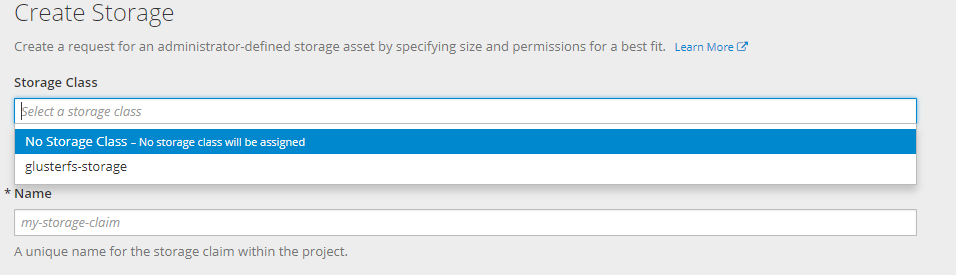
After creating resources for add Local persisten volumes ( from this doc https://docs.openshift.com/container-platform/3.7/install_config/configuring_local.html) , I can not see the two new storage-classes.
And this error
Version
oc version
oc v3.7.2+5eda3fa-5 kubernetes v1.7.6+a08f5eeb62 features: Basic-Auth GSSAPI Kerberos SPNEGO
Server https://console.myserver.org:8443 openshift v3.7.2+5eda3fa-5 kubernetes v1.7.6+a08f5eeb62
Steps To Reproduce
follow this exact steps https://docs.openshift.com/container-platform/3.7/install_config/configuring_local.html
oc new-project local-storage
 oc create -f ./local-volume-configmap.yaml
 oc create serviceaccount local-storage-admin
 oc adm policy add-scc-to-user hostmount-anyuid -z local-storage-admin
 oc create -f https://raw.githubusercontent.com/openshift/origin/master/examples/storage-examples/local-examples/local-storage-provisioner-template.yaml
 oc new-app -p CONFIGMAP=local-volume-config   -p SERVICE_ACCOUNT=local-storage-admin   -p NAMESPACE=local-storage local-storage-provisioner
with this file
kind: ConfigMap
metadata:
  name: local-volume-config
data:
    "local-ssd": |
      {
        "hostDir": "/mnt/local-storage/ssd",
        "mountDir": "/mnt/local-storage/ssd"
      }
    "local-hdd": |
      {
        "hostDir": "/mnt/local-storage/hdd",
        "mountDir": "/mnt/local-storage/hdd"
      }
And this directories ( without mounted devices yet)
# tree -up -d -v /mnt/local-storage/
/mnt/local-storage/
├── [drwxr-xr-x root    ]  hdd
│   ├── [drwxr-xr-x root    ]  disk1
│   ├── [drwxr-xr-x root    ]  disk2
│   └── [drwxr-xr-x root    ]  disk3
└── [drwxr-xr-x root    ]  ssd
    ├── [drwxr-xr-x root    ]  disk1
    ├── [drwxr-xr-x root    ]  disk2
    └── [drwxr-xr-x root    ]  disk3
Current Result
there is not the two new storage classes to select.
When inspecting the local-storage project we can see this error.
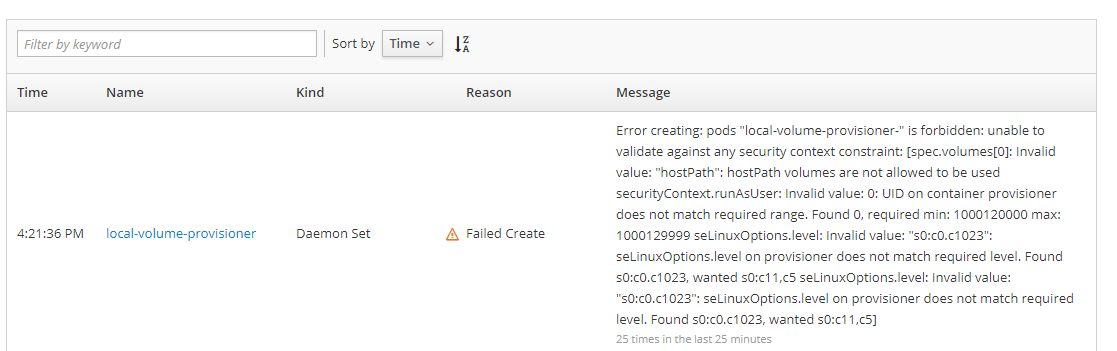
With this text:
"Error creating: pods "local-volume-provisioner-" is forbidden: unable to validate against any security context constraint: [spec.volumes[0]: Invalid value: "hostPath": hostPath volumes are not allowed to be used securityContext.runAsUser: Invalid value: 0: UID on container provisioner does not match required range. Found 0, required min: 1000120000 max: 1000129999 seLinuxOptions.level: Invalid value: "s0:c0.c1023": seLinuxOptions.level on provisioner does not match required level. Found s0:c0.c1023, wanted s0:c11,c5 seLinuxOptions.level: Invalid value: "s0:c0.c1023": seLinuxOptions.level on provisioner does not match required level. Found s0:c0.c1023, wanted s0:c11,c5]"
When changed the seLinuxOption level in the YAML from “s0:c0.c1023” to “s0:c11,c5” , the daemonset on each node has started ok
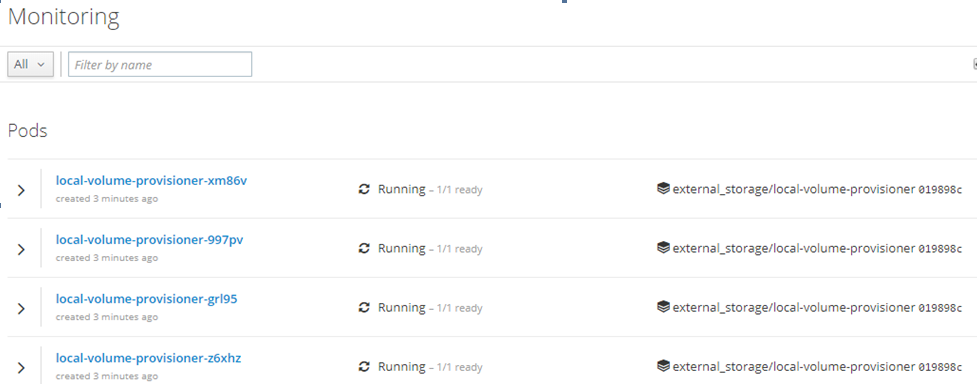
But this error is still in the console
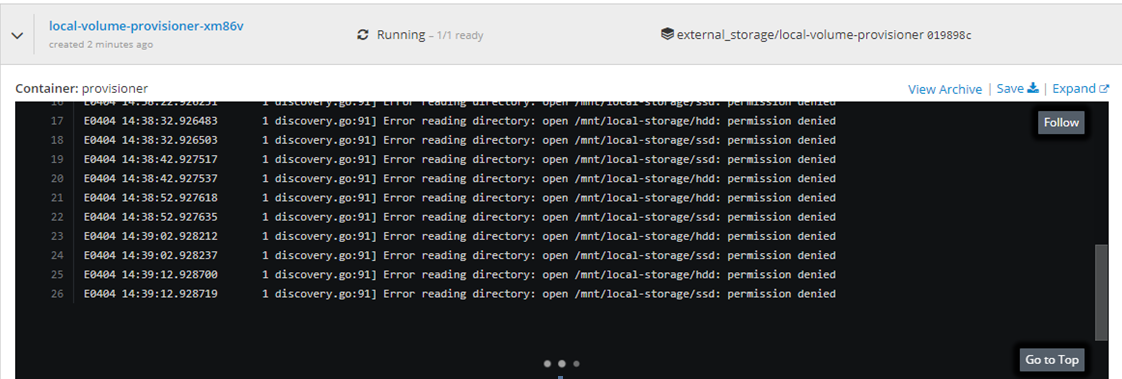
And no way to select the new storage classes.
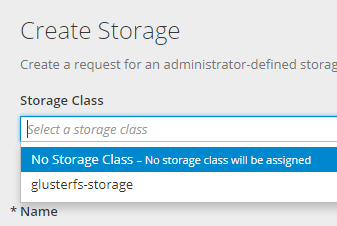
Expected Result
Two new storage-classes has been generated and could be selected from the PVC web form
About this issue
- Original URL
- State: closed
- Created 6 years ago
- Comments: 18 (6 by maintainers)
Hi, I had similiar issue with 3.10 it was fixed with: oc adm policy add-cluster-role-to-user cluster-reader system:serviceaccount:local-storage:local-storage-admin