Docker-CommunityServer: Unable to install Docker container
Hi,
- Installed community Docker images
- Set all permission on folders before running it
- Started using an external mysql container (which works fine with a lot of other images)
- Tried with
9.6.5.771and10.5.1.1028tags
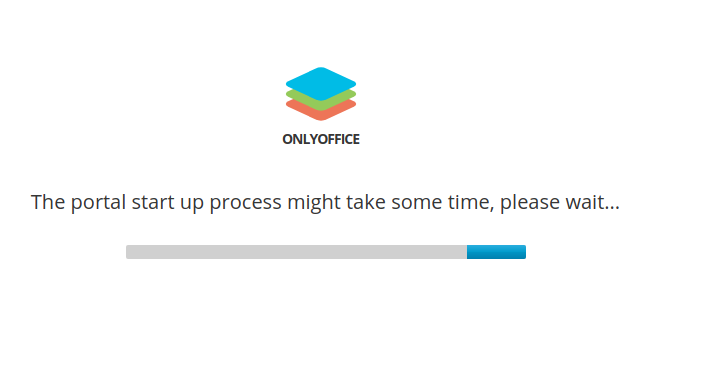
Result : the site does not start and stay on the splash screen :
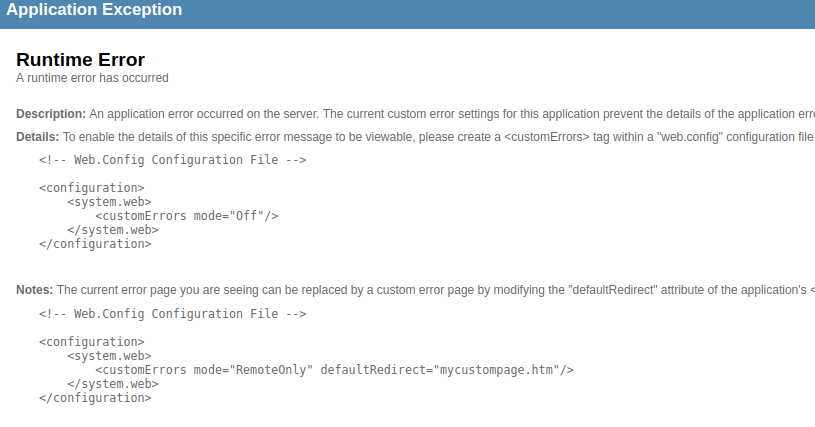
After refreshing the page it shows a Runtime error page :
Inspecting logs of Only Office image :
Restarting god... The server is not available (or you do not have permissions to access it)
+ '[' SERVER == SERVER ']'
+ mv /app/onlyoffice/config/nginx/prepare-onlyoffice /etc/nginx/sites-enabled/onlyoffice
OK
+ service nginx reload
 * Reloading nginx nginx
   ...done.
+ log_debug 'reload nginx config'
+ echo 'onlyoffice: [Debug] reload nginx config'
+ log_debug FINISH
+ echo 'onlyoffice: [Debug] FINISH'
onlyoffice: [Debug] reload nginx config
onlyoffice: [Debug] FINISH
++ grep -v grep
++ awk '{print $2}'
++ ps auxf
++ grep cron
+ PID=
+ '[' -n '' ']'
+ cron
+ '[' true == true ']'
+ exec tail -f /dev/null
Inspecting mysql seems that tomething too big was trying to be saved :
2020-02-04T14:51:44.582354Z 30 [Note] Aborted connection 30 to db: 'onlyoffice' user: 'root' host: '172.16.238.36' (Got an error reading communication packets)
And the last created table was res_data
Tried to use the internal mysql instance by removing external mysql credentials, onlyoffice was remain sleeping (waited more than 2 hours) :
+ sleep 1
+ mysqladmin ping -h localhost -P 3306 -u root --password= --silent
mysqladmin: [Warning] Using a password on the command line interface can be insecure.
+ sleep 1
+ mysqladmin ping -h localhost -P 3306 -u root --password= --silent
mysqladmin: [Warning] Using a password on the command line interface can be insecure.
+ sleep 1
Tested on two Ubuntu, one on my personal laptop, and the second on w remote server with 64GB RAM.
About this issue
- Original URL
- State: closed
- Created 4 years ago
- Reactions: 1
- Comments: 24 (9 by maintainers)
You not captured error in the web.log. Other information is not helpful. Please sure that you clone this repository and run docker-compose from it, and got the latest version. Or you use another method for installation?