laravel-blade-snippets-vscode: Problems with Auto Indent
I noticed that there was another issue that covered the same topic but it was closed because it assumed the issue was related to VS Code due to PHP mode having the same problem. However, it looks like VS Code has fixed the problem with PHP mode and Auto Indent whereas this plugin still has the issue.
This is what happens in a normal HTML or PHP file:
<html>(cursor here)</html>
When I press enter it’ll give me:
<html>
    (cursor here)
</html>
However, while in a Blade file I’ll get this:
<html>
(cursor here)</html>
The other issue that dealt with this is here: #2
About this issue
- Original URL
- State: closed
- Created 7 years ago
- Reactions: 12
- Comments: 17
I am also seeing this problem. It seems that *.blade.php files aren’t recognized as HTML files for auto indentation.
While putting this in my user settings files my auto indentation problem for Blade files:
I then lose syntax highlighting for language constructs.
I just removed my comment, sorry. Original answer was to add this config:
But I jsut found out that VScode will then open every new Blade file as a HTML file, which is not what we want. I first thought that the Blade syntax wasn’t "inheriting’ the HTML (or PHP) behavior and that this config would do the trick, but I’m not sure it’s really the root of the issue…
after edit that it’s still not indent when i used emmet/blade i dont know what i miss 😭
Edit. i’m try to fix it again and now it’s work. Indent work fine in blade now Thanks @aeschli for resolve guide 😄
vscode latest version still not solve this problem
i attached GIF about this problem in this comment
This is blade syntax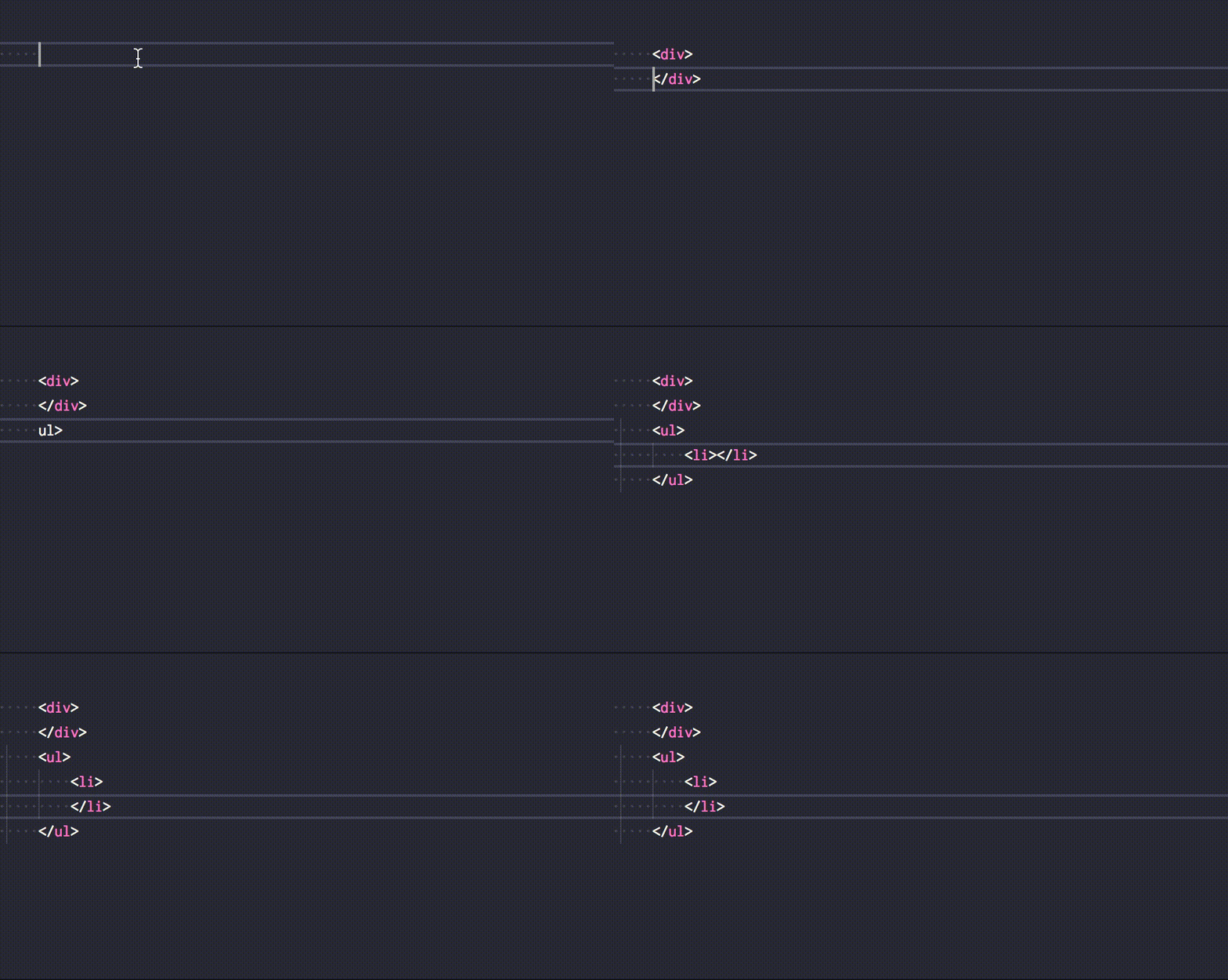
HTML syntax indent fine