atom-build: Freeze when "Select Active Targets"
Description
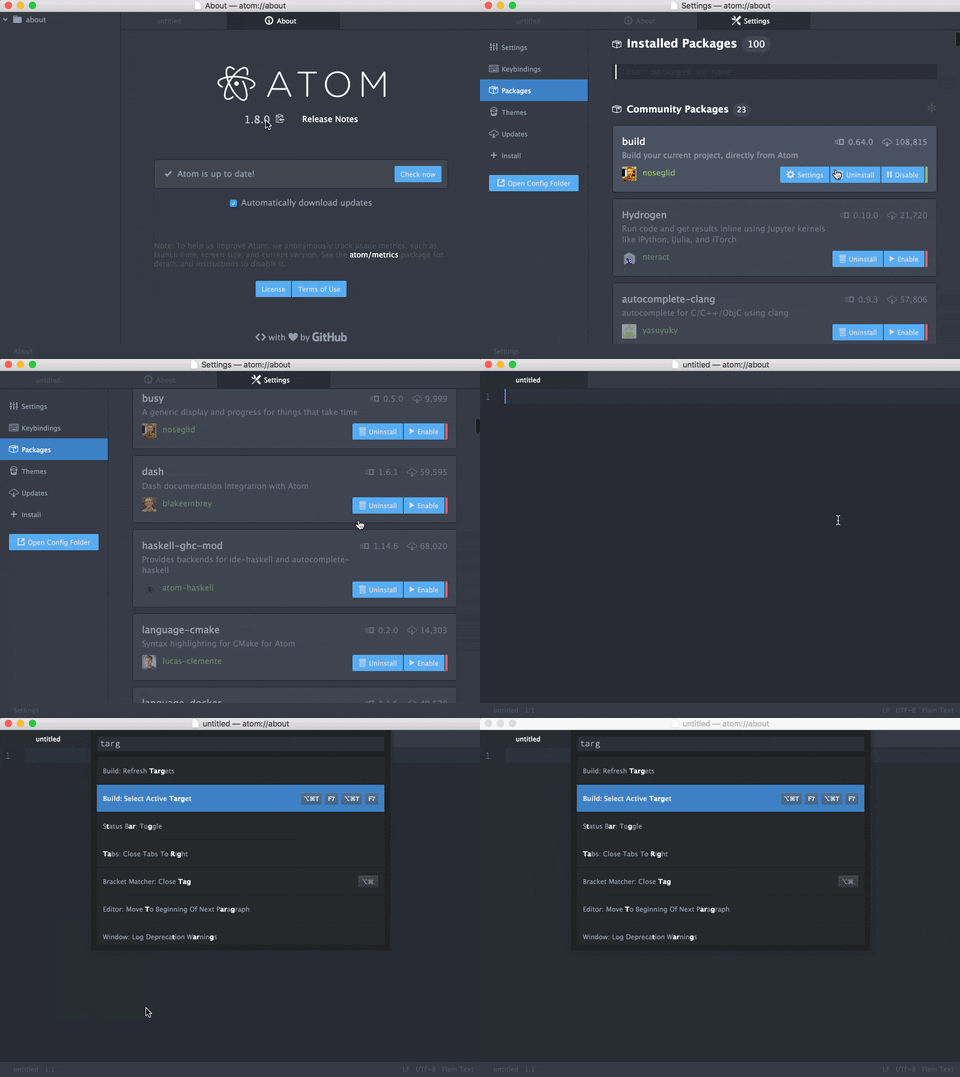
Atom freezes whenever I press cmd-alt-t or select Select Active Targets in the command palette.
I am on Atom 1.8.0 (OS X 10.11.5), and Build is the only enabled plugin.
I am using the Genesis theme (https://atom.io/themes/genesis-ui).
The Genesis theme works fine with all my other plugins. (if it is a problem in the theme, please let me know and I will file a bug in the appropriate project)
Steps
- Launch atom
- Press cmd-alt-t
Outcome
- Atom is frozen
Recording
About this issue
- Original URL
- State: closed
- Created 8 years ago
- Comments: 31 (10 by maintainers)
Commits related to this issue
- Fix #484, #447 In TargetManager, getTargets, and by extension fillTargets, has an implicit requirement that pathTarget.targets is not empty. If it is we re-call refreshTargets which would end up with... — committed to sphaerophoria/atom-build by sphaerophoria 7 years ago
- Fix #484, #447 In TargetManager, getTargets, and by extension fillTargets, has an implicit requirement that pathTarget.targets is not empty. If it is we re-call refreshTargets which would end up with... — committed to sphaerophoria/atom-build by sphaerophoria 7 years ago
- Fix #484, #447 In TargetManager, getTargets, and by extension fillTargets, has an implicit requirement that pathTarget.targets is not empty. If it is we re-call refreshTargets which would end up with... — committed to sphaerophoria/atom-build by sphaerophoria 7 years ago
- No more recursive loop when there are no targets Thanks to @sphaerophoria for correctly identifying the issue and providing an initial solution in #503. Fixes: #484, #447 — committed to noseglid/atom-build by noseglid 7 years ago
- No more recursive loop when there are no targets Thanks to @sphaerophoria for correctly identifying the issue and providing an initial solution in #503. Fixes: #484, #447 — committed to noseglid/atom-build by noseglid 7 years ago
Currently experiencing this issue on Windows 10 Pro 64bit, Atom 1.13.0,
build0.67.0 - this may be related to #484.I believe I have no valid build targets, or at least I haven’t added any; I added
.atom-build.ymlto one of my projects but it’s an empty file and I see an error when it tries to parse it (so still no valid build targets). However, the gear icon in the bottom right of my editor shows a check mark and “Refereshing targets for<path> (0.1s)” - regardless of the presence of the aforementioned file - so it clearly believes there is a target (it’s a Django project and needs no building).Calling
build:select-active-target(via my remapped F5 key) on my keymap.cson file gives the error “Open file is not part of any open project in Atom”. Calling it while in a file that is part of a project will cause the freeze.Using console logging, I have identified that it calls
awaitSelection()fromtargets-view.js(call originates fromtarget-manager.js:199), but the Promise never resolves (no logging in either thethenorcatchclauses appeared in the console). After this occurs, 25-30% of my CPU (so a whole core) is in use by an Atom subprocess. No panel is shown, nor any messages about a lack of targets.Fixed by #520