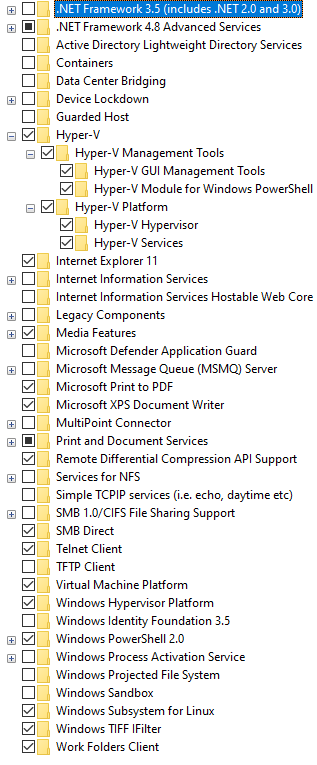
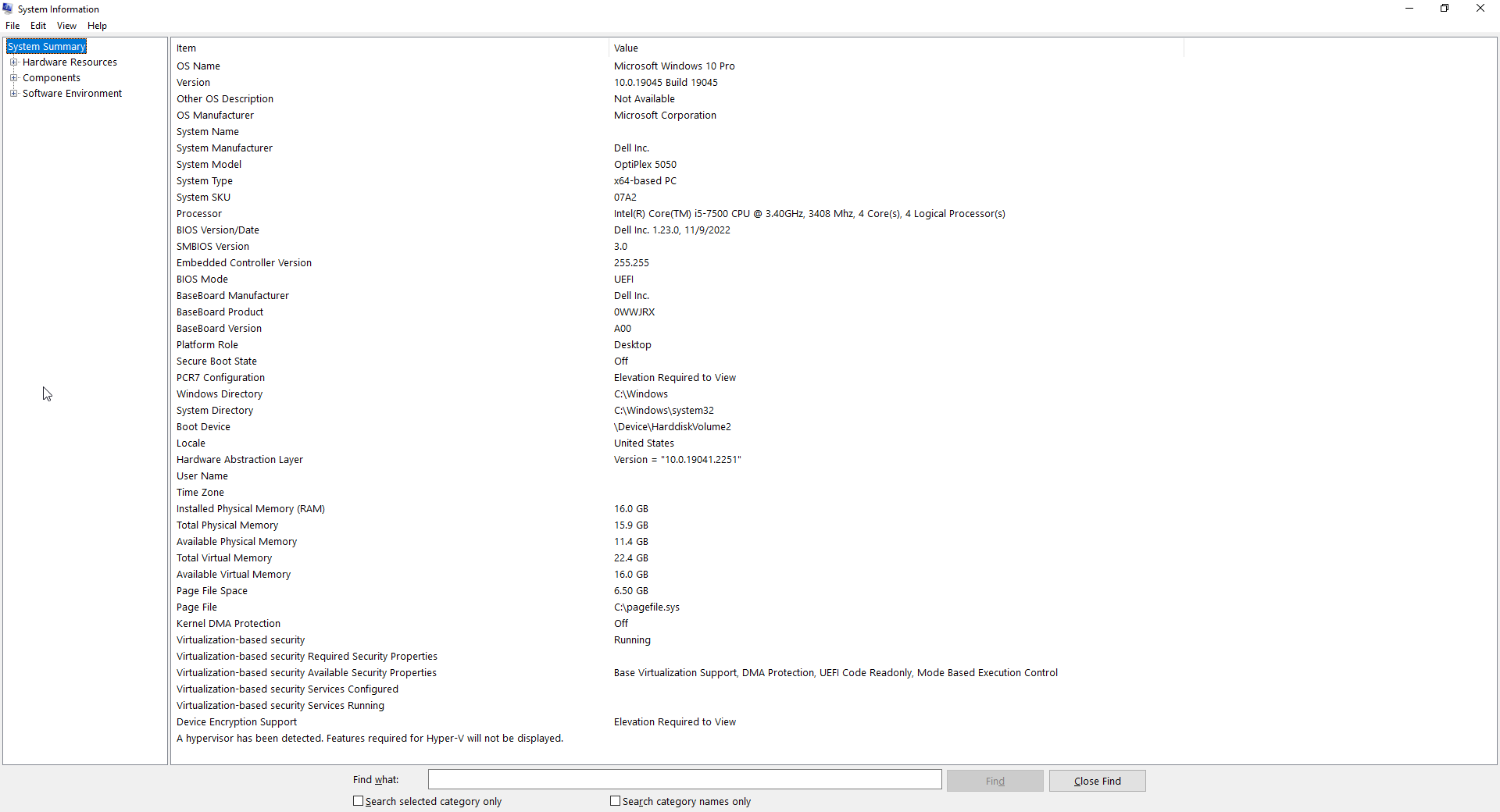
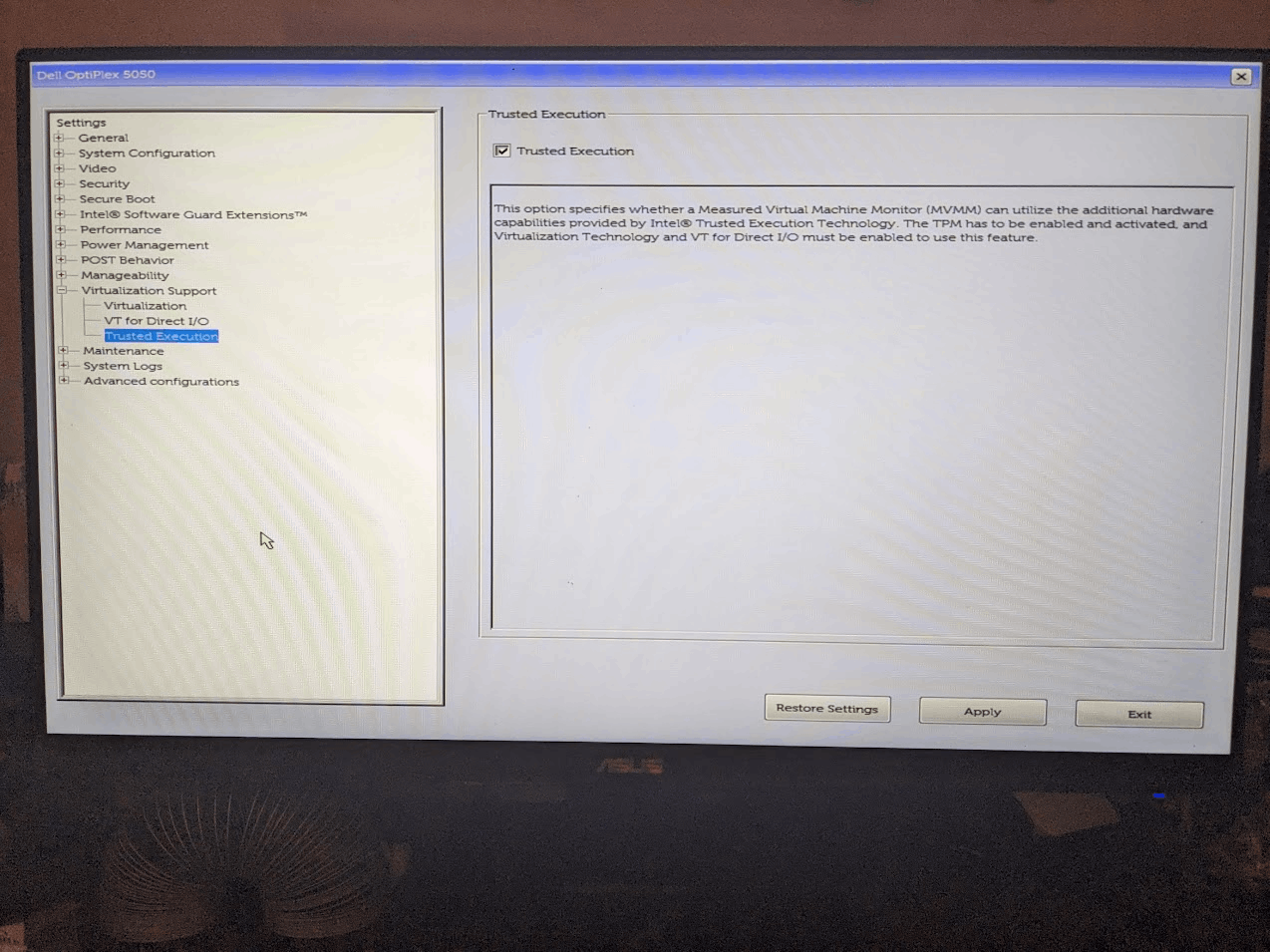
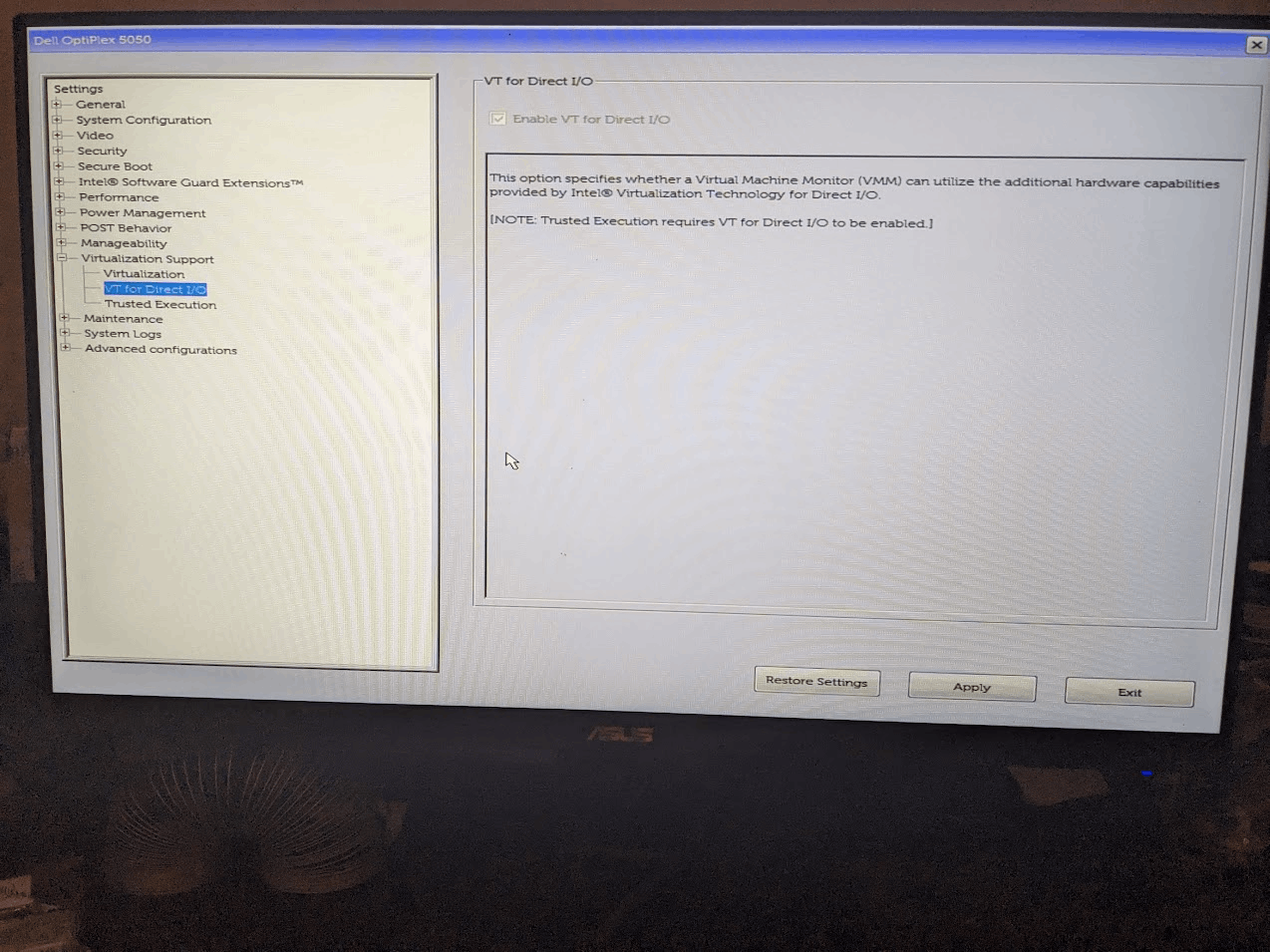
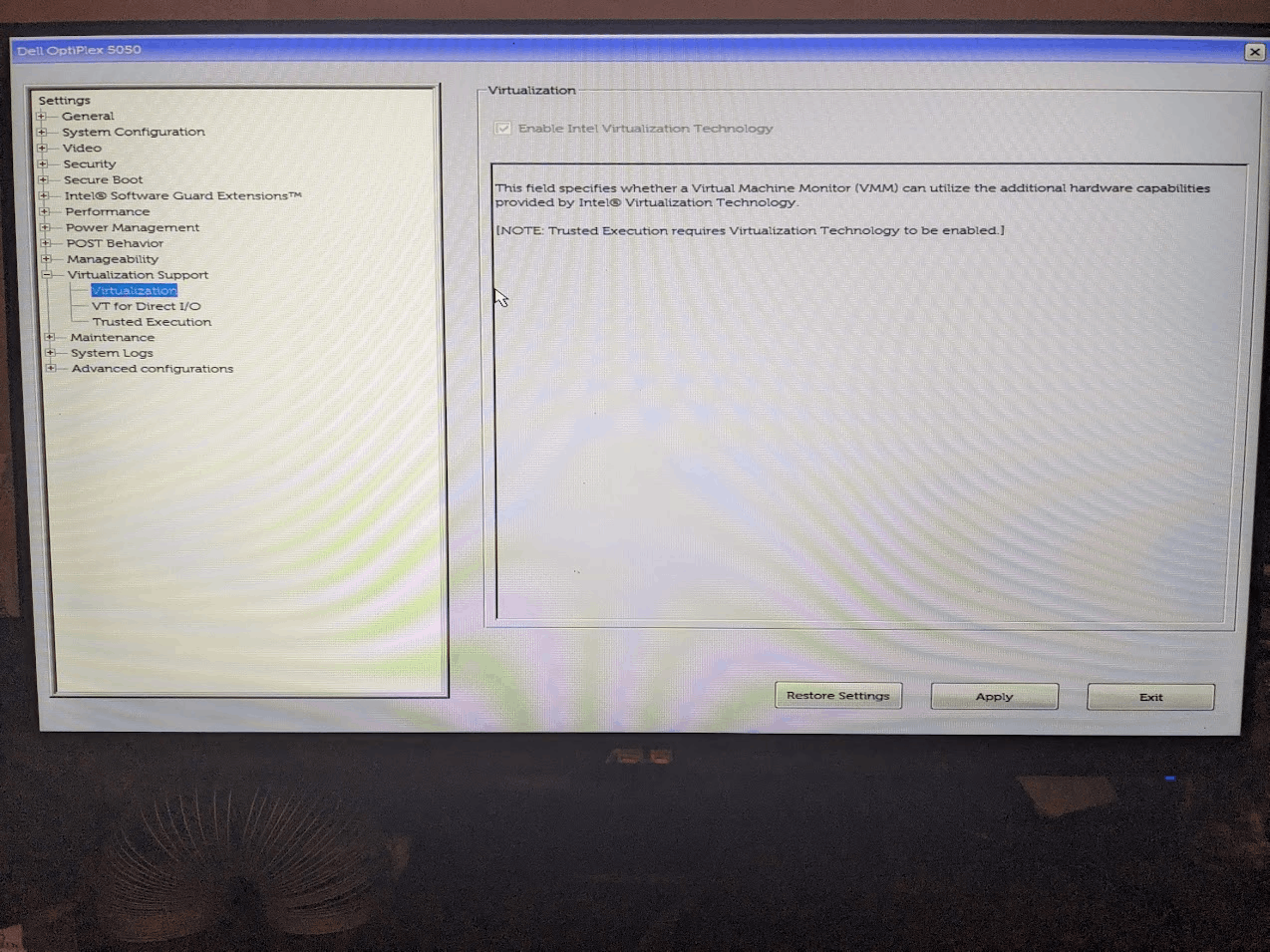
WSL: "WSL2 is not supported with your current machine configuration" after enabling Hyper-V, Virtual Machine Platform, Windows Subsystem for Linux, Hypervisor Platform and virtualization in up-to-date bios.
Version
Microsoft Windows [Version 10.0.19045.2604]
WSL Version
- WSL 2
- WSL 1
Kernel Version
Default Distribution: docker-desktop-data Default Version: 2
Distro Version
Ubuntu (cannot run lsb_release -r)
Other Software
Docker Desktop for Windows
Client: Cloud integration: v1.0.29 Version: 20.10.21 API version: 1.41 Go version: go1.18.7 Git commit: baeda1f Built: Tue Oct 25 18:08:16 2022 OS/Arch: windows/amd64 Context: default Experimental: true
Repro Steps
I installed WSL sometime around fall of 2022. I had installed Docker some time before that but had never done anything with it. WSL was working fine for me in the fall, but I didn’t use it for several months until around mid January, when I discovered this problem. Here are all the screenshots I posted on my Microsoft support thread, before the support person directed me here.
Expected Behavior
Working WSL and Docker
Actual Behavior
WSL2 is not supported with your current machine configuration. Please enable the "Virtual Machine Platform" optional component and ensure virtualization is enabled in the BIOS. For information please visit https://aka.ms/enablevirtualization Error code: Wsl/Service/CreateInstance/CreateVm/0x80370102
after running most wsl commands in Command Prompt (both elevated and non-elevated).
Diagnostic Logs
No response
About this issue
- Original URL
- State: open
- Created 4 years ago
- Reactions: 5
- Comments: 31
Hi all,
I was facing the same issue this morning:
WSL2 is not supported with your current machine configuration. Please enable the "Virtual Machine Platform" optional component and ensure virtualization is enabled in the BIOS. For information please visit https://aka.ms/enablevirtualization Error code: Wsl/Service/CreateInstance/CreateVm/0x80370102even though all the features were turned on: Hyper-V, Virtual Machine Platform, Windows Subsystem for Linux.
Then, I remembered that I wanted to set up macOS via VirtualBox and that I needed to run the following command in cmd:
bcdedit /set hypervisorlaunchtype offAfter executing the command below:
bcdedit /set hypervisorlaunchtype autoand after restarting the machine, I was able to successfully start the wsl2 again.
Hope it helps!
Hey Darwin, I opened an exact same ticket. Let’s keep in touch if someone comments on either of our threads, eh?
Exactly the same scenario here. Now it worked, thanks!
It works for me, thanks
Same issue still, No luck with any of the above.
Thank you! It works for me ❤️
G’day,
I’m having apparently the same issue. Have been running WSL2 for quite some time, but had my bios reset to default conditions (got disconnected from mains, and the onboard battery had died).
This meant, for a little while, I was booting up with Virtualization disabled in the bios. I noticed that there was a ‘configuring windows -> reboot required’ thing that happened, whilst I was unaware.
So, I go to open windows terminal to do some work, and don’t yet get the error we’re getting - but a slightly different one complaining just that virtualization is disabled in the bios. I reboot, and sure enough.
So it gets throughly reenabled, including a change disabling CSM (which I was booting many years, and consequently running without VTd) so that VTd could also be enabled (along with resizable BAR), the latter two settings had been causing my system to go into a reboot loop when enabled (because they couldn’t work with CSM). So, side issue, but I think relevant here possibly, since it’s the only other major configuration change.
Rebooted, started windows terminal: And I don’t merely get the error, I get it in triplicate!
Huh? Did I not enable it?
Okay, through the bios again, and yes, it is certainly still enabled.
Back into a Admin power shell, I try a few things:
All of the above commands, btw, seemed to proceed and complete normally.
But still no luck after reboot, and every attempt to start up still hits the same result.
How is this still possible then?
Attempts to start a hyper-v VM also fail with an error message ‘Hypervisor not running’ with the usual about enabling virtualization in bios.
I’m going to try with a generic
DISM /online /cleanup-image /restorehealthand reboot, and failing that, will try disabling VTd and test, and re-enable CSM and test.what worked for me was to reset bios to default settings then enable SVM
I think I have a motherboard issue now somehow. I am 100% sure I didn’t go into my BIOS to disable virtualization.
So Virtualization Enabled in Firmware is NO but I no longer can enter my BIOS to change this, it just hangs on boot if I press any keys… odd one… Will try to take out or replace the CMOS battery etc and hopefully can fix this.
Thanks for the suggestions @svili98 !
@CJHarmath Did you try this PS script?
Enable-WindowsOptionalFeature -Online -FeatureName VirtualMachinePlatform, Microsoft-Windows-Subsystem-Linux
DISM /Online /Enable-Feature /All /FeatureName:Microsoft-Hyper-V
bcdedit /set hypervisorlaunchtype auto
And restart after that
@yanxel18 I had the same issue after using VB. Thank you very much your solution worked for me … probably saved my day, have a great day mate ^^ "the solution by yanxel18 that worked for me : bcdedit /set hypervisorlaunchtype off
After executing the command below:
bcdedit /set hypervisorlaunchtype auto
and after restarting the machine, I was able to successfully start the wsl2 again."
It works for me! for docker WSL error
this one worked for me, thanks a lot
same issue. I had just got WSL2 working yesterday.
Today there was a power outage and my laptop was shutdown fully.
Now I get the above message.
Virtualization is enabled so the message is in error.
Edit: looks like the first restart after the outage caused the hp laptop to reset UEFI to defaults and virtualization was actually turned off. That said this may not always be the case since I found out previously that turning off DEP or CFG in windows security exploit settings will also return a virtualization error so the message seems to be false firing all the time…