WSL: Unable to save file when inotify is in use (using Node)
I’m building a React app using “Create React App.” When the development server is running and I try to modify a file, it seems to be locked. My IDE returns an error message. To be clear, I’m running the app in the Windows filesystem /mnt/c/etc…
Your Windows build number:
Microsoft Windows [Version 10.0.15063]
What you’re doing and what’s happening:
I ran npm run start and everything seems to work properly initially…
What’s wrong / what should be happening instead: The server runs as expected, and given the changes in the Windows Creators Update, I expected the automatic reload to work. Here is what I experience when I try to save a file in JetBrains’ WebStorm:

I’m not sure how to get more information about the error.
About this issue
- Original URL
- State: closed
- Created 10 years ago
- Reactions: 16
- Comments: 29 (2 by maintainers)
Please could this be prioritized? It seriously breaks / hampers doing any react / webpack web development with WSL.
Me too
Note that this issue should resolve itself with the future WSL2. The embedded kernel should be able to understand the whole set of inotify event, thus resolving this.
With the update to VS Code being able to work remotely in WSL, see https://code.visualstudio.com/docs/remote/wsl, there is a high risk there will be an influx of new users bumping into this problem, either creating duplicates or bumping this thread.
It is even listed as a limitation for WSL as can be seen here: https://code.visualstudio.com/docs/remote/wsl#_common-limitations-in-wsl
I was getting this with webpack watch too, it works if you disable “safe write” in settings: It seems as though WSL has some problems when watched files are deleted from windows.
This saved me a TON of digging, thank you!
Any progress on this?
Didn’t solve it until now?
Got the same kind of problem with webpack watched files when working on them with Sublime Text or Smartgit. It’s the only thing preventing me from using WSL for node dev instead of Powershell…
@ptmr-io I was still on 16299.15, I just updated to .19 and it’s still happening.
It’s still visible in explorer too:
But I can’t open it;
When I kill webpack-dev-server the file disappears: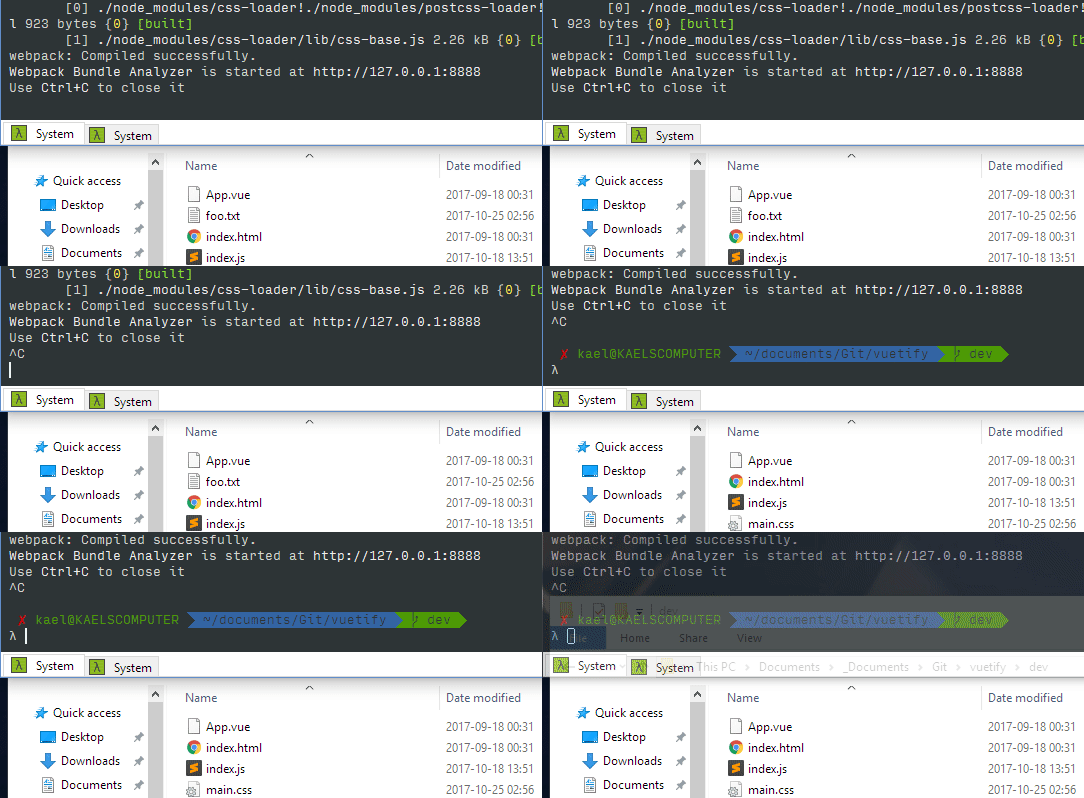
Deleting it with
rmworks just fine on the other hand:And one more - it’s ot only in Windows GIT. When running in WSL bash ‘git merge origin/master’ getting same error, so it happens INSIDE WSL bash
After stopping inotifywait evrth goes fine.
Ok, guys. Wake up and look again to this thread. Using Windows 1709 Build 16299.192 and having same behaviour. While watching files with inotifywait command
In my case
but not relevant occasionally (not always) files get locked, and I cannot do some git merges from Windows, getting error:
Merge: cannot stat 'src/FVS/ClientBundle/Service/Data': Permission deniedSame issue here. Win 10 - Fall creators update, WebStorm 17.3
well, a bit too early. It happens again with webpack --watch and PhpStorm.
I did try out this scenario in 15063 using Webstorm, and I was able to save files being watched by the server. (See screenshot, the save was successful in a /mnt/c location and the server reloaded.)
We do have a similar issue where files being watched by inotify were unable to be deleted properly, which could be what your editor is doing. This issue was fixed in Insider Build 16184, and we are working towards getting the fix backported into the Creators Update 15063. Is there any chance you can try out the Insider Builds?