WSL: SSHD server is running but Connection refused on WSL
I have done everything I could do, with this document help https://superuser.com/questions/1111591/how-can-i-ssh-into-bash-on-ubuntu-on-windows-10/1114162#1114162
I had apt remove --purge openssh-server and install this.
But when I full-restart sshd, the process is running
 And the process is running in windows too.
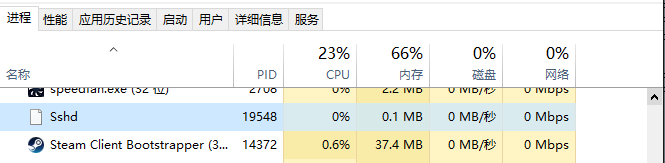
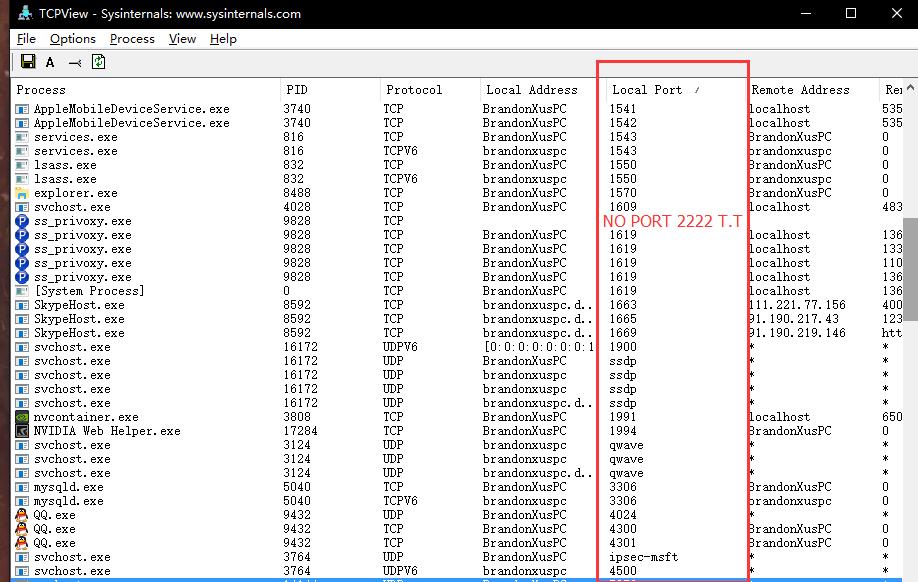
But I can’t find the port bind in netstat -a, my port is set to 2222
this is TCPView’s result
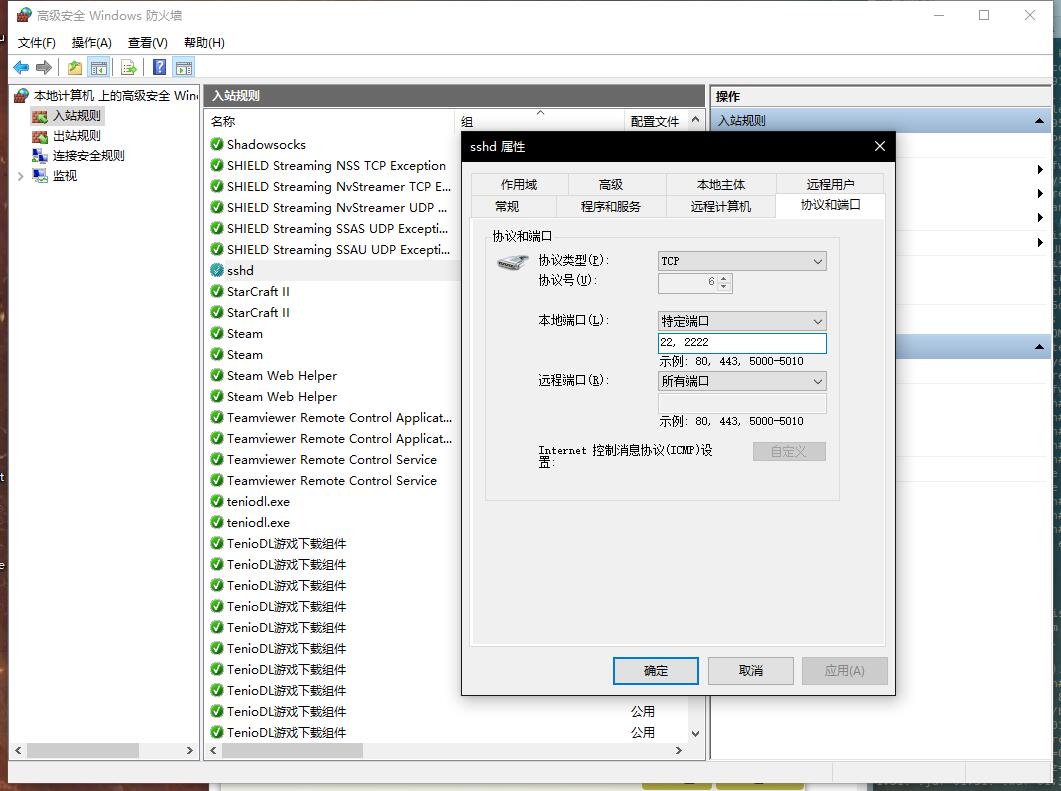
I have added the rule in my windows firewall (I am Chinese 😛)
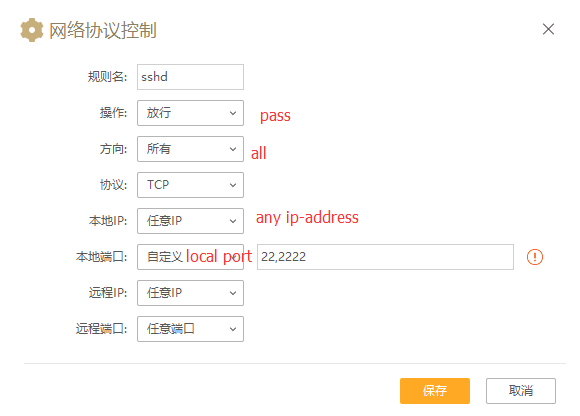
 And also added the rule in my antivirus’s IP connection controller
BUT!!!
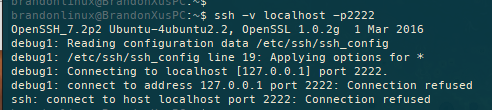
this is when I use < /usr/sbin/sshd -d > show me the log.
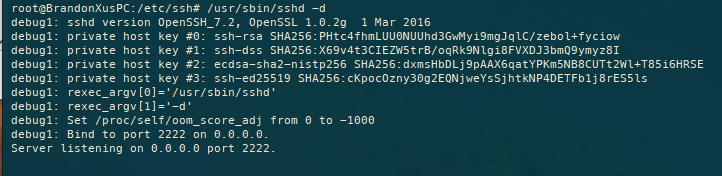
this is my conf

I have no idea about this…
sssssome one can help me ? _(:з」∠)_
!!(╯' - ')╯︵ ┻━┻ Overturned the table
┬─┬ ノ( ' - 'ノ) Take it back.
.
…
…
…
(╯°Д°)╯︵ ┻━┻ AND DO IT AGAIN !!!
emm… my English is not really good, never mind the syntax error ╮(╯_╰)╭, and thank your help.
About this issue
- Original URL
- State: closed
- Created 9 years ago
- Reactions: 2
- Comments: 22 (1 by maintainers)
Give up…
Please mind your language, I have edited your post to remove the offending word.