material-components-android: [Chip] Layout preview window does not render Chip elements
Description:
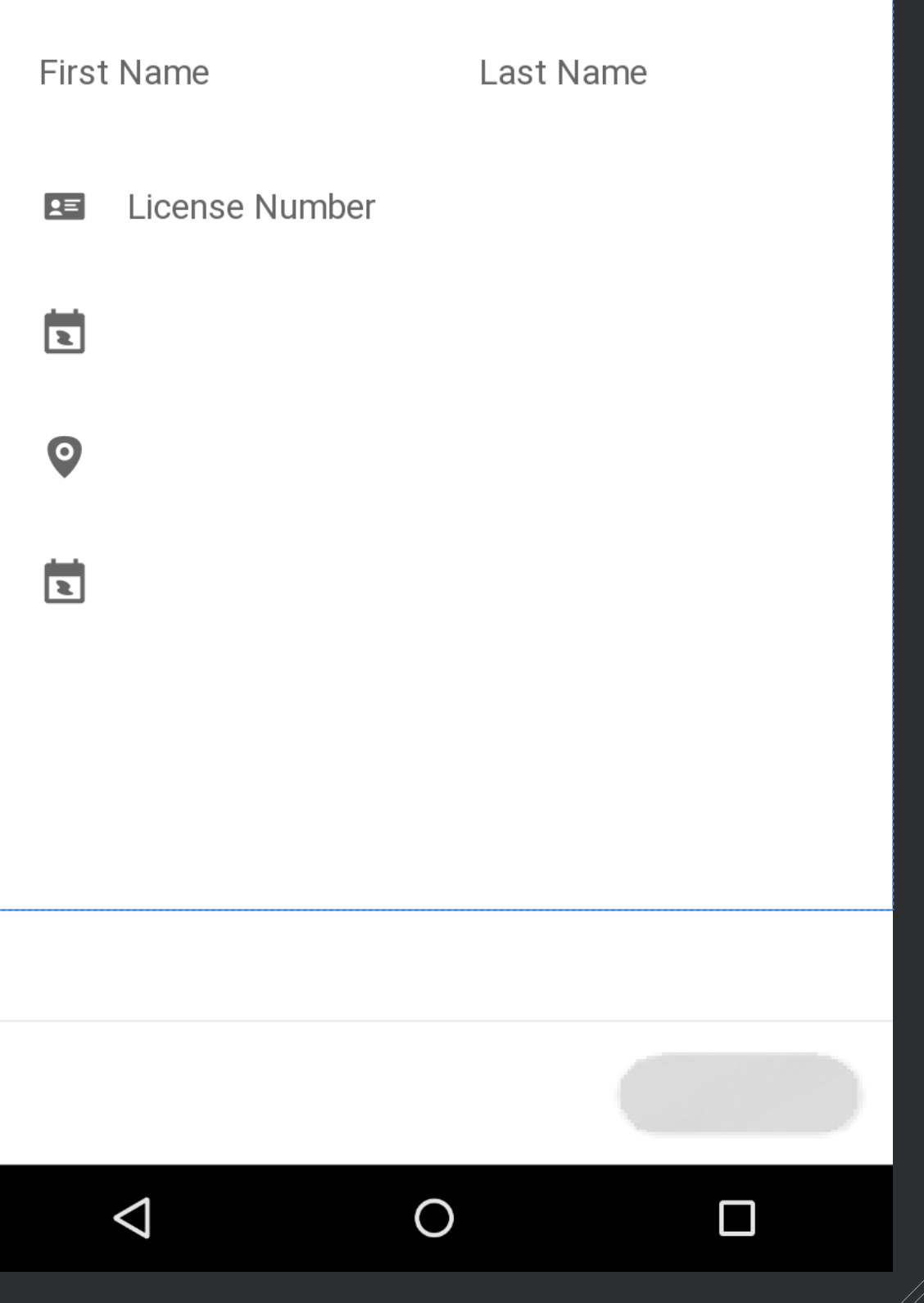
After upgrading to version 1.2.0-alpha03 the layout preview window does not render Chip elements. They are drawn completely blank without any background, stroke, text or icons. This is solely a visual issue with the preview window as Chips are properly rendered when running on a device.
The preview window messages show the following render problems:
Path.op()not supportedjava.awt.geom.IllegalPathStateException: missing initial moveto in path definition
These elements are properly rendered when using version 1.2.0-alpha02
Expected behavior:
Chips should be rendered properly in the preview window.
This is using 1.2.0-alpha03
 This is using
 1.2.0-alpha02

Source code:
<?xml version="1.0" encoding="utf-8"?>
<LinearLayout
    xmlns:android="http://schemas.android.com/apk/res/android"
    android:layout_width="match_parent"
    android:layout_height="match_parent"
    android:orientation="vertical">

        <com.google.android.material.chip.Chip
            android:layout_height="wrap_content"
            android:layout_width="wrap_content"
            android:text="This chip should be visible"
            android:theme="@style/Widget.MaterialComponents.Chip.Choice"/>

</LinearLayout>
Android API version: 23
Material Library version: 1.2.0-alpha03
Device: Android Studio 3.5.3 Build #AI-191.8026.42.35.6010548, built on November 15, 2019
About this issue
- Original URL
- State: closed
- Created 4 years ago
- Reactions: 13
- Comments: 29 (7 by maintainers)
The issue is still present in 1.2.0-alpha04
Okay, I did some more digging, and it turns out that enabling “Use new Layout Rendering Engine” under the “Experimental” section in settings fixed it for me!!
This is the post that suggested the fix: https://stackoverflow.com/questions/64060759/render-problem-path-op-not-supported-in-latest-material-design-version
I’m also having the same issue with Android Studio 4.1.1 and Material 1.2.1. If I downgrade the Material library to 1.1.0, it renders without errors.
@someAndroidDeveloper Last I tried,
1.2.0-alpha02still worked fine in the layout preview. You may have to run a./gradlew cleanand re-sync your project. The other reason is a dependency you have may have a dependency on >=1.2.0-alpha03. This is not recommended as it could cause unknown issues, but if you want to force a version, I’ve found this to work (put it in your projects build.gradle, not the modules’):Also for those wondering, updating to Android Studio 3.6 RC 3 doesn’t help. 😔
And buttons and TextInputLayouts render like this: