Google-Play-Music-Desktop-Player-UNOFFICIAL-: Inconsistent window state
OS:
macOS 10.13.1 (17B48)
Issue Descriptions: Full player UI is unusable
- No scroll functionality
- Clicking UI elements does not fire any human noticeable interaction.
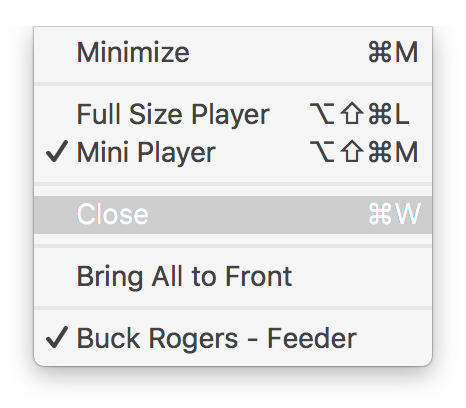
- Returning to ‘Mini-player’ from the
Windowmenu is not possible.
Steps to Reproduce: When running the player in ‘Mini-player’ if I want to change album, station, playlist I click the icon to launch the main app.
Update after @BrianAllred explained the shortcomings in my above “Steps to reproduce”:
- Open App
- Use Mini Player
- Click icon to launch main app
You can then find yourself in an unpredictable state, where the UI does not behave as expected.
screenshots. From the below layout
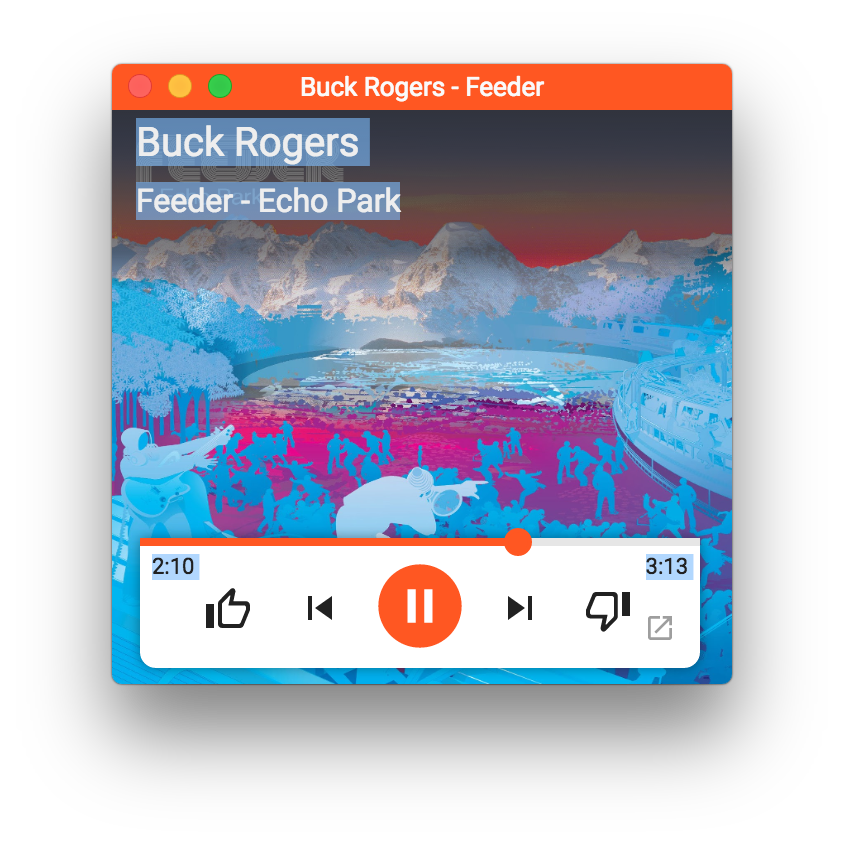
I would like to see
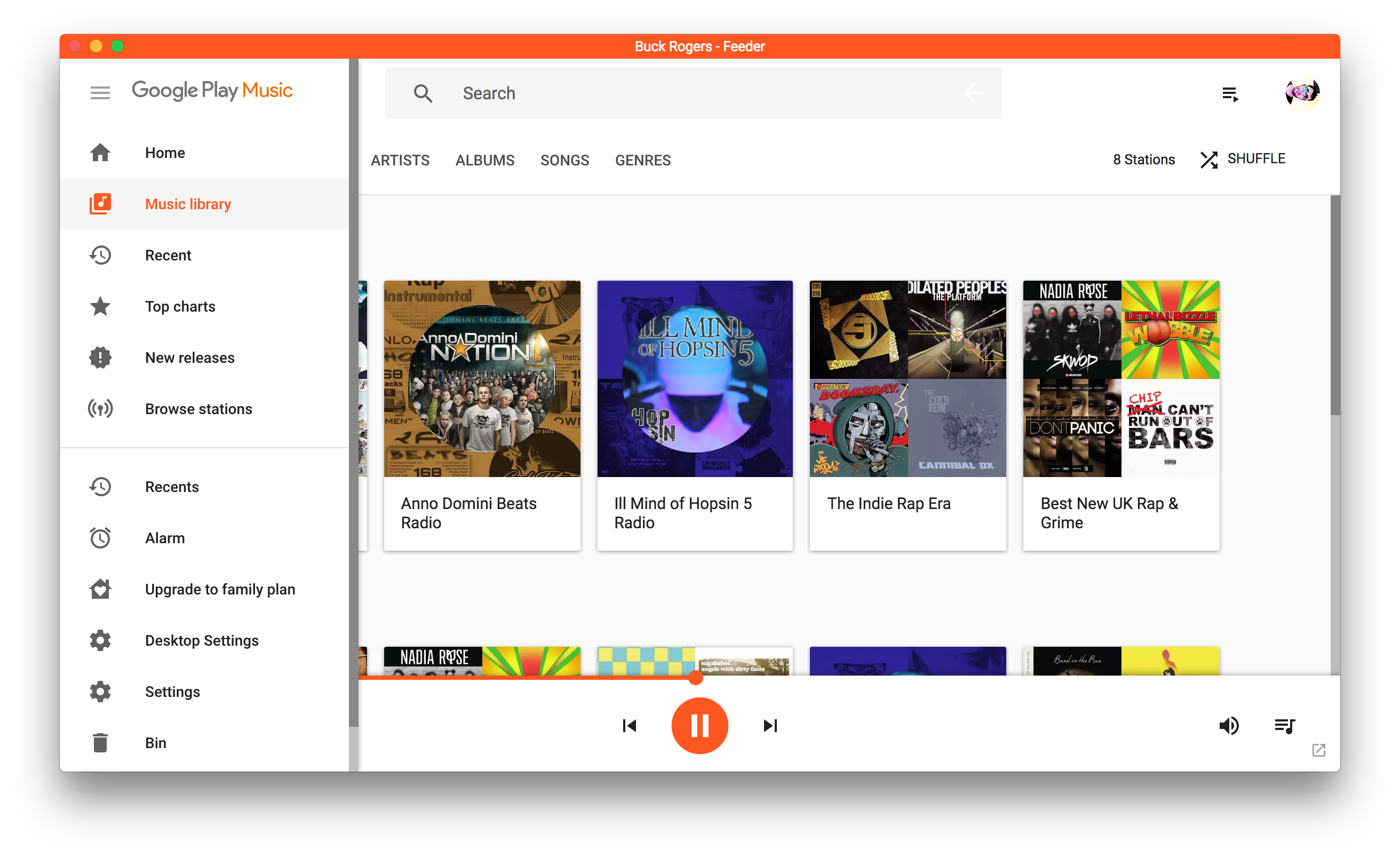
The only thing that is consistent between the various permutations of this bug is the app still thinks it is in mini-player mode after clicking
About this issue
- Original URL
- State: closed
- Created 7 years ago
- Comments: 15 (4 by maintainers)
Am I missing something here? Music is clearly playing in that screenshot so you must have clicked something successfully 🤔