robotframework-browser: Take Screenshot doesn't process arguments correctly when run on failure
Bug description Take Screenshot doesn’t process arguments correctly when it’s registered to be run on failure. Normally when called explicitly it’s working fine. Because of that as example unable to take fullPage screenshot.
Steps To Reproduce Look at my 2 code snippets below:
Take Screenshot not working correctly when registered to run on failure
    [Setup]  New Page  https://www.yahoo.com/
    Browser.Register Keyword To Run On Failure  Take Screenshot  fullPage=True
    Click  //button[@name="agree"]
    Wait Until Network Is Idle
    Wait For Elements State  ddd  state=visible
    [Teardown]  Close Page
Take Screenshot working correctly when explicitly called
   [Setup]  New Page  https://www.yahoo.com/
    Click  //button[@name="agree"]
    Wait Until Network Is Idle
    Take Screenshot  fullPage=True
    [Teardown]  Close Page
Expected behavior Take Screenshot should take full page screenshot for both examples.
Screenshots
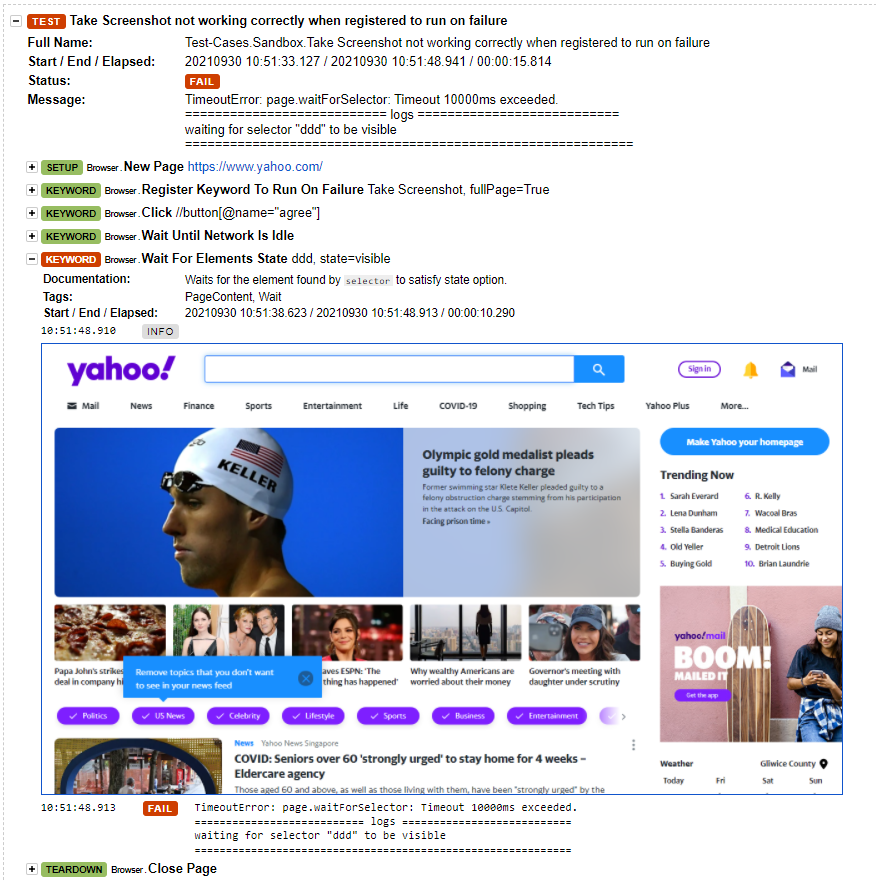
Incorrect - screenshot taken from viewport as default. Notice that filename was taken from the argument fullPage=True

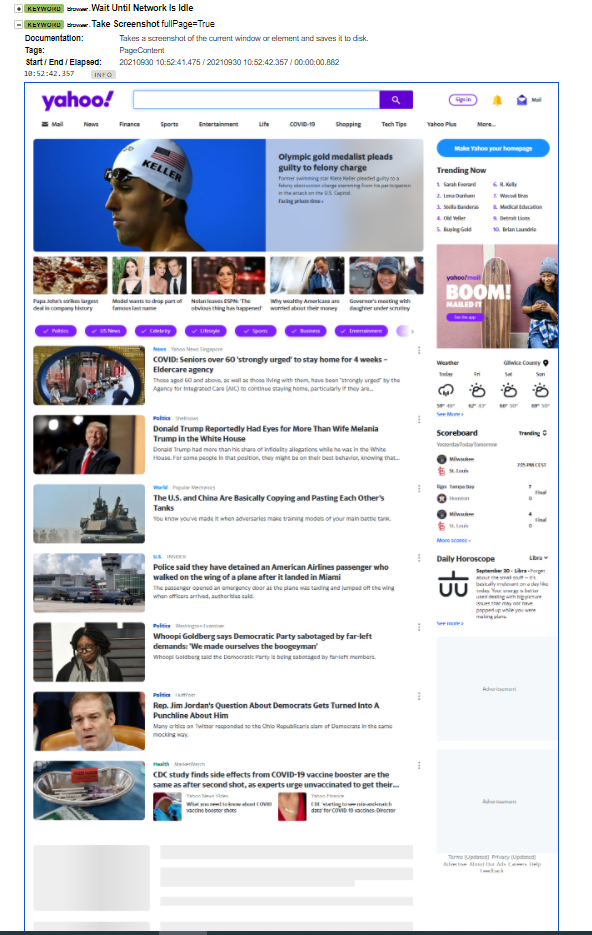
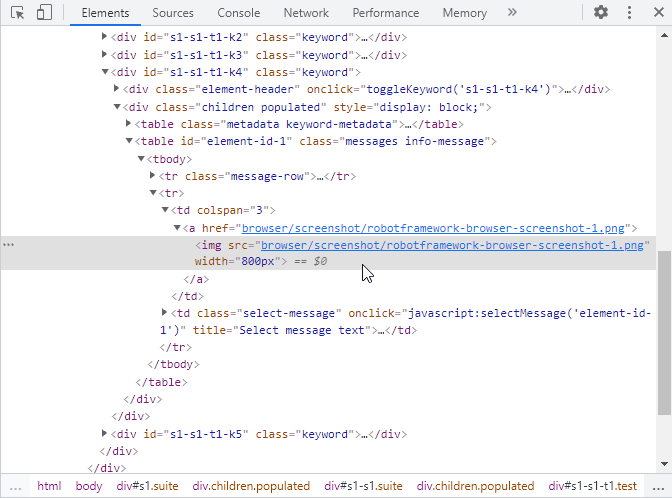
Correct - full page screenshot. File name correct according to default filename argument
Desktop:
- OS: Windows 10 / docker image rfbrowser-stable:v8.0.1
- Browser Chrome
- Version 94.0.4606.61
Additional context Checked other KWs to be registered on failure with arguments like Log and they’re working correctly.
About this issue
- Original URL
- State: closed
- Created 3 years ago
- Comments: 15 (1 by maintainers)
As a workaround doing something like this should work https://github.com/MarketSquare/robotframework-browser/blob/main/atest/test/01_Browser_Management/run_on_failure.robot#L47
But there definitely is a bug.