magento2: M2.3.1: Unable to place order for bundle when child quantity > 1
When placing an order for a bundle product with child product quantity set to a value greater than 1, the following error message is thrown:
We found an invalid quantity to invoice item "%1".
This happens for any payment method where invoices are automatically created during order creation e.g.
- PayPal Express Checkout + Payment Action = Sale
- Zero Subtotal Checkout + Automatically Invoice All Items = Yes
Preconditions (*)
-
Magento 2.3.1
-
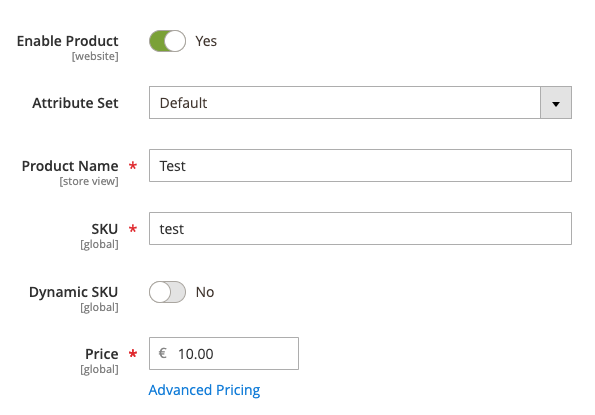
Test bundle product: – General configuration
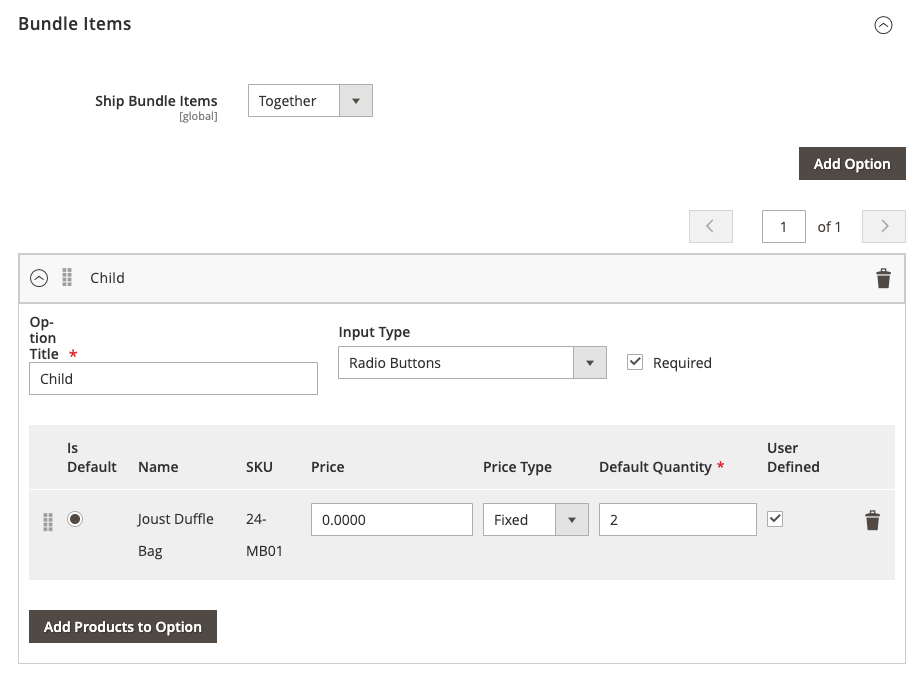
 – Child product (ensure Ship Bundle Items is set to “Together”)
-
Admin > Stores > Configuration > Sales > Payment Methods configuration: – PayPal Express Checkout (note: a sandbox account will work as well) Enable this solution: Yes Payment Action: Sale – Zero Subtotal Checkout Enabled: Yes New Order Status: Processing Automatically Invoice All Items: Yes
-
Admin > Stores > Configuration > Sales > Shipping Methods configuration: – Free Shipping Enabled: Yes
Steps to reproduce (as customer) (*)
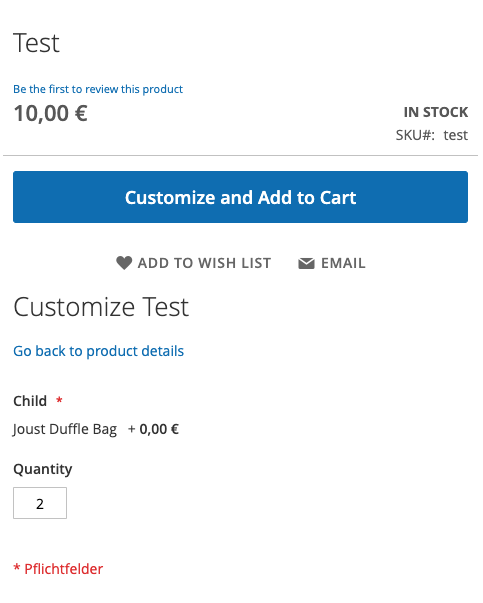
- Add Test bundle to the shopping cart, making sure to set the child quantity to a value > 1:
- Proceed to Checkout
- Select PayPal Express Checkout as the payment method
- Click Continue to PayPal
- Make payment on PayPal
Expected result (*)
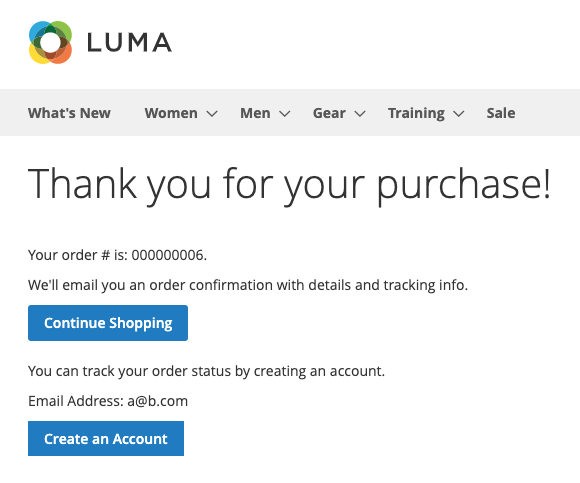
- Customer is redirected back to Magento’s Order Success page
Actual result (*)
- Error message
We found an invalid quantity to invoice item "%1".is displayed: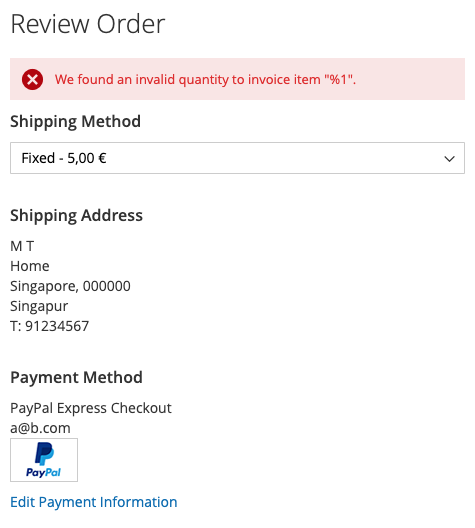
Steps to reproduce (as admin) (*)
- Create a new order from Admin > Sales > Orders
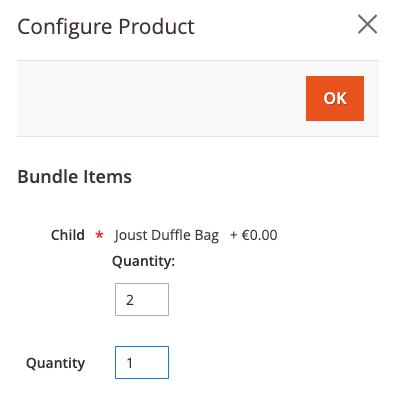
- Add the Test bundle to the order, making sure the child quantity is set to a value greater than 1:
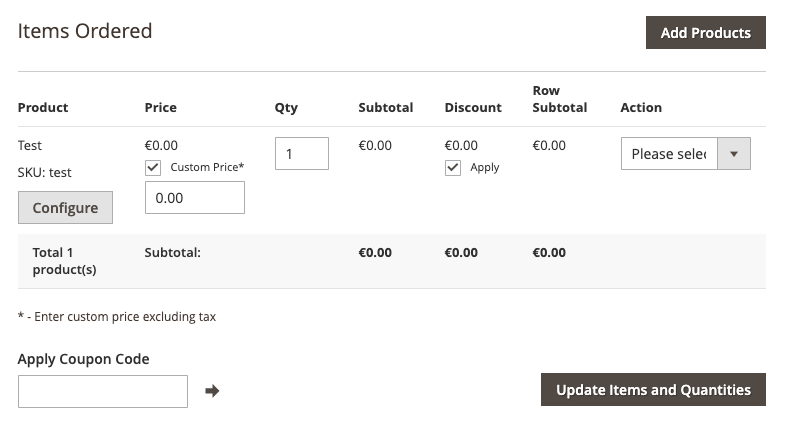
- Set a custom price of 0 for the Test bundle
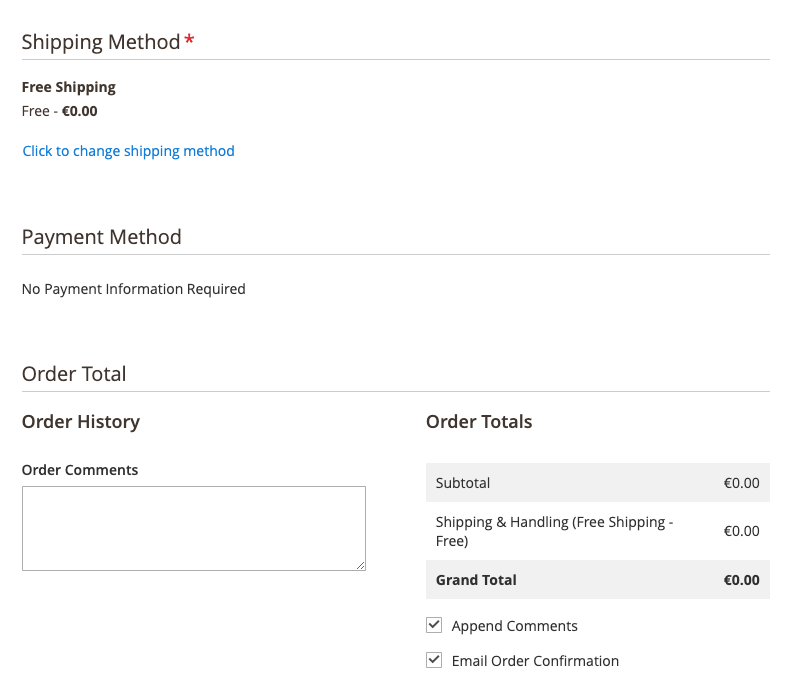
- Under Shipping Method, select Free Shipping
- Payment Method section should now display “No Payment Information Required”, and the order total should be 0:
- Click Submit Order
Expected result (*)
- New zero subtotal order is successfully created
- Invoice is automatically created for this zero subtotal order
Actual result (*)
- Error message
We found an invalid quantity to invoice item "Test".is displayed: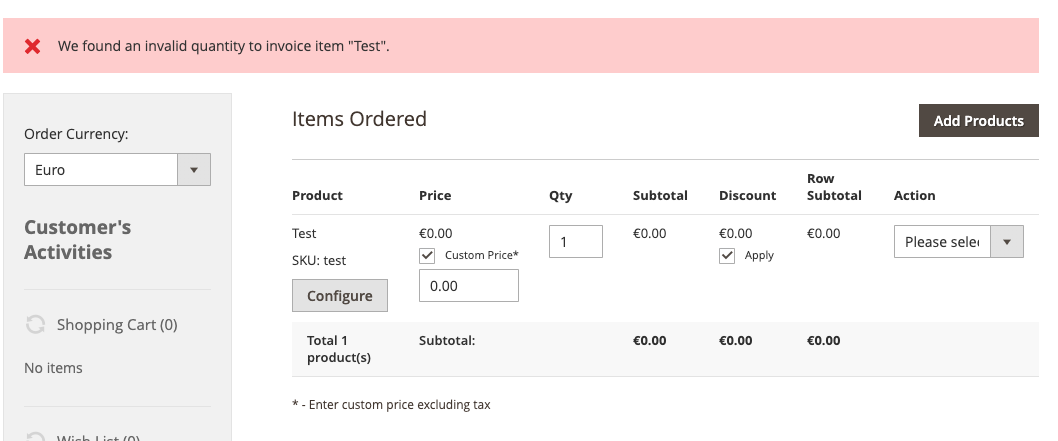
About this issue
- Original URL
- State: closed
- Created 5 years ago
- Comments: 20 (6 by maintainers)
This bug was introduced in commit 2fb6b3b81ada22e1a172272a7eb5454a50a71a2d in the following 2 private methods from app/code/Magento/Sales/Model/Service/InvoiceService.php:
The bug is triggered when the private method
prepareItemsQty()is called by the public methodprepareInvoice().ALL existing test cases which call the
prepareInvoice()method assume an order has already been successfully created (and hence, all order items belonging to the order have an item id > 0). This assumption is invalid when invoices are created together with orders, as is the case withTo resolve this, the 2 private methods above should also check for a non-zero bundle item id:
@mystix I have added your fix and it seems working now 😃 . thanks for the fix mate. you are a lifesaver.
@craigcarnell Try @mystix fix. it worked for me.
@mystix just wanted to say thank you for the detailed report and suggested fix - we’ve hit this exact issue on a live site (recently upgraded to 2.3.1) with Stripe also.