uptime-kuma: Reverse proxy broken (`ERR_TOO_MANY_REDIRECTS 308` on Chrome)
Is it a duplicate question? Don’t think so.
Describe the bug
With the latest louislam/uptime-kuma:1.7.3-alpine docker container, reverse proxy can no longer be used and the following error appears with both caddy and https-portal.

By reverting to louislam/uptime-kuma:1.6.0-alpine resolves this issue:
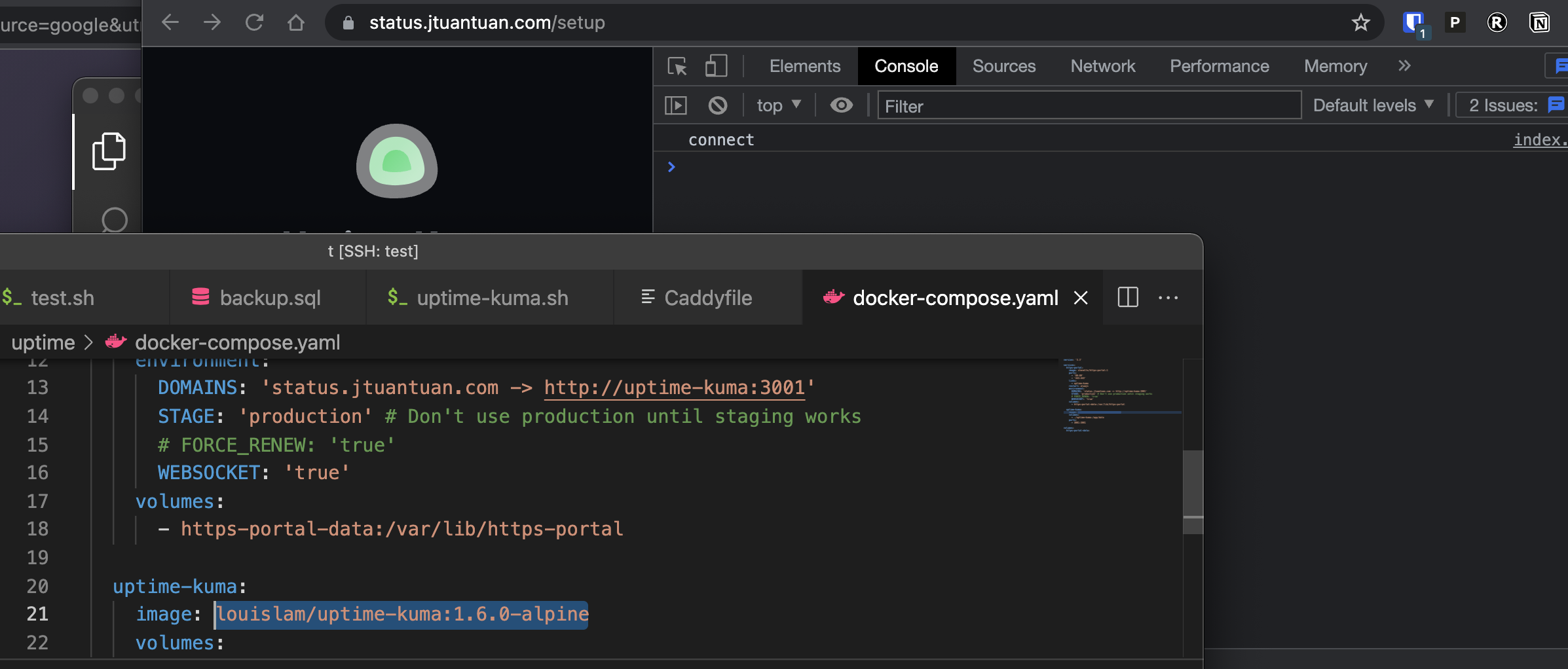
To Reproduce Steps to reproduce the behavior:
Run the following docker-compose.yaml file:
version: '3.3'

services:
  https-portal:
    image: steveltn/https-portal:1
    ports:
      - '80:80'
      - '443:443'
    links:
      - uptime-kuma
    restart: always
    environment:
      DOMAINS: 'example.com -> http://uptime-kuma:3001'
      STAGE: 'production' # Don't use production until staging works
      # FORCE_RENEW: 'true'
      WEBSOCKET: 'true'
    volumes:
      - https-portal-data:/var/lib/https-portal

  uptime-kuma:
    image: louislam/uptime-kuma:1.7.3-alpine
    volumes:
      - ./uptime-kuma:/app/data
    ports:
      - 3001:3001

volumes:
  https-portal-data:
Info Uptime Kuma Version: 1.7.3 Using Docker?: Yes Docker Version: 20.10.8 OS: Centos 8 Browser: chrome, safari
About this issue
- Original URL
- State: closed
- Created 3 years ago
- Comments: 42 (10 by maintainers)
🤣 A lot of question marks here.
Is that the “:” cause the problem?
Anyway, glad you guys can make it works.
Yes looks like that is, I think I posted it above. Glad it’s working. I was testing and it started working for me too 😁
For whatever reason, caddy works file and
https-portalalso worked…Hmm, not sure what happened, but it seems fine now… LOL
app.enable("trust proxy");http://expressjs.com/zh-tw/api.html#app.enable
I double checked, this line is presented in the container.
Hi @louislam
Both images
louislam/uptime-kuma:nightly-node-14.17.6andlouislam/uptime-kuma:nightly-no-dumb-inithave the same issue.No, because @vwxyzjn had tried 1.7.3 which is Debian base.
It’s fine… I didn’t even change any configuration.
No worries, hopefully I can test later this evening and I’ll report back o7 😄
Since @vwxyzjn is ok with 1.7.0, I try to build images that reverted some important change.
@vwxyzjn @dbrennand would you able to try?
Older Node 14 (14.17.6)
louislam/uptime-kuma:nightly-node-14.17.6No dumb-init
louislam/uptime-kuma:nightly-no-dumb-initYes, it is express.js. I will try to build this too tomorrow.
Hi,
Hmmm this issue is interesting.
I’m using Caddy and uptime-kuma docker images and I’m also experiencing this issue only with Chromium based browsers. This isn’t the first time I’ve had issues with
net::ERR_TOO_MANY_REDIRECTS 308when using Caddy to reverse proxy to applications and access them using Chrome.I experienced a similar issue with Planka and now again with Uptime-Kuma… 🤔
Is Uptime-Kuma also using Express.js as the web app framework? If so, I think I resolved my issue with Planka by enabling the
trust proxy. However, as stated in my issue for Planka, I was never quite sure if that solved the issue.Caddy version:
2.4.5Uptime-Kuma version:1.8.0-debianMy docker-compose.yaml file:
Caddyfile:
So after EXTENSIVE trying I was able to get the issue to reproduce using both caddy and Https-portal. (still not sure how I reproduced it exactly but I did, I will try to document how I reproduced it later on) Here is where it gets weird, if I press
CTRL + Shit + Ron the white page it loads the page normally and actually redirects properly. I also have no issues if I open the url in Firefox. @vwxyzjn are you able to try either of those?@vwxyzjn By any chance did you configure caddy with logging? If so could you post your log file and cady config file if possible? Will help me troubleshoot the issue.
I have an may idea of what the problem may be. I think it’s related to caddy. I will debug and run some tests when I get home.