lottie-react-native: Animation not working on iOS
Description
PinJump animation does not work on iOS, it works fine on Android though
Steps to Reproduce
// @flow
import React from 'react';
import LottieView from 'lottie-react-native';

// eslint-disable-next-line
export default class AnimatedLoading extends React.Component<{}> {
  render(): React.Element {
    return (
      <LottieView
        style={{
          width: 100,
          height: 100,
        }}
        source={require('./PinJump.json')}
        autoPlay
        loop
        enableMergePathsAndroidForKitKatAndAbove
      />
    );
  }
}

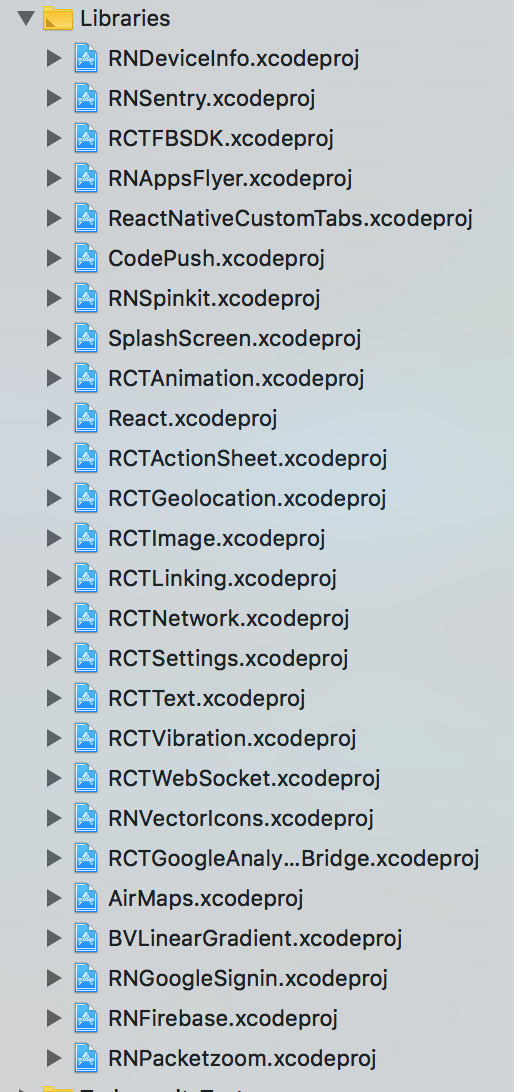
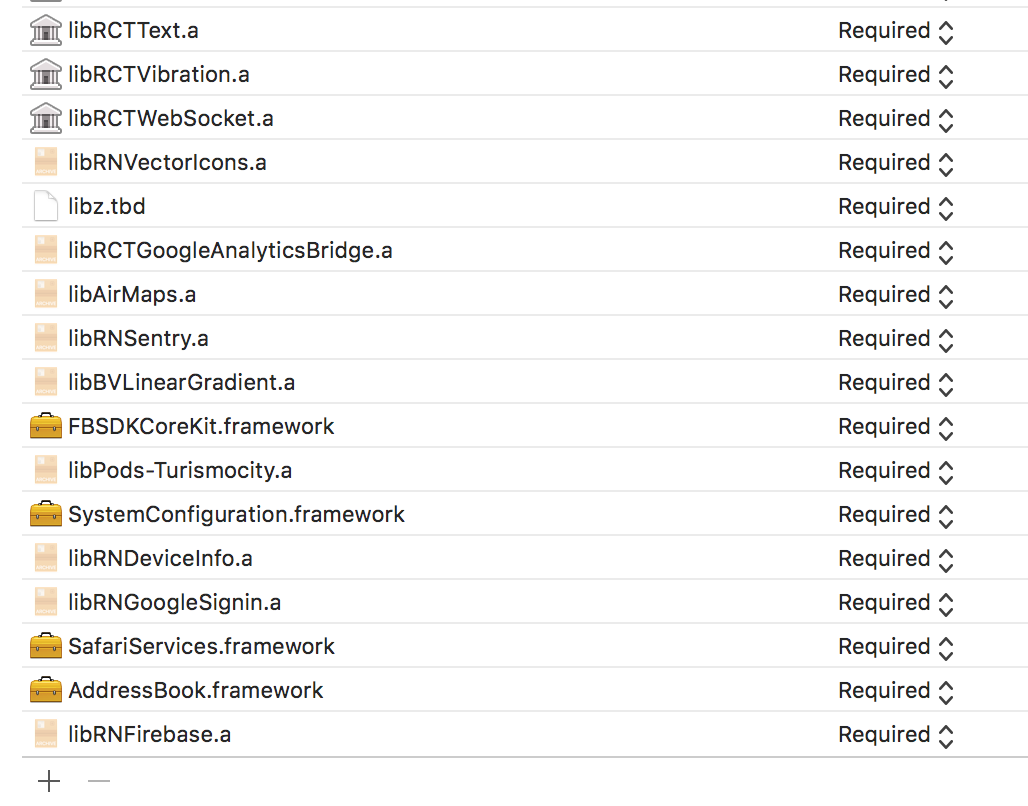
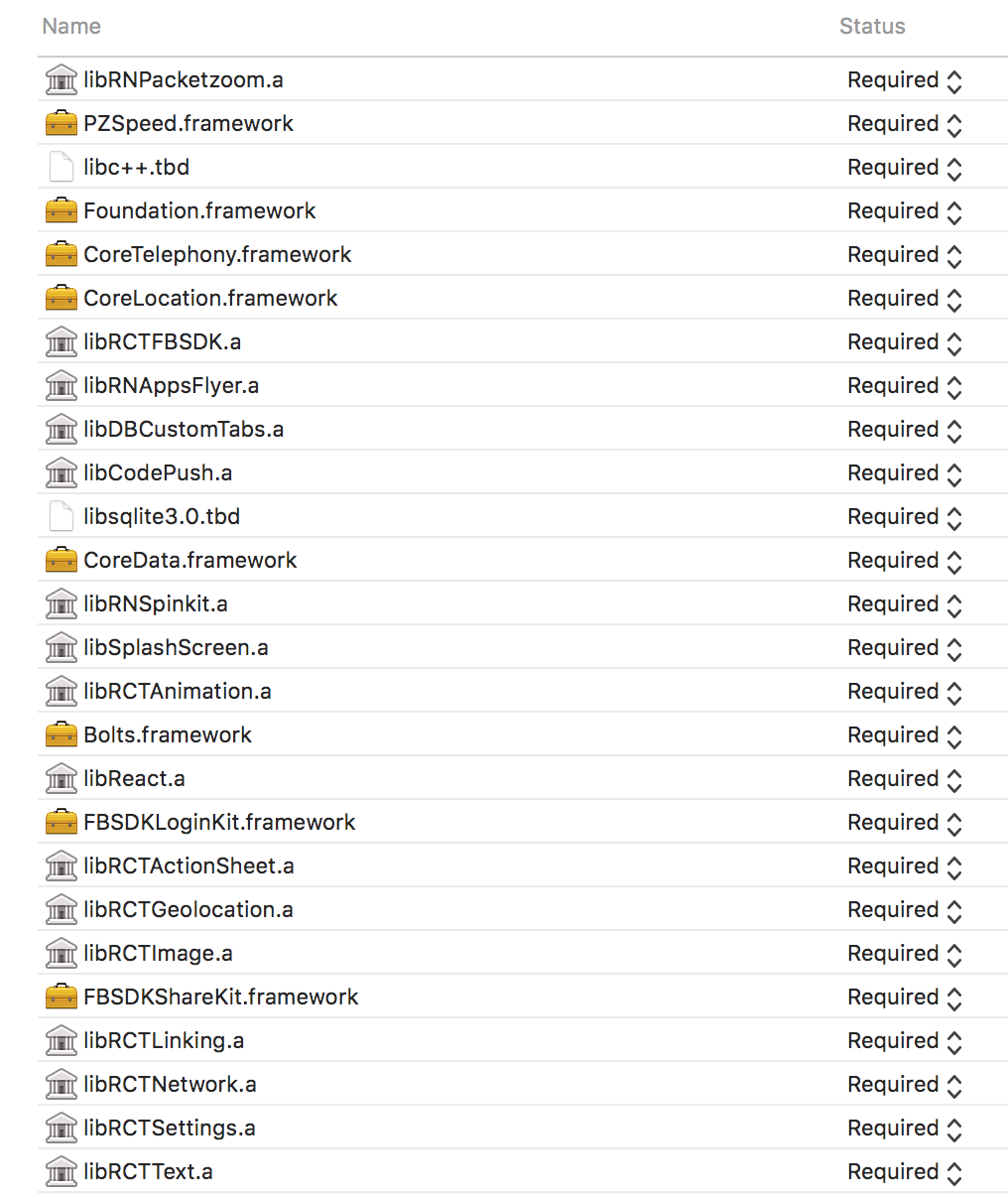
Lottie.framework is missing on npm folder.

Versions
Environment: OS: macOS High Sierra 10.13.6 Node: 10.1.0 Yarn: 1.6.0 npm: 6.0.1 Watchman: 4.9.0 Xcode: Xcode 9.4.1 Build version 9F2000 Android Studio: 3.1 AI-173.4907809
Packages: (wanted => installed) react: ^16.4.2 => 16.4.2 react-native: ^0.55.4 => 0.55.4
lottie-react-native: 2.5.8
About this issue
- Original URL
- State: closed
- Created 6 years ago
- Reactions: 4
- Comments: 23 (2 by maintainers)
I was facing same issue, I did following things and it worked fine on both iOS and Android
First I install pod file in iOS folder by using pod init
Then install npm i --save lottie-react-native
After installing lottie-react-native run link command
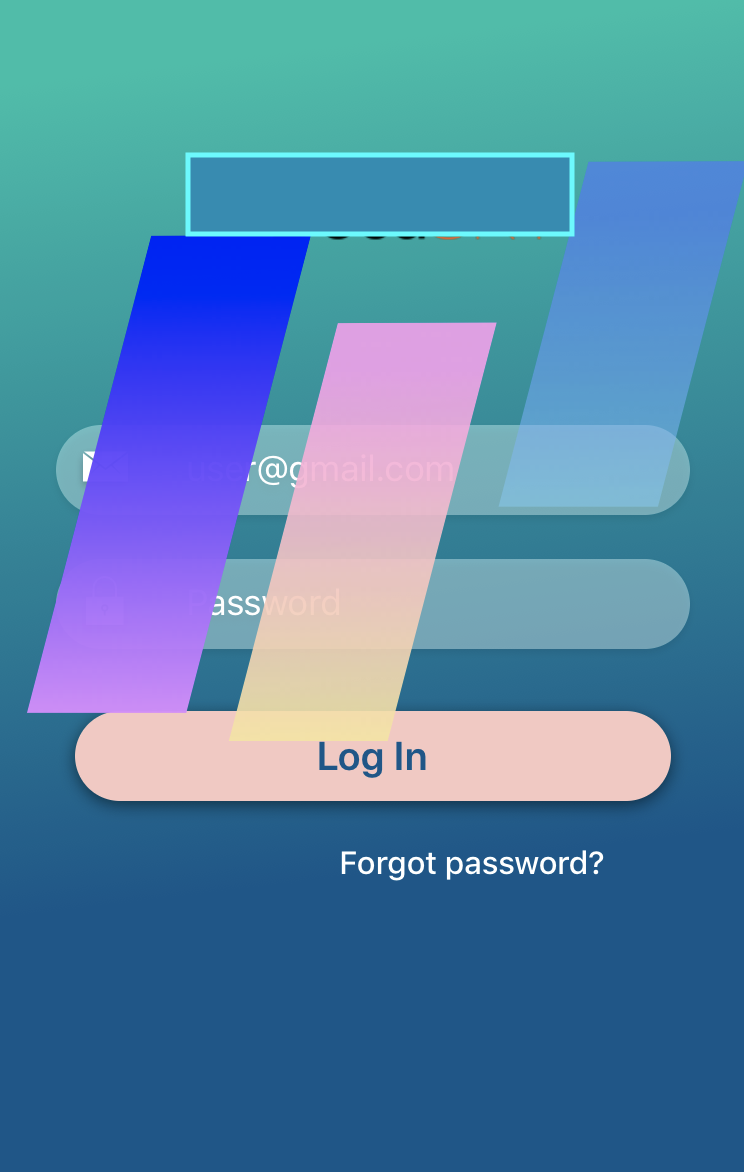
Go to Xcode and in libraries folder add lottie-ios and lottie-react-native xcode project like attached screenshot from node_modules
Then add Lottie.framework from Lottie products to Embedded Binaries
add libLottieReactNative.a and libLottie.a to Linked frameworks and libraries. That .a file you can find in Libraries product folder. See enclosed screenshot 2 1. 2.
2. 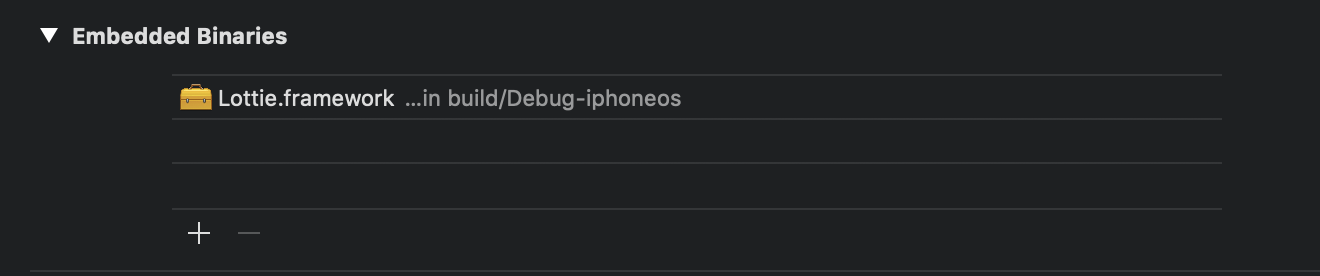 3. Final Outcome
@ofri84 I’m sorry for the late response. For the assurance fix.
node_modulesfolder byrm -rf node_modulesandnpm installagain.Open your
yourapp.xcodeprojand do this:react-native run-ios, wait until it build. then terminate byctrl+c.react-native start --reset-cache.command+R.And poof! It should work smoothly. I hope this will help you.
Finally! after a lot of reading solutions. I just fixed this by updating my react-native and xcode to latest version and reinstall lottie-react-native from start.
Same here. iOS doesn’t work but android works.
lottie-react-native: 2.5.8 react-native: 0.56
{ app: ‘0.1.0’, npm: ‘5.6.0’, ares: ‘1.14.0’, cldr: ‘33.0’, http_parser: ‘2.8.0’, icu: ‘61.1’, modules: ‘64’, napi: ‘3’, nghttp2: ‘1.29.0’, node: ‘10.0.0’, openssl: ‘1.1.0h’, tz: ‘2018c’, unicode: ‘10.0’, uv: ‘1.20.2’, v8: ‘6.6.346.24-node.5’, zlib: ‘1.2.11’ }
Same
Where can we download Lottie.framework?
@Dihan101 thnks! your solution works great! removing the node_modules and deintegrating pod removing the lottie and installing other pod files. and redoing the process above will make it work! I’ve downgraded the version to @2.3.2 works fine as a test and again turn it to the latest version. No need to pod install when you link packages manually, furthermore, “liblottie.a” doesnt need to be in the binary library just the framework 😃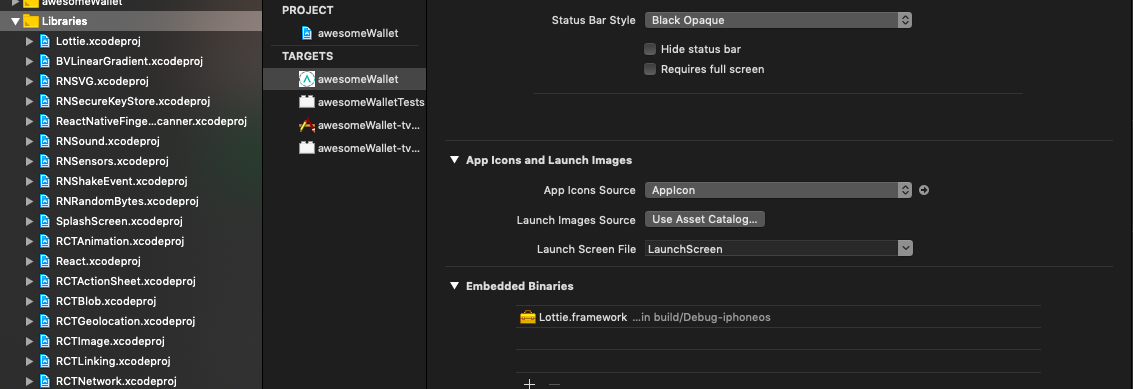
I’m using react-native 0.57.7 now I made it work by adding this to my Podfile (I didn’t added Lottie.framework to Embedded Binaries)
Hope it helps
I have added all dependences manually without Pods and it works.