longhorn: [BUG] 'Upgrade Engine' still shows up in a specific situation when engine already upgraded
Describe the bug Option to Upgrade Engine image will still shows up, cannot identify the exact situation but there is a particular volume is in degraded state.
To Reproduce
Following test case: Upgrade Conflict Handling test Then upgrade the Engine Image for each volume.
Expected behavior Upgrade Engine option shouldn’t display for volume with latest image version.
Log longhorn-support-bundle_1157b1ba-ee5a-4670-a7ed-be84c63e9513_2021-09-24T09-39-14Z.zip
| Engine Image already upgrade to master-head | No Engine Image to choose from |
|---|---|
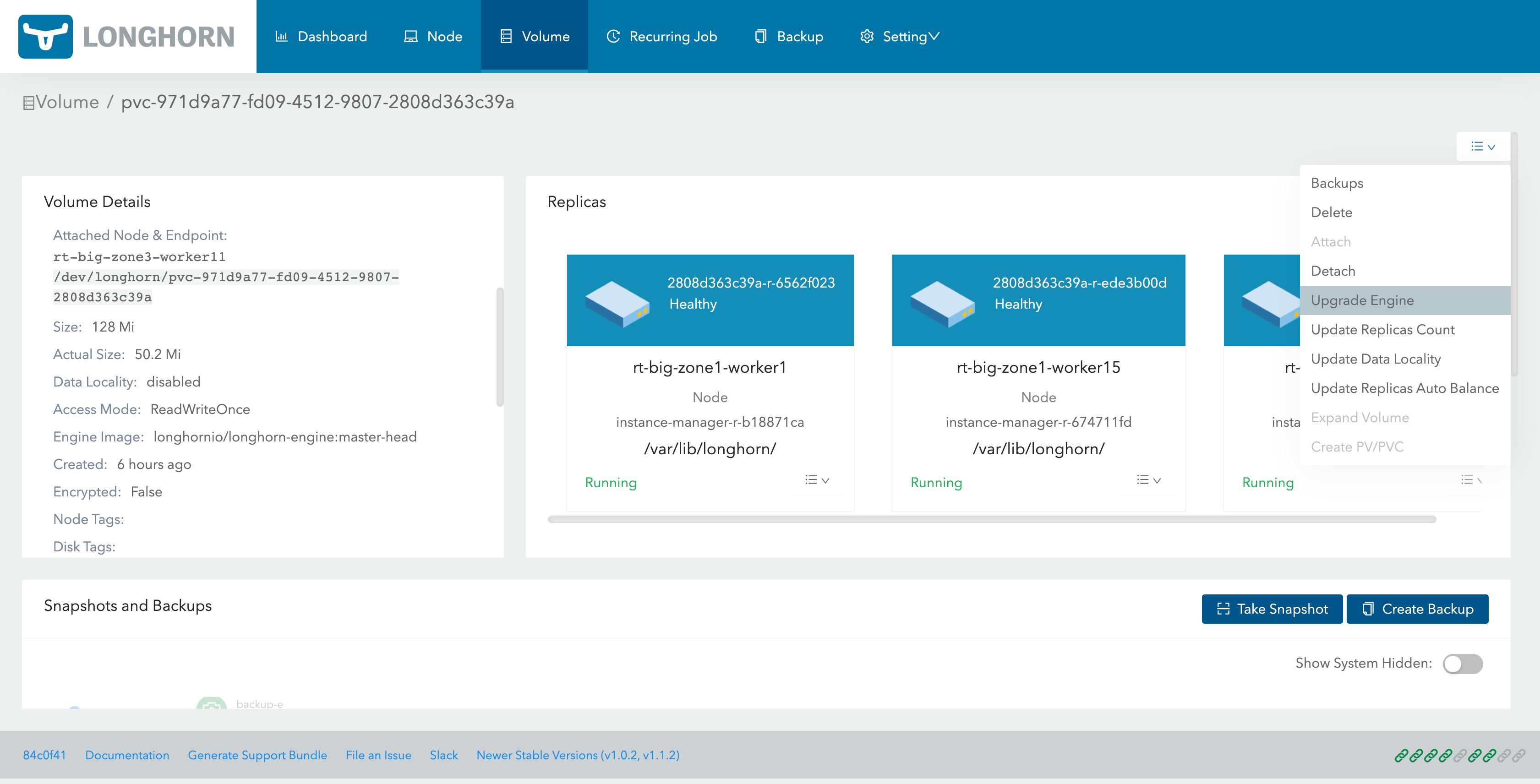 |
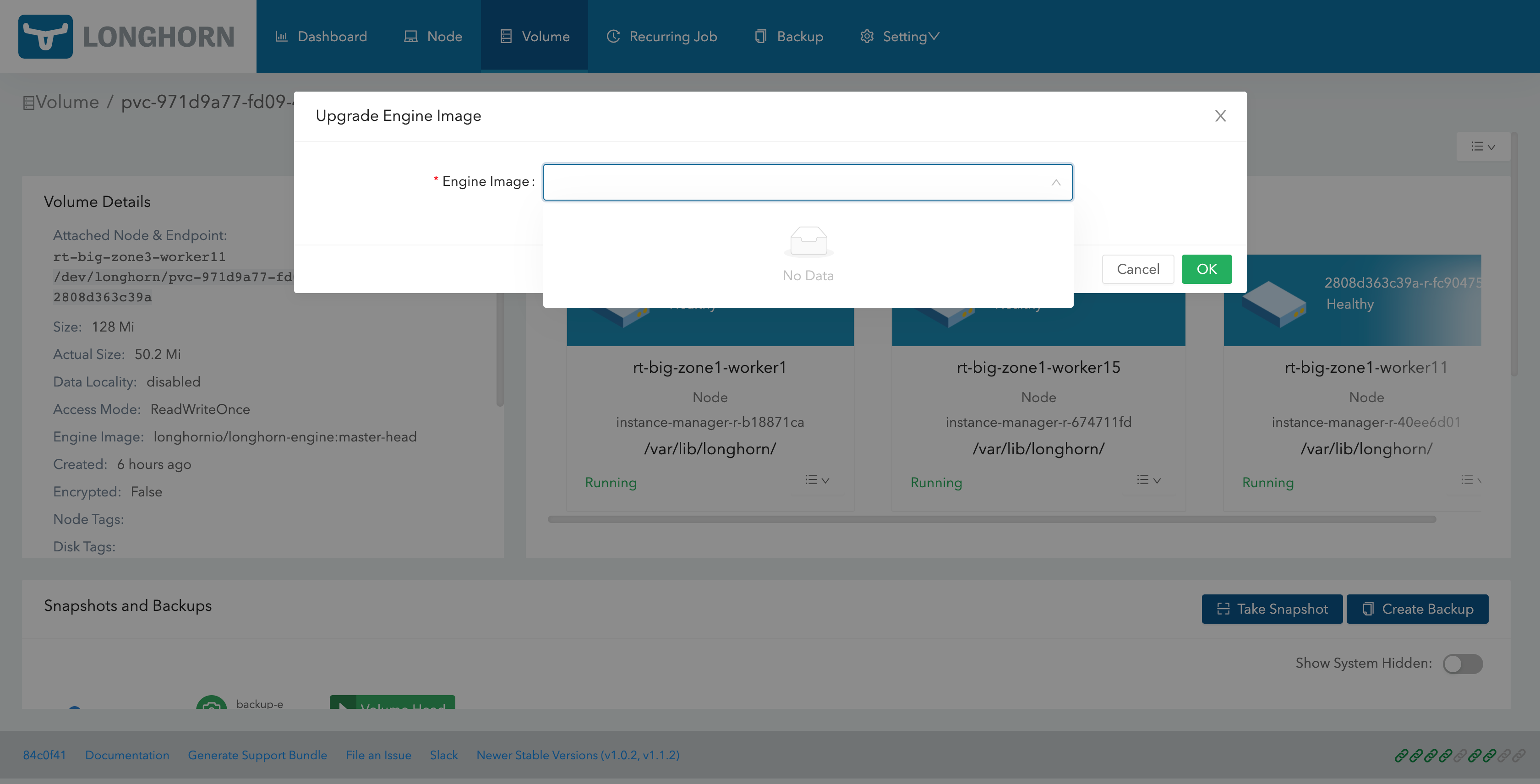 |
Environment:
- Longhorn version: v1.2.1-rc1 to master-head (20210924-3pm)
- Installation method (e.g. Rancher Catalog App/Helm/Kubectl): Rancher 2.5
- Kubernetes distro (e.g. RKE/K3s/EKS/OpenShift) and version: 1.19.11
- Number of management node in the cluster: 1
- Number of worker node in the cluster: 30
- Node config
- OS type and version: Ubuntu
- CPU per node: 2
- Memory per node: 8
- Disk type(e.g. SSD/NVMe):
- Underlying Infrastructure (e.g. on AWS/GCE, EKS/GKE, VMWare/KVM, Baremetal): EC2
- Number of Longhorn volumes in the cluster: 100+ in total
Additional context When Engine Image shows up from upgrade option there will be error shown:
cannot upgrade engine for volume pvc-e155d5c1-3409-4911-a8d3-90575a6968fa using image longhornio/longhorn-engine:master-head: cannot upgrade engine image for volume pvc-e155d5c1-3409-4911-a8d3-90575a6968fa from image longhornio/longhorn-engine:v1.2.1-rc1 to image longhornio/longhorn-engine:master-head because the engine image longhornio/longhorn-engine:master-head is not deployed on the replicas' nodes or the node that the volume is attached to
About this issue
- Original URL
- State: closed
- Created 3 years ago
- Comments: 19 (15 by maintainers)
Also verify this issue with
v1.5.xbranch, and it is also passed.Test result
Update: This is easy to reproduce by:
Concurrent Automatic Engine Upgrade Per Node Limitto 1v1.4.1@smallteeths could you check the code of the volume detail page? I am highly confident that this is an UI problem
Related question/issue https://github.com/longhorn/longhorn/issues/3072